















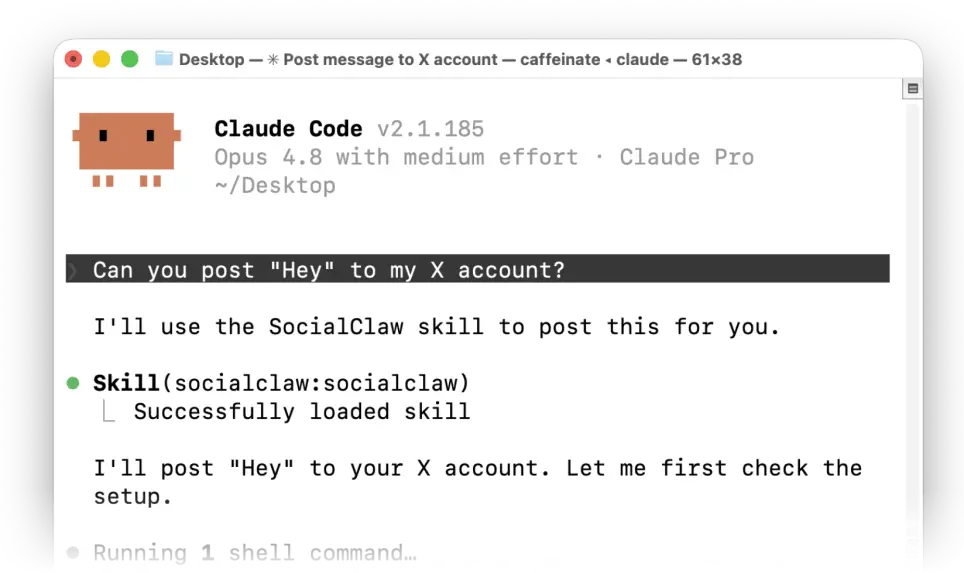


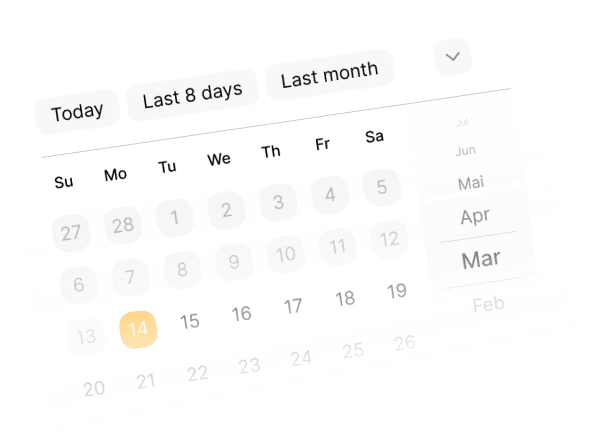
Generate, manage, schedule and post content.

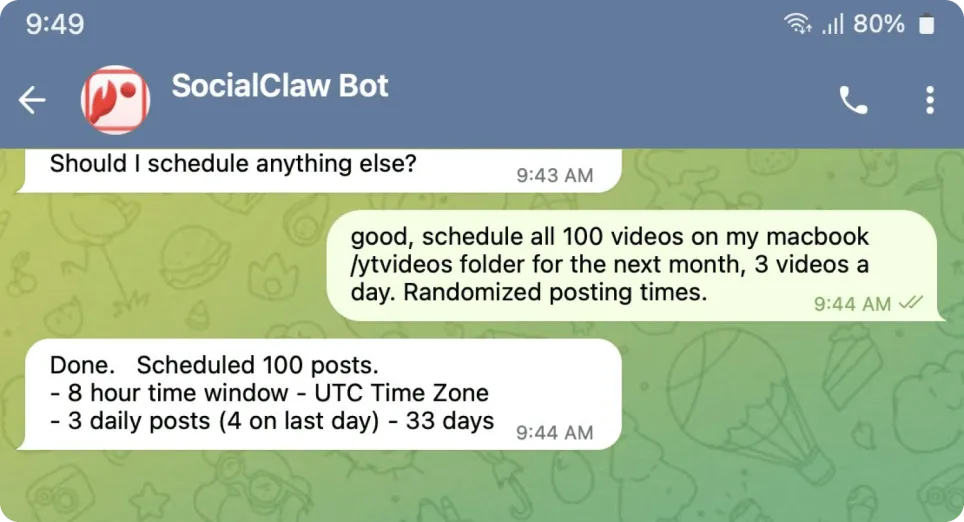
Post to all socials
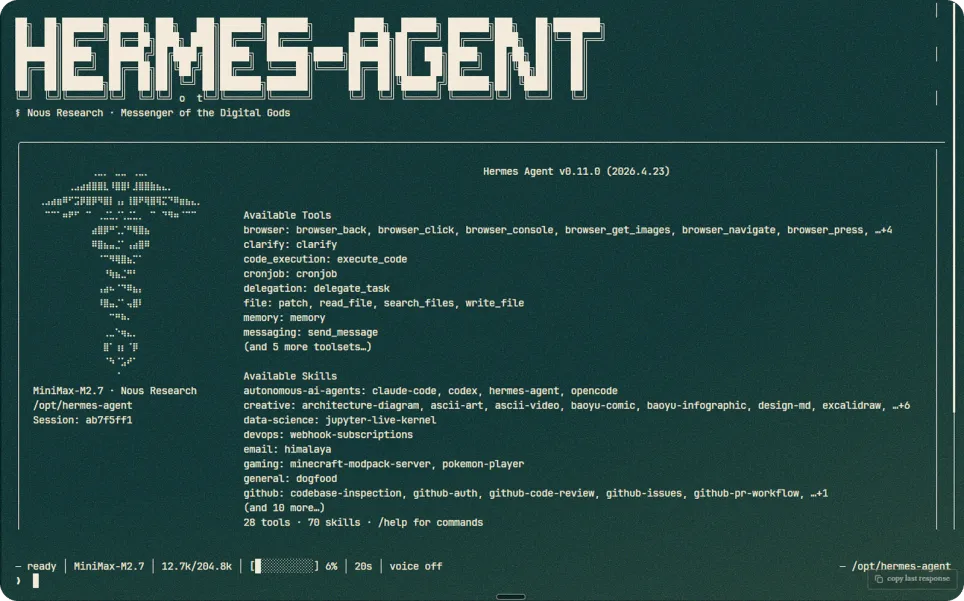
Connect to your AI Agent

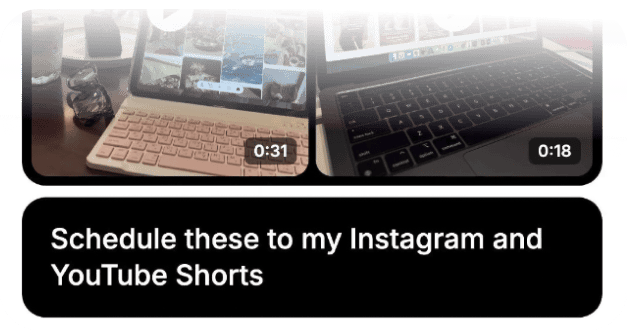
Photos, videos, sound
Simply install the skill with this command
npx skills add ndesv21/socialclaw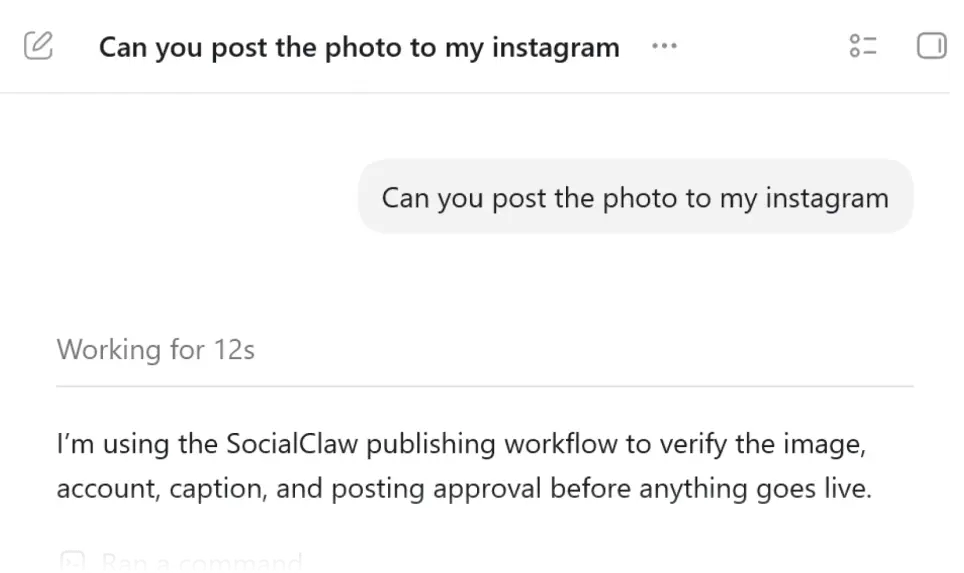

Schedule and publish from anywhere with a REST API. Authenticate with your workspace key as a bearer token.
https://getsocialclaw.com/v1Send Authorization: Bearer sc_live_your_key on every request.
curl -X POST https://getsocialclaw.com/v1/posts/apply \
  -H "Authorization: Bearer sc_live_your_key" \
  -H "Content-Type: application/json" \
  -d '{"timezone":"America/New_York","mode":"scheduled","posts":[{"account":"linkedin:person:123","provider":"linkedin","description":"Hello from the API","publish_at":"2026-06-01T14:00:00-04:00"}]}'
Give Claude and other MCP clients direct access to your SocialClaw workspace over streamable HTTP.
claude mcp add --transport http socialclaw \
  https://getsocialclaw.com/mcp \
--header "Authorization: Bearer sc_live_your_key"https://getsocialclaw.com/mcpTool discovery is open; tool calls require your workspace API key.
Once connected, the agent can connect accounts, upload media, and schedule or publish posts on your behalf — no per-tool setup. Typical flow:
list_accounts → account_capabilities → upload_asset → validate_schedule → apply_schedule → run_status
Post, schedule, and manage media straight from your terminal with the SocialClaw CLI.
npx socialclaw login --api-key sc_live_your_keyOr export it: export SOCIALCLAW_API_KEY=sc_live_your_key
npx socialclaw accounts list --jsonDefine your posts in a schedule file (YAML or JSON), validate it, then apply to publish or schedule.
npx socialclaw validate -f schedule.json --json
npx socialclaw apply -f schedule.json --json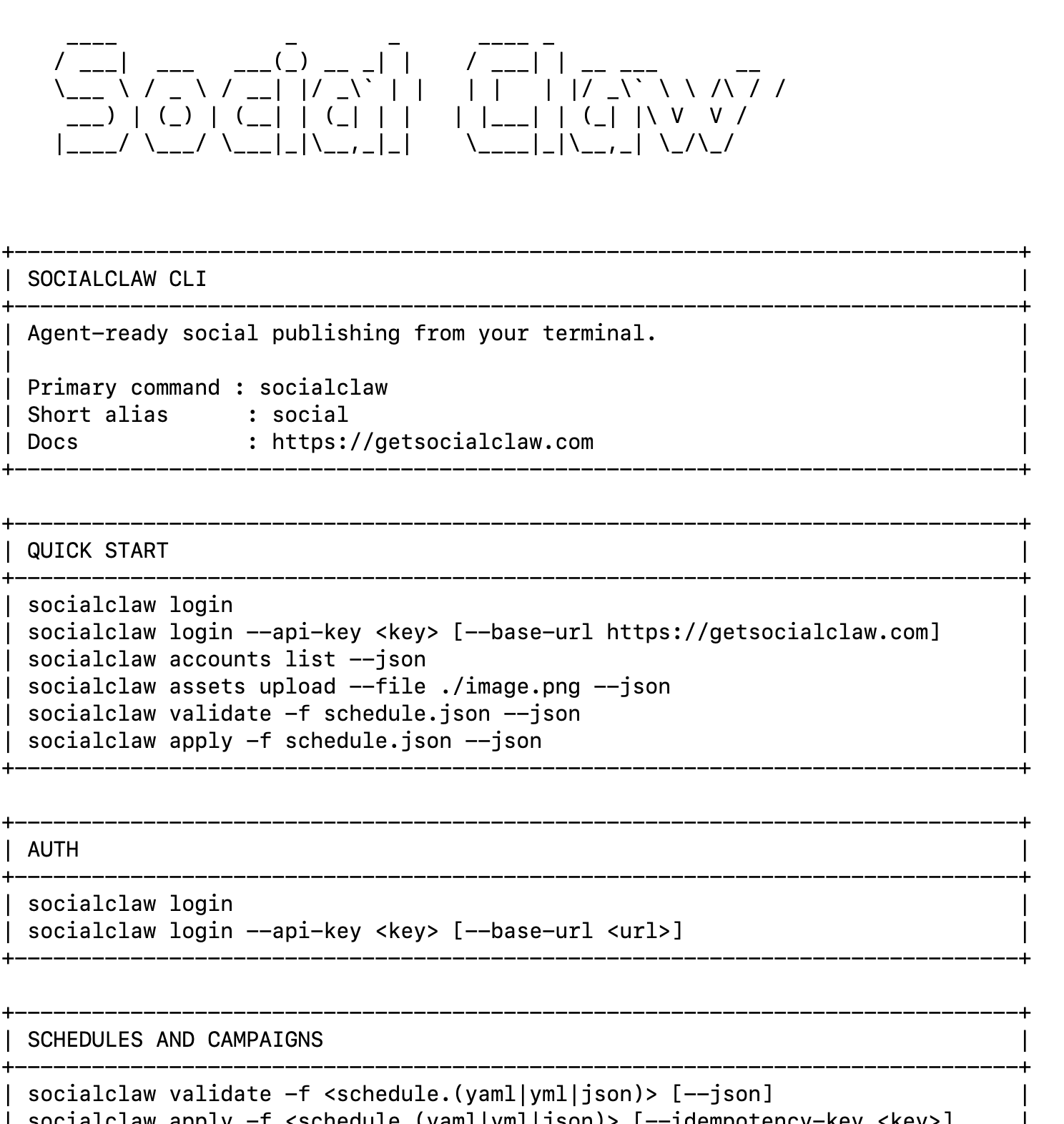

Install the SocialClaw skill so your coding agent can connect accounts and schedule posts for you.
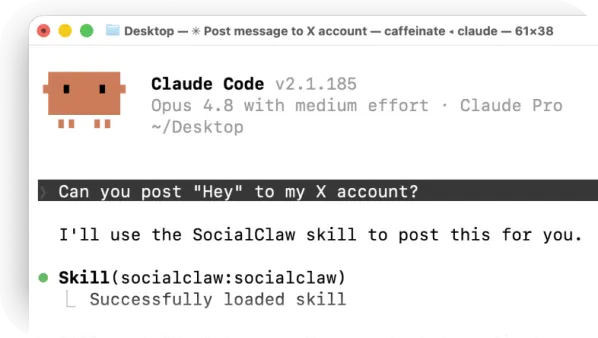
npx skills add ndesv21/socialclawAsk your agent: "Post 'Hey' to my X account" — it loads the SocialClaw skill and publishes for you.
SocialClaw is one place to schedule and publish social media — for you, your team, and your AI agents. Connect your accounts once and we handle the messy parts: hosting your media, posting to every platform, scheduling ahead of time, and confirming each post actually went live.
Your agent connects with a single workspace API key, then uses the CLI, MCP, or API to upload media, schedule posts, publish, and check the results. No wrangling OAuth tokens or platform-specific quirks — SocialClaw takes care of all that so your agent can focus on the content.
Absolutely. Drop the CLI into your scripts and terminal, or plug in through an OpenClaw-compatible skill with Claude, Codex, and others. It's the same workspace behind the scenes, so you can mix scripts, terminals, and agents however your stack is set up.
We support X, Facebook Pages, Instagram (Business & Creator), LinkedIn profiles and pages, TikTok, YouTube, Pinterest, Reddit, WordPress, Discord, and Telegram — with more on the way. You'll always find the full, up-to-date list right inside your dashboard.
It takes about a minute. Sign in, hit connect on the accounts you want, and you're set — no reconnecting every time you post. From there you can publish from the dashboard, the API, or the CLI, all against the same connected accounts.
Yes — plenty of teams do exactly that. Keep your own product, onboarding, and UI, and let SocialClaw be the publishing engine underneath. Your customers connect their accounts once, and you trigger scheduling and posting through one clean API.
All of it. Upload your media and we host it, schedule posts for the right time, send them out, and keep track of what happened — including automatic retries and analytics wherever the platform supports it. Nothing extra to bolt on.