Reconnecting a social account every time an agent wants to publish is the wrong mental model.
It creates a fragile system with too much repeated setup, too much provider-specific auth logic in the automation layer, and no clean system of record for the customer workspace.
The better model is simpler:
- the customer workspace owns the connected accounts
- the agent authenticates to the workspace
- every publish workflow reuses those existing connections
That is how SocialClaw is designed to work.
Treat the workspace as the control plane
The core SocialClaw model is:
- users sign in with Google in the dashboard
- users create or copy a workspace API key
- customers connect accounts inside that workspace
- the CLI, HTTP API, and agent workflows all reuse the same workspace identity
That turns the workspace into the system of record for account connection rather than treating account auth as something each agent run must recreate.
Why this matters for agent systems
Agent workflows tend to break when they try to combine two jobs in one layer:
- reasoning about what to publish
- owning every provider connection flow directly
That is too much responsibility in the wrong place.
If the accounts already live inside the workspace, the agent can focus on:
- reading capabilities
- generating schedules
- uploading media
- validating and applying work
It does not need to renegotiate provider auth on every run.
The connection lifecycle
The setup flow starts in the hosted dashboard, where the user signs in with Google and creates or copies a workspace API key.
From there, the operator or agent can use the same workspace across different execution surfaces.
A simple CLI setup flow looks like this:
socialclaw login
socialclaw accounts list --json
For browser-based OAuth providers, the connection flow opens in the browser:
socialclaw accounts connect --provider linkedin_page --open
socialclaw accounts connect --provider youtube --open
Not every provider uses the same flow, though. Discord and Telegram are manual connections today:
socialclaw accounts connect --provider discord --webhook-url <discord-webhook-url> --json
socialclaw accounts connect --provider telegram --bot-token <bot-token> --chat-id @yourchannel --json
That distinction is important because a real multi-provider workflow should not assume "connect account" always means the same thing.
The same model also works over HTTP
If your agent or backend is using the HTTP API, the same workspace pattern still applies.
Validate the key:
curl -sS \
  -H "Authorization: Bearer $SC_API_KEY" \
  "https://getsocialclaw.com/v1/keys/validate"
Start a connection:
curl -sS \
  -X POST \
  -H "Authorization: Bearer $SC_API_KEY" \
  -H "Content-Type: application/json" \
  -d '{"provider":"youtube"}' \
  "https://getsocialclaw.com/v1/connections/start"
Or use a manual provider flow:
curl -sS \
  -X POST \
  -H "Authorization: Bearer $SC_API_KEY" \
  -H "Content-Type: application/json" \
  -d '{"provider":"discord","webhookUrl":"<discord-webhook-url>"}' \
  "https://getsocialclaw.com/v1/connections/start"
The point is the same in both interfaces: the workflow is authenticating to the workspace, not improvising provider auth from scratch.
Reuse starts with inspection
Once accounts are connected, the next important step is not publishing. It is inspection.
Before the agent generates a schedule, it should inspect what the connected account can actually do:
socialclaw accounts capabilities --account-id <account-id> --json
socialclaw accounts settings --account-id <account-id> --json
That helps the workflow answer questions like:
- is this account currently publishable
- is media required
- what media kinds are accepted
- what limitations should shape the schedule
This is what makes account reuse practical. The same connected account can be reused safely because the workflow can check its current capabilities before each run.
Discovery actions keep the agent grounded in the actual target
Some answers depend on the connected account, not just the provider type.
SocialClaw already exposes account-scoped actions for that. The workflow can inspect available actions and then use one when it needs a route-specific answer:
socialclaw accounts actions --account-id <account-id> --json
socialclaw accounts action \
  --account-id <account-id> \
  --action publish-preview \
  --input examples/account-action-publish-preview.json \
  --json
That is a much better pattern than expecting the agent to guess details about the currently connected target.
The architecture is cleaner when setup and execution are split
A good way to frame the full system is:
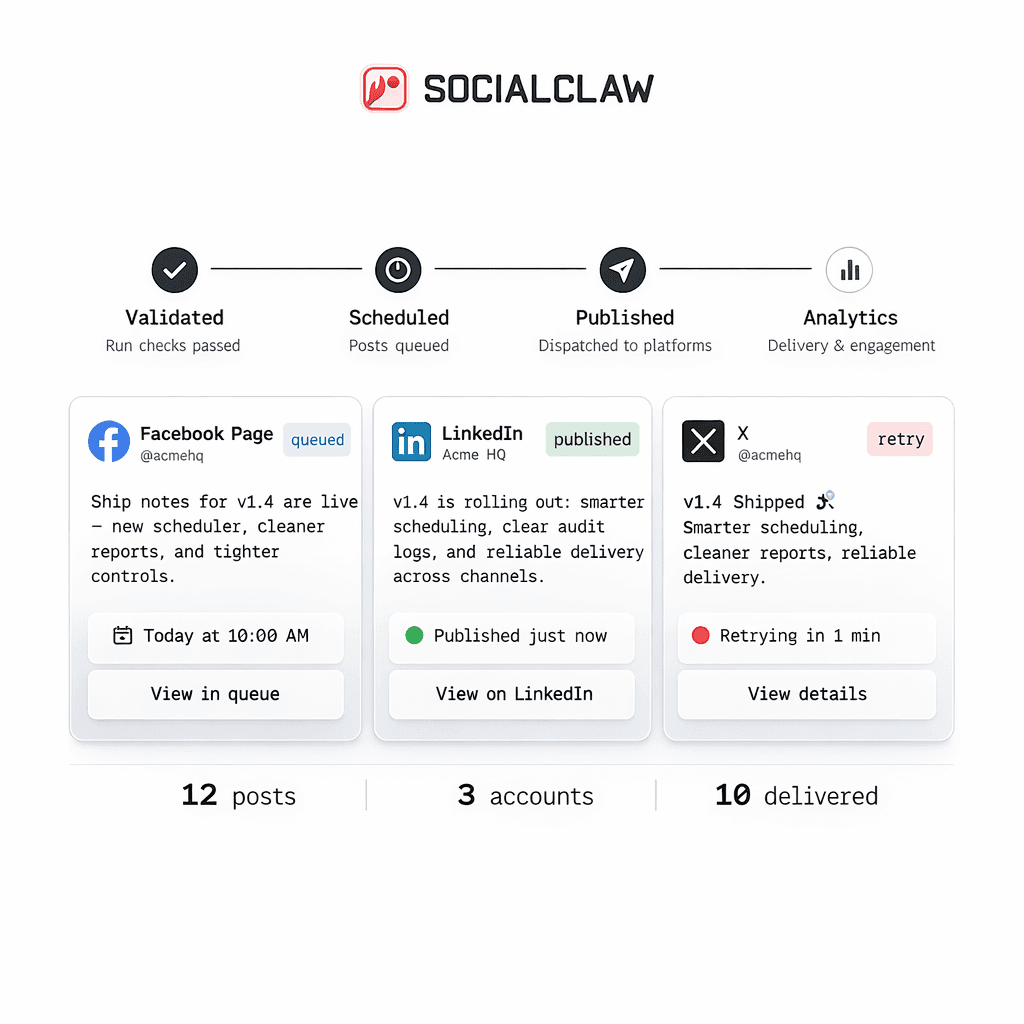
- dashboard for sign-in, account connection, and API-key bootstrap
- CLI or HTTP API for execution
- agent layer for orchestration and content logic
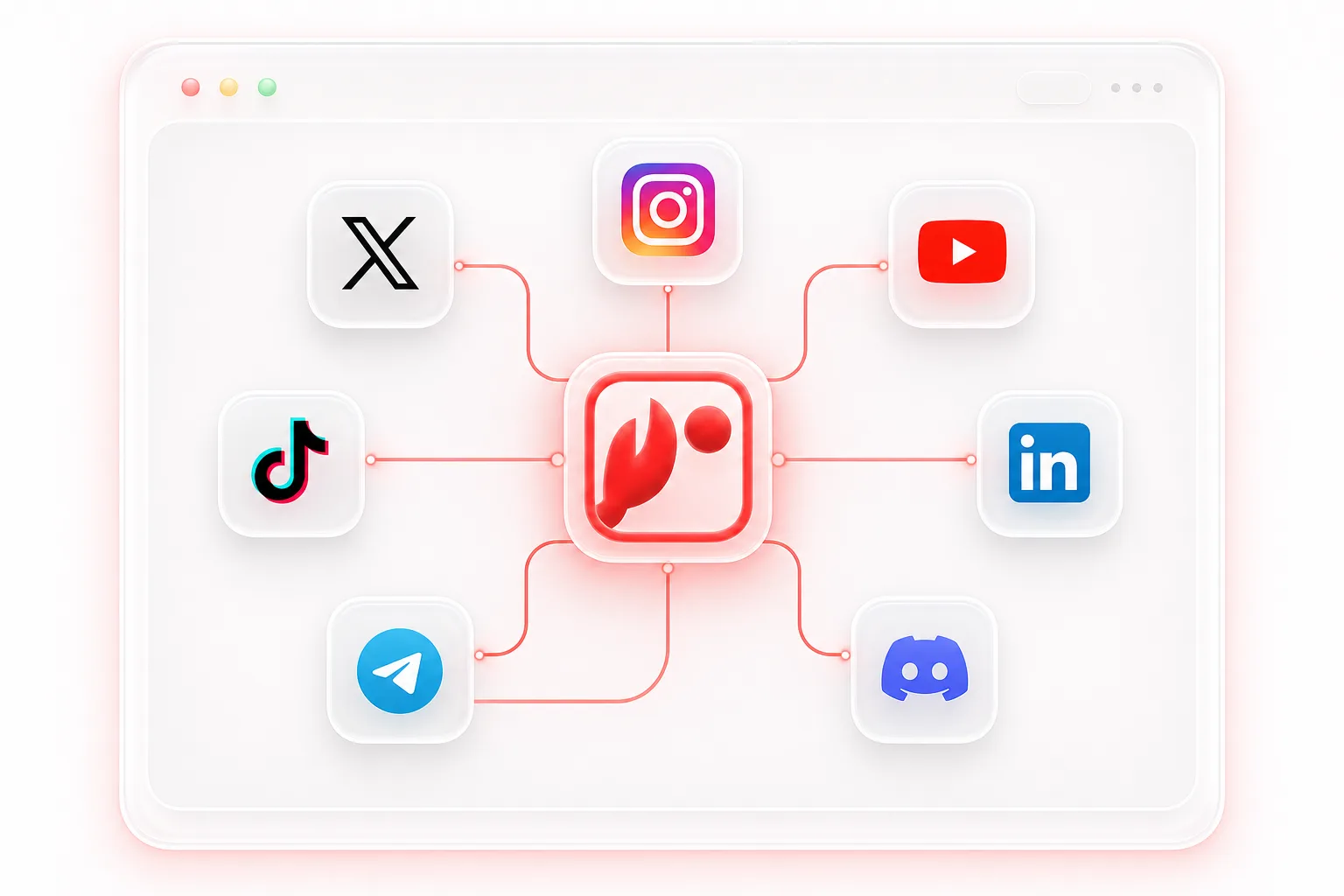
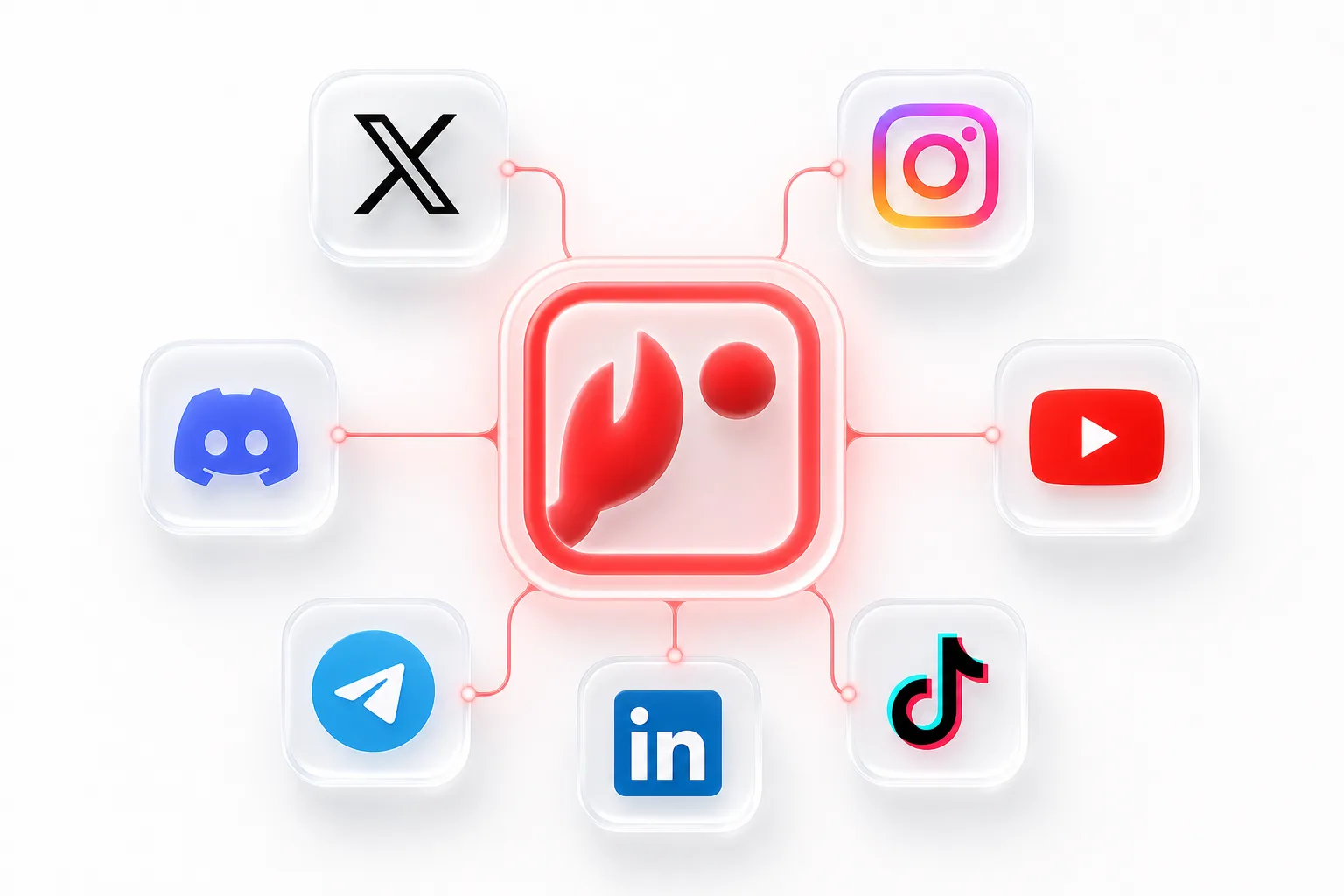
- workspace as the shared system of record
That gives the customer one operational home for their connected accounts, and it gives the agent one stable backend instead of a pile of provider-specific auth branches.
Common mistakes to avoid
The most common mistakes are all versions of the same problem:
- reconnecting accounts per post instead of per workspace
- assuming all providers use OAuth
- skipping capability inspection before schedule generation
- treating the agent as the system of record for account state
Each of those mistakes makes the system less reliable than it needs to be.
Final takeaway
If you want to reuse connected customer social accounts across multiple agents or workflows, the workspace needs to own the account state.
That is the important shift.
The customer connects once. The workspace remembers. The agent reuses those connections through the API, CLI, or dashboard-backed flow without starting over every time.
Next steps: