It is easy to get an AI agent to generate three versions of the same announcement.
It is much harder to let that agent publish safely to three different targets with three different connection models and media rules.
That is the real problem behind cross-channel agent publishing.
X, LinkedIn, and Discord do not behave like one universal destination:
X
An OAuth-connected user account; up to four images or one video.
Separate profile and page targets, each its own publishing route.
Discord
A manual webhook target rather than OAuth; text or one image/video.
If you flatten those differences, the workflow gets brittle fast. The agent may draft good copy, but the publish layer still needs to know what the connected account can actually do.
That is where SocialClaw fits. The agent can handle planning and copy. SocialClaw handles the workspace, connected accounts, hosted media, validation, apply, and inspection.
Why mixed-channel publishing breaks naive agent workflows
The common failure mode is simple: the agent treats every channel like "a place to post text and maybe an image."
That is not how the publish path actually works.
Current first-party SocialClaw guidance keeps the limits explicit:
- X supports text publishing and scheduled posts, with up to four images or one video
- LinkedIn profile and LinkedIn page targets support text plus one video or up to twenty images
- Discord supports text-only or one image or one video through a webhook target
Those are not cosmetic differences. They affect:
- how the target is connected
- what media envelope is valid
- what settings matter before publish
- what the agent should validate before apply
That is why a real agent workflow needs a control plane, not just a model prompt.
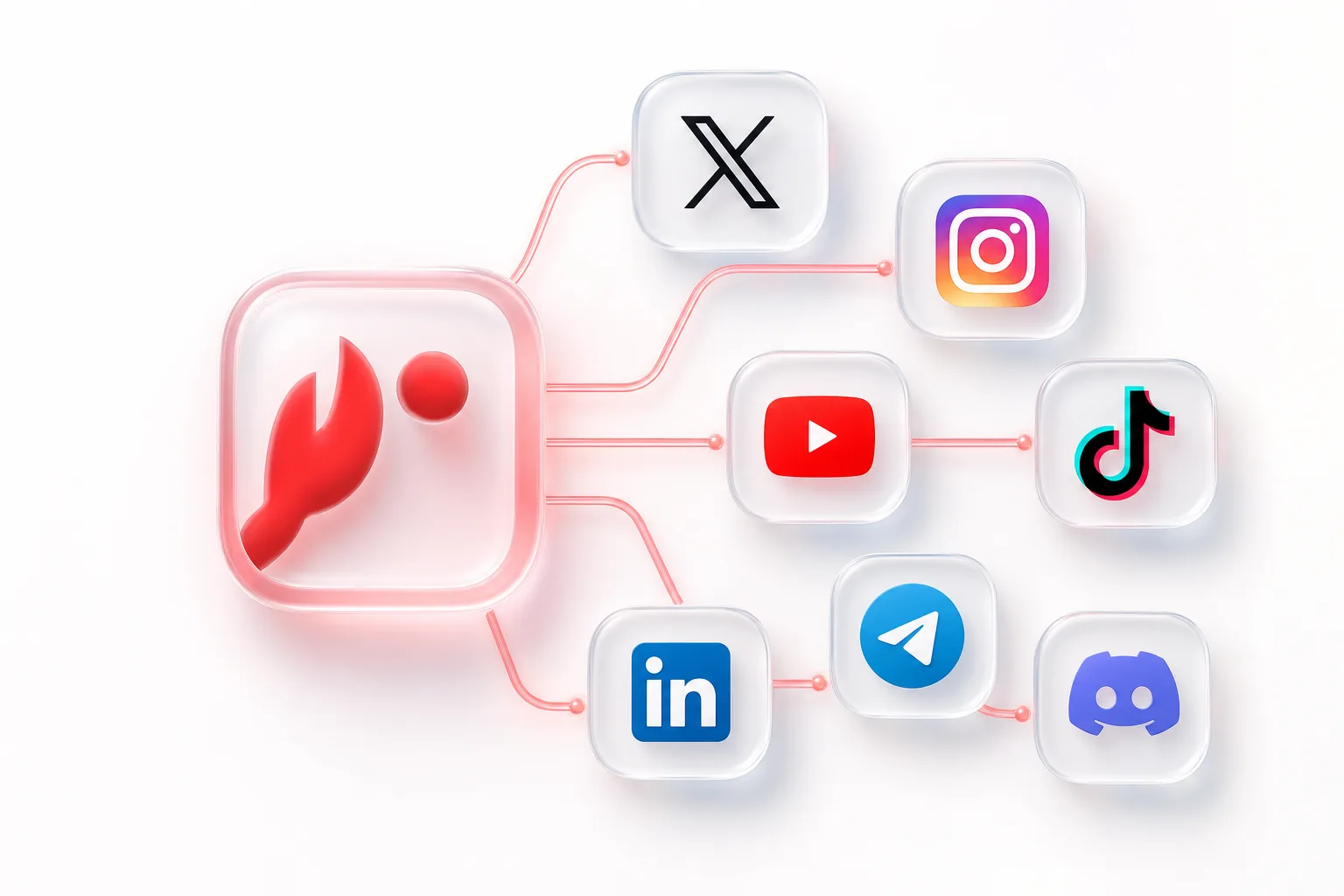
The right model: one workspace, multiple target types
The clean way to think about this is:
- the workspace is the system of record
- connected accounts live in that workspace
- the agent operates against the workspace, not against fresh provider auth flows
In practice, that means a user signs in with Google in the dashboard, creates or copies a workspace API key, and connects accounts once. After that, the same workspace can be used by:
- the dashboard
- the CLI
- the HTTP API
- OpenClaw-compatible agent workflows
The agent does not need to reconnect X, LinkedIn, or Discord every time it runs. It just needs access to the workspace and its already-connected targets.
Step 1: connect X, LinkedIn, and Discord
The first step is not "write the post." It is "make sure the target accounts exist in the workspace."
That can look like this from the CLI:
socialclaw login
socialclaw accounts connect --provider x --open
socialclaw accounts connect --provider linkedin --open
socialclaw accounts connect --provider linkedin_page --open
socialclaw accounts connect --provider discord --webhook-url <discord-webhook-url> --json
socialclaw accounts list --json
This example already shows why a mixed-channel workflow needs structure:
- X uses browser-based OAuth
- LinkedIn profile and LinkedIn page are separate target types
- Discord is a manual webhook connection
An agent that understands those distinctions will generate much better schedules than an agent that assumes every provider behaves the same way.
Step 2: inspect capabilities before the agent finalizes the schedule
Once the accounts exist, inspect what each one can support.
socialclaw accounts capabilities --account-id <account-id> --json
socialclaw accounts settings --account-id <account-id> --json
This matters because the agent should not guess whether a target:
- requires media
- accepts image or video
- has extra provider-specific settings
- is currently publishable
If the workflow needs an account-specific answer, use discovery rather than improvisation:
socialclaw accounts action \
  --account-id <account-id> \
  --action publish-preview \
  --input examples/account-action-publish-preview.json \
  --json
That makes the agent workflow much safer. Instead of assuming "this looks like a valid LinkedIn post," the workflow can ask the connected target what the proposed shape resolves to.
Step 3: upload media once if the channels need it
If the announcement includes media, upload it before building the final schedule.
socialclaw assets upload --file ./launch.png --jsonThe upload response includes a hosted publicUrl. That URL can then be reused inside the publish payload.
This is useful even for a three-channel workflow because it keeps media handoff inside the same publishing system as the connected accounts. The agent does not need to depend on ad hoc third-party file hosting just to get a stable asset URL into the schedule.
Step 4: build a provider-aware schedule
This is the point where many AI-agent demos go wrong. They assume that once media is hosted, one generic payload can be fanned out everywhere unchanged.
That is not the SocialClaw model.
The better pattern is:
- keep the message aligned across the campaign
- adapt the final post shape to each connected target
- validate the mixed schedule before apply
For example:
- the X version might use one image and concise copy
- the LinkedIn page version might use a longer post body and multiple images if needed
- the Discord version should stay within the webhook-based text or one-image-or-one-video envelope
The agent can still orchestrate that work. It just should not pretend the three targets are interchangeable.
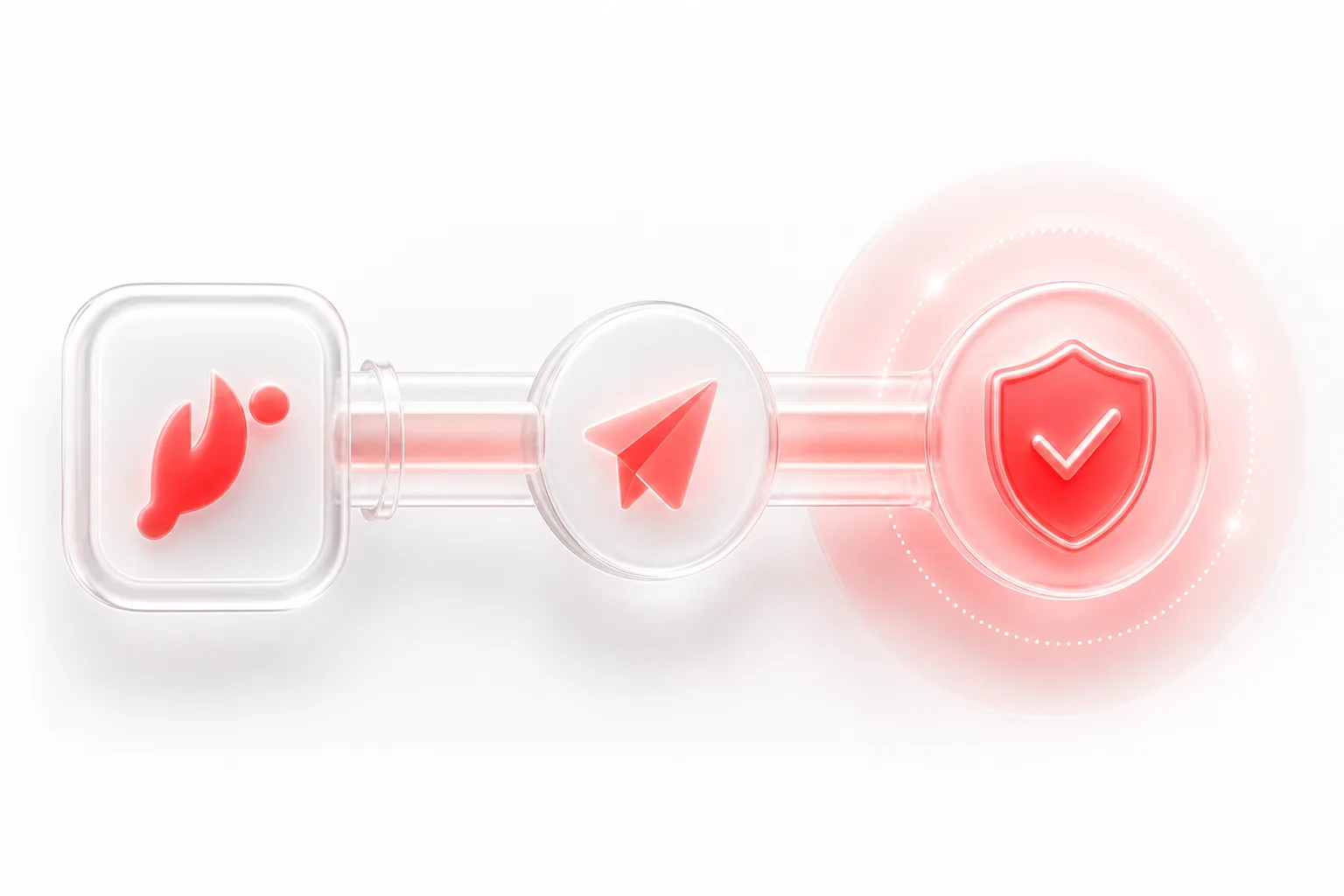
Step 5: validate before publish
Validation should be the default step, not the optional step.
socialclaw validate -f schedule.json --json
socialclaw campaigns preview -f schedule.json --json
This is the stage that catches the mistakes an agent is likely to make under time pressure:
- using the wrong LinkedIn target type
- sending the wrong media shape to Discord
- building an X payload that exceeds the supported asset envelope
Preview is also useful when the workflow needs a review checkpoint before anything becomes live work.
Step 6: apply and inspect the outcome
Once validation passes, the run can be applied and inspected.
socialclaw apply -f schedule.json --idempotency-key launch_batch_1 --json
socialclaw status --run-id <run-id> --json
socialclaw posts get --post-id <post-id> --json
socialclaw analytics run --run-id <run-id> --json
This is another important distinction between an agent demo and a usable workflow.
A usable workflow does not stop at "the model sent a request." It gives operators a way to inspect:
- the run state
- the stored post state
- attempts
- analytics where supported
That visibility is what makes it practical to use an AI agent on top of a real publishing backend.
Common mistakes to avoid
Three mistakes show up repeatedly in cross-channel agent systems.
Treating LinkedIn as one target
LinkedIn profile and LinkedIn page are separate publishing routes. If the agent collapses them into one concept, the schedule becomes harder to validate and reason about.
Assuming Discord behaves like an OAuth social network
Discord is a webhook target in the current SocialClaw model. That matters both at connect time and when defining what the post can contain.
Skipping capabilities before schedule generation
The agent should not wait until the very end to discover that the connected target is missing a needed setting or media shape. Capabilities, settings, and publish preview should inform the schedule before apply.
Final takeaway
If you want an AI agent to publish to X, LinkedIn, and Discord, the important step is not giving it more confidence. The important step is giving it a structured execution layer.
That is the role SocialClaw plays:
- connect the targets once
- inspect their capabilities
- upload media into the workspace
- validate before apply
- inspect what happened after the run starts
The agent can stay focused on planning and copy. The publish layer can stay focused on execution truth.
Next steps: