

















Model Context Protocol

TikTok MCP Server

Let your agent publish to TikTok. Connect the hosted MCP server once, then ask Claude, ChatGPT, or Cursor to schedule the post for you.

claude mcp add socialclaw \
  --env SOCIALCLAW_API_KEY=sc_live_your_key \
  -- npx -y socialclaw mcp

Every tool your agent needs
to run the show

Claude, ChatGPT, or Cursor can list your accounts, upload media, validate a schedule, and publish it, all through the same MCP tools your dashboard uses.

list_accounts

List connected social accounts, optionally filtered by provider.

upload_asset

Upload a local image or video; returns a hosted media URL.

validate_schedule

Validate a schedule against provider rules before publishing.

apply_schedule

Create a publishing run with idempotency-key deduplication.

get_post

Inspect one post's delivery state and provider identifiers.

retry_post

Retry a failed post.

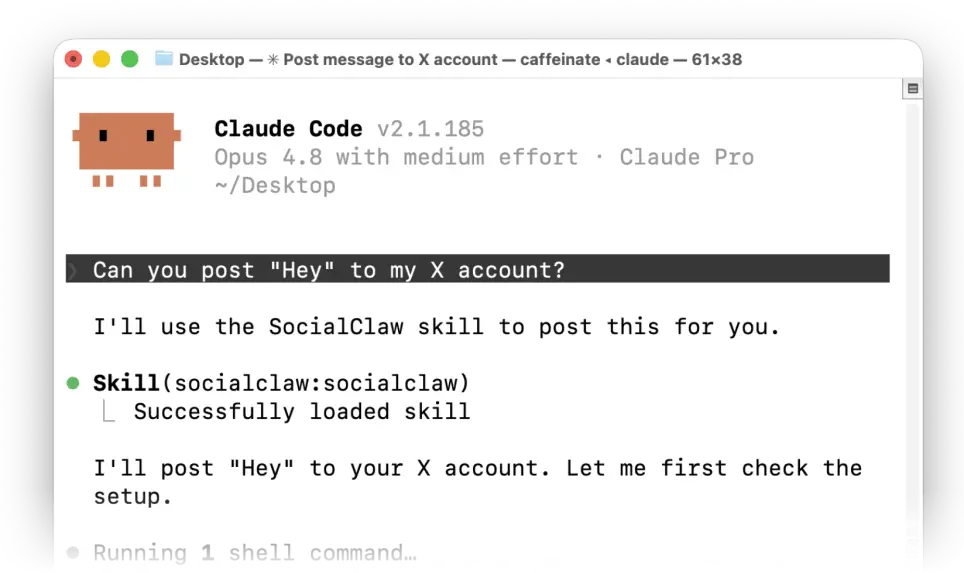
Schedule to TikTok
with AI Agents

Simply install the skill with this command

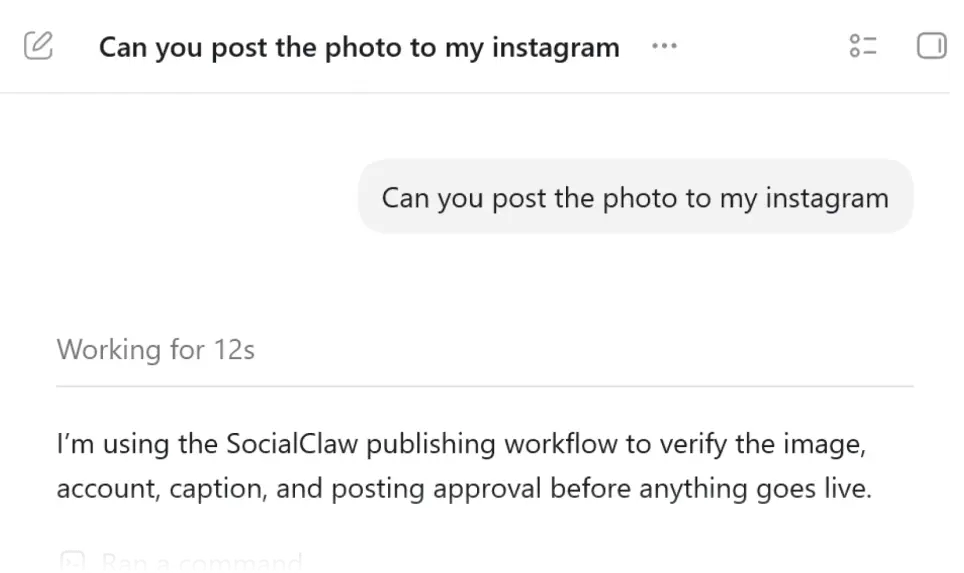
Schedule to TikTok with Claude
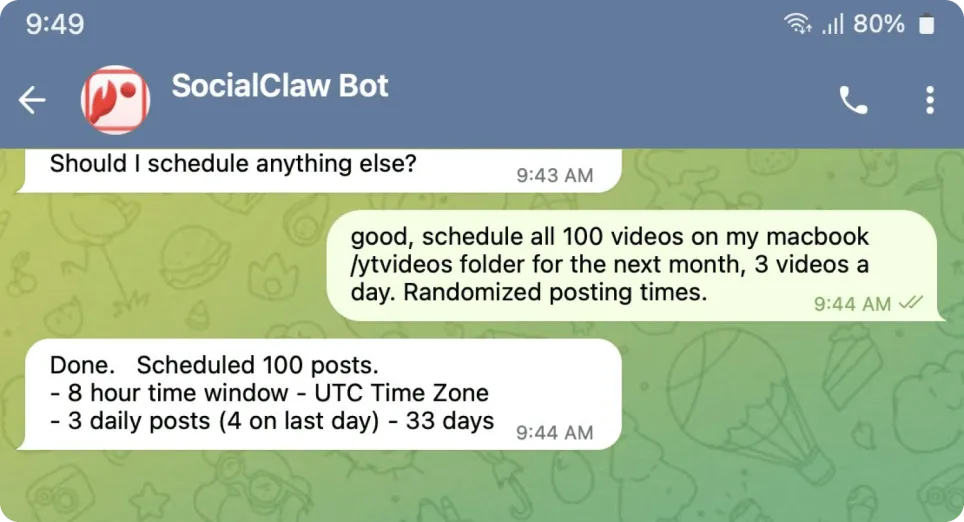
Schedule to TikTok with Codex
Schedule to TikTok with OpenClaw
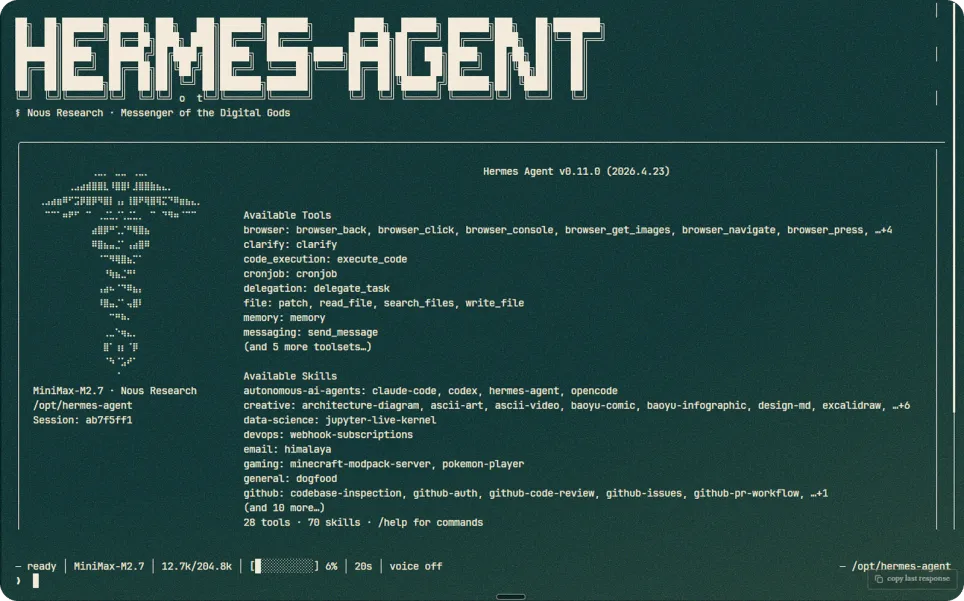
Schedule to TikTok with Hermes

See what goes out

Every post lands in the same place a person scheduling by hand would use.

Upload & Manage
Media

Upload a video or photo gallery once and reuse it across every scheduled TikTok post. SocialClaw hosts it for you, so TikTok always has what it needs the moment your post goes out.

Ready to grow
your socials?

Supported social platforms

Every other way in

Same workspace, same connected account, on whichever surface fits what you are building.

What builders are saying

Real quotes from Reddit, G2, Trustpilot, and Instagram.

Works with every major platform

Connect once, then schedule and publish everywhere from the same workspace.

Frequently Asked Questions

List your connected accounts, upload media, validate a schedule against TikTok's rules, publish it, and check whether it actually went live, all through tool calls instead of a chat message you have to interpret yourself.