








How We Make Our Sunday Pastry Case
North Loop Cafe · 3.4K views · 2d ago
 Viral video generator
AI-edited UGC promo videos from your app
UGC creator marketplace
Real human clips in reusable packs
Viral video generator
AI-edited UGC promo videos from your app
UGC creator marketplace
Real human clips in reusable packs
 Scheduler
Plan and queue posts across 11 networks
Scheduler
Plan and queue posts across 11 networks
 AI scheduler
Let an agent pick the slots and write the copy
AI scheduler
Let an agent pick the slots and write the copy
 Management
Accounts, assets, and approvals in one workspace
Management
Accounts, assets, and approvals in one workspace

Post through dashboard or use with your AI Agent
Works with Claude, ChatGPT, OpenClaw




Pick a date, write the caption, and see your whole YouTube calendar in one place. Switch between day, week, and month views, and filter by account to see exactly what is scheduled where.
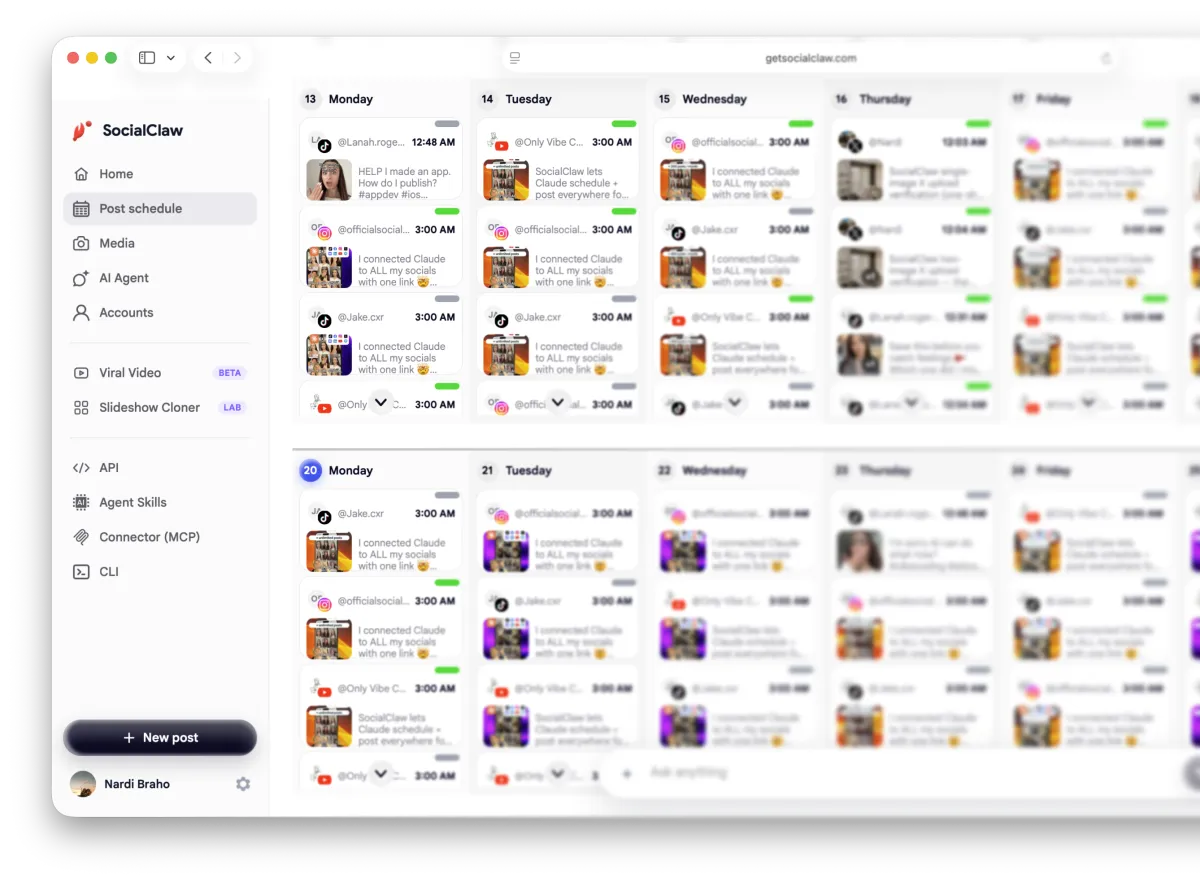
Upload a video once and reuse it across every scheduled YouTube post. SocialClaw hosts it for you, so YouTube always has what it needs the moment your post goes out.

Generate images, video, and voice inside the workspace, then schedule the result straight to YouTube without leaving the dashboard.
“Hi, this is
Adam speaking.”

Simply install the skill with this command
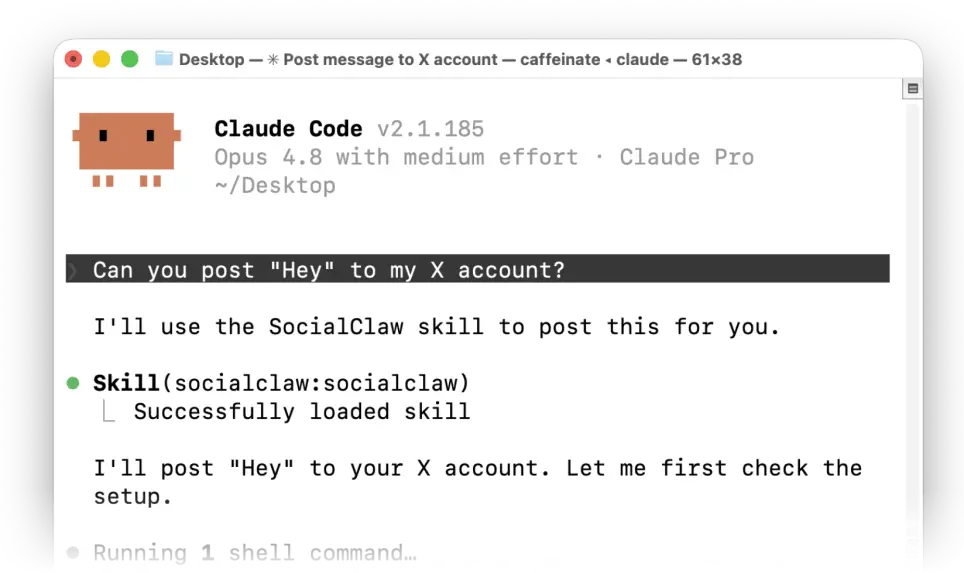
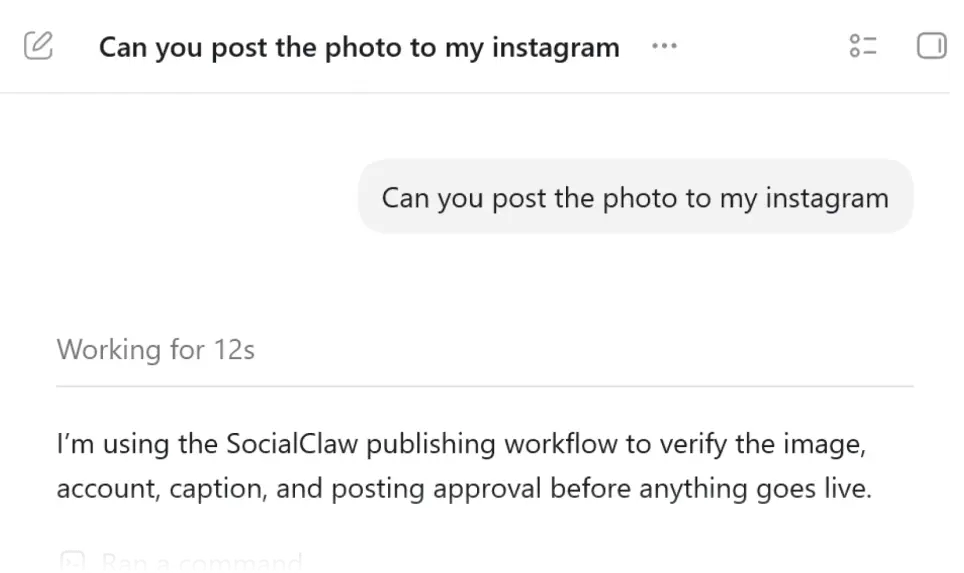
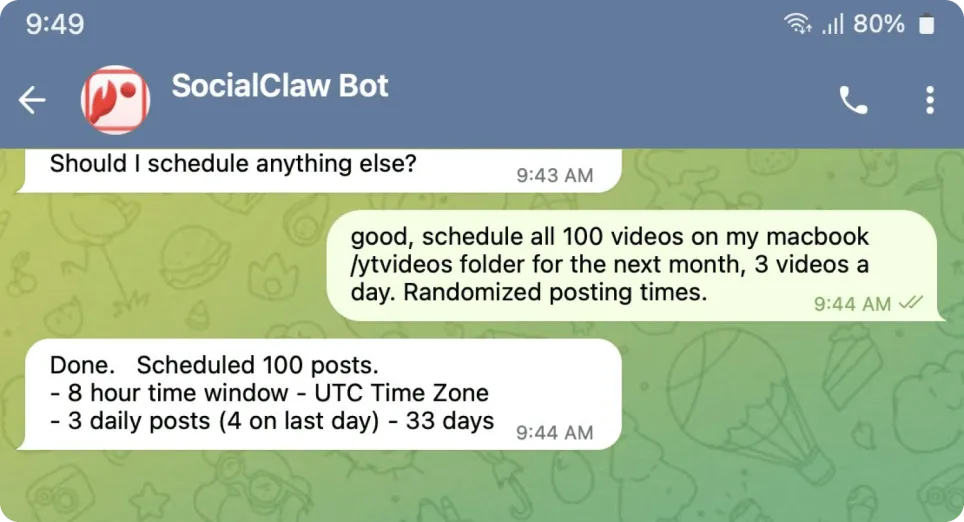
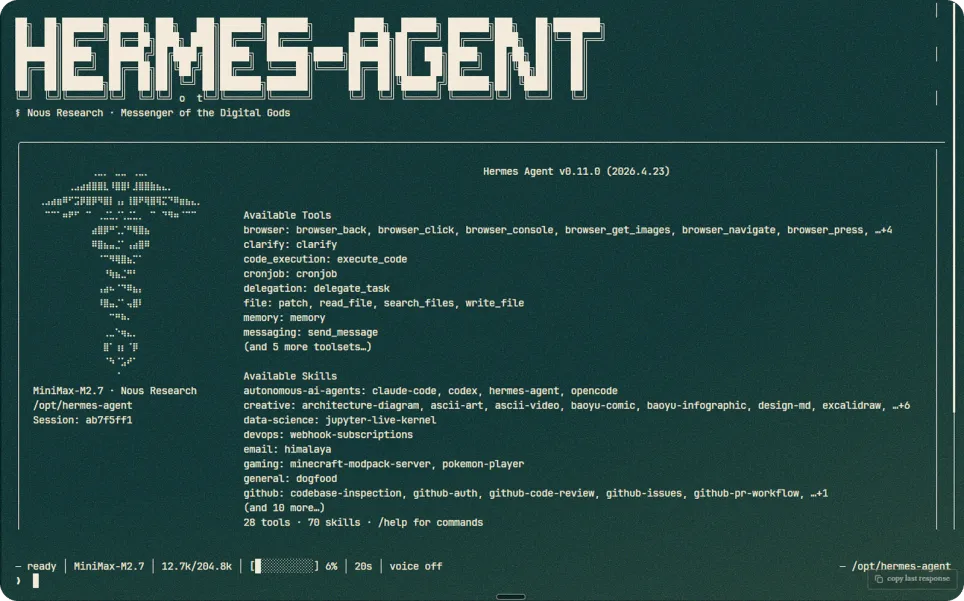
Same workspace, same connected account. Pick the surface that fits your stack.
Real quotes from Reddit, G2, Trustpilot, and Instagram.
“I can prepare the content once and let SocialClaw handle the distribution.”
 Instagram
“If SocialClaw sees this just know you changed my entire workflow girl.”
 r/mcp
r/mcp
“Since I try market my iOS apps, definitely SocialClaw… because then Claude can post to social media for me.”
r/socialmedia
“Most schedulers still feel like old calendar tools with an AI caption button added on top. SocialClaw feels more built around the newer AI era.”
r/automation
“SocialClaw if you want to schedule posts to social media.”
“SocialClaw handles the repetitive publishing work: uploading media, managing connected accounts, scheduling posts, publishing them, and retrying when something fails.”
r/SocialMediaManagers
“I used to use stuff like Buffer etc, but I use SocialClaw with my AI agent. I just tell it to schedule like 100 videos for the next month.”
r/AI_Agents
“It has an OpenClaw skill, or use it via API, CLI, or even the web dashboard.”
r/openclaw
“I have it install the SocialClaw skill, linked my social media accounts, and it actually has approval to post on my socials for me.”
Connect once, then schedule and publish everywhere from the same workspace.










Any YouTube channel connected through the SocialClaw OAuth flow. Once connected, it is available for scheduling from your dashboard, the API, the CLI, or an AI agent.
One video per upload, with a title, description, and privacy setting of public, unlisted, or private. You can also choose whether subscribers are notified and mark the video as made for kids.
Not yet. SocialClaw currently supports standard YouTube channel video uploads. Shorts-specific workflows, Community posts, playlists, and live streams are not supported.
Yes. Pick any future date and time on the calendar, write your title and description, attach your video, and SocialClaw publishes it automatically when the time comes.
Yes. Connect as many YouTube channels as your plan supports, then use the account filter in your calendar to see what is scheduled for each one, or view every channel together in a single calendar.
Yes. Send them an invite link from your dashboard and they connect their own YouTube channel directly with Google, without ever sharing a password with you. Once they finish, the channel shows up connected in your workspace and you can schedule for it like any other account.
No. Upload your file once to your SocialClaw workspace and reuse it across as many scheduled uploads as you like. SocialClaw takes care of hosting it so it can upload to YouTube the moment your post goes out.
Yes. Connect your channel once in the dashboard, then Claude, ChatGPT, Codex, or OpenClaw can schedule and publish for you through the hosted MCP server, the API, or the CLI, all using the same workspace key. Your YouTube credentials stay with SocialClaw and are never shared with the agent.
SocialClaw checks back in with YouTube after the upload and updates the status in your dashboard, so you know whether it actually published instead of just assuming it did.