























LinkedIn scheduling has one wrinkle most guides skip: a personal profile and a company page are different targets. A founder posting from their own profile and a brand posting from its company page need a tool that treats those as distinct connected accounts, not one generic "LinkedIn" slot. Get that wrong and you post to the wrong place, or you cannot post to a page at all.
This guide ranks LinkedIn schedulers on exactly that, plus how well they automate, analyze, and price. We run SocialClaw, and we rank it first because it publishes to both profiles and pages, automates through a real API, and covers 10 other platforms from the same workspace. For a LinkedIn only growth suite, we name the specialist too.
Nardi Braho · August 31, 2026
Table of contents
- Profiles vs company pages: the split that matters
- Quick comparison at a glance
- #1 SocialClaw, best overall LinkedIn scheduler
- #2 Buffer, best simple free start
- #3 Hootsuite, best for large teams
- #4 Taplio, best LinkedIn only growth suite
- #5 Metricool, best free analytics
- #6 Publer, best value for multiple clients
- How to choose a LinkedIn scheduler
- Frequently asked questions
- Final verdict
Profiles vs company pages: the split that matters
On LinkedIn, a personal profile and a company page are separate things with separate posting permissions. Founders and creators usually post from a profile, brands post from a page, and many businesses want both, with the founder's profile amplifying the company page. A scheduler that treats them as distinct connected accounts lets you do that cleanly.
The second thing to keep in mind is tone. LinkedIn is where your professional reputation lives, so full hands off automation is riskier here than on, say, a meme account. The best setup schedules the mechanical work but keeps a human review step before anything goes live on a personal profile. Every ranking below is weighed with that in mind.
Quick comparison at a glance
| Tool | Best for | Profiles | Company pages | Free plan | Starting price |
|---|---|---|---|---|---|
| SocialClaw | Overall, automation | Yes | Yes | 7 day trial | $15/mo flat |
| Buffer | Simple start | Yes | Yes | Yes | ~$5/mo per channel |
| Hootsuite | Large teams | Yes | Yes | 30 day trial | Premium |
| Taplio | LinkedIn only growth | Yes | Limited | Trial | Premium |
| Metricool | Free analytics | Yes | Yes | Yes | $20/mo |
| Publer | Multiple clients | Yes | Yes | Yes | ~$5/mo per account |
#1 SocialClaw, best overall LinkedIn scheduler
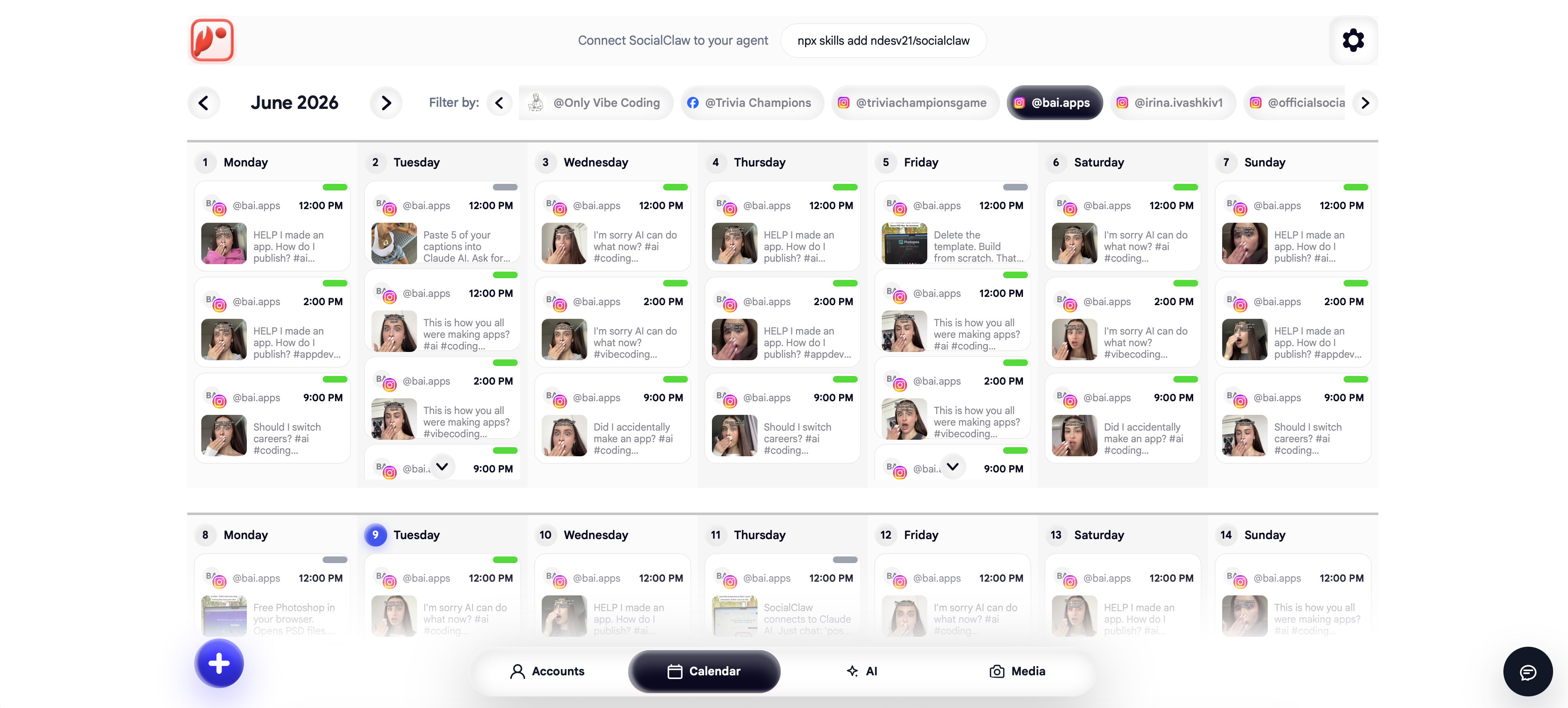
SocialClaw is the best all round LinkedIn scheduler because it handles the profile versus page split cleanly and automates the rest. It treats a LinkedIn personal profile and a LinkedIn company page as distinct connected accounts, supports text posts with up to 20 images or a video, and lets you publish to either or both from one workspace, alongside 10 other platforms.
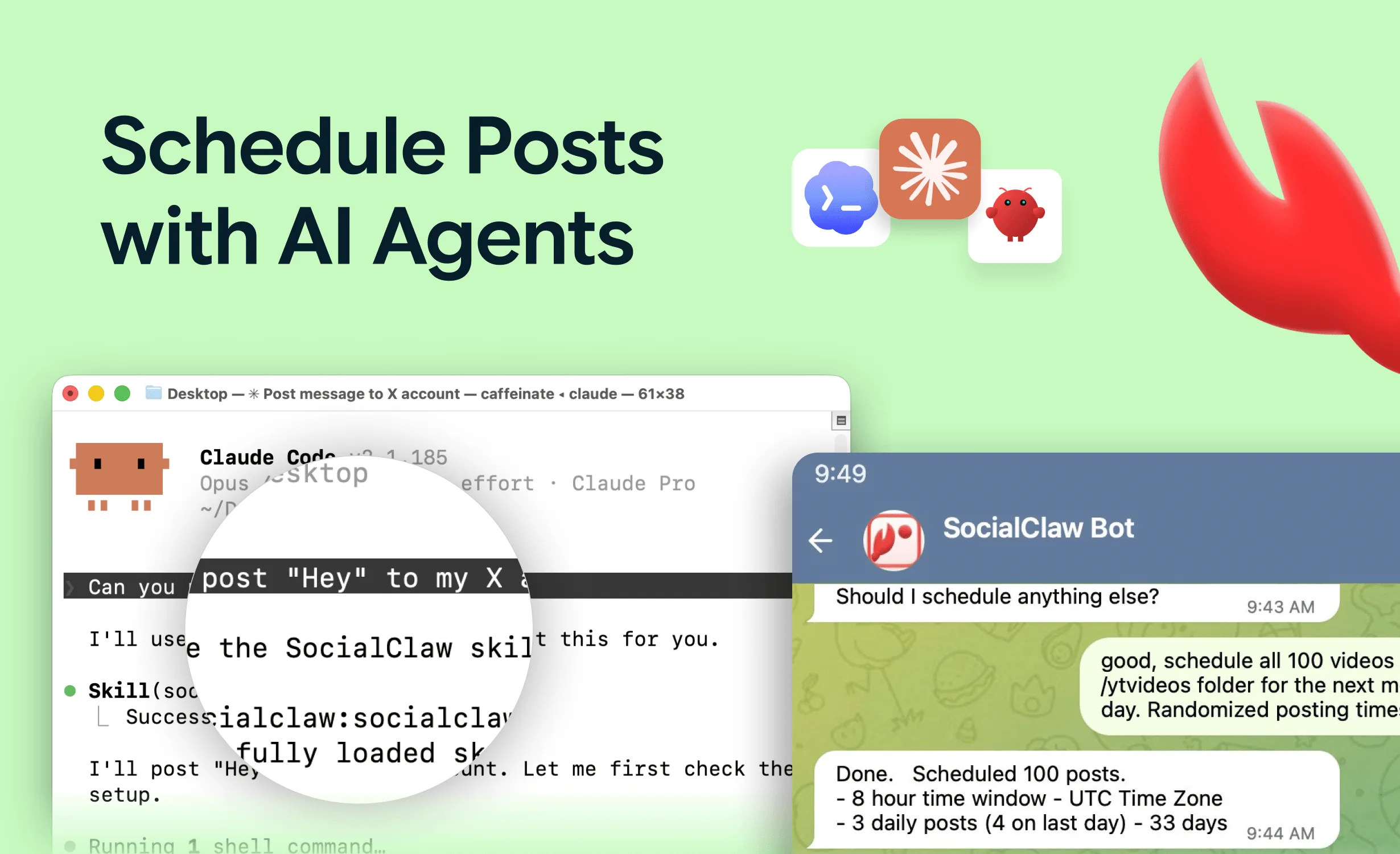
For teams and founders, the automation is the difference. A native AI agent drafts posts and schedules them from a chat box, the full API and CLI let you trigger LinkedIn posts from code or a changelog, and validate before apply catches problems before anything publishes. It starts at a flat $15 a month with a 7 day trial. Because LinkedIn is a professional surface, the recommended pattern is to let the agent draft and schedule, then review before it goes live.
When it fits: founders posting from a profile, brands posting from a page, or teams doing both, especially anyone who wants to automate or draft with AI.
When a rival fits better: if you want a LinkedIn only personal branding suite with viral post libraries, Taplio is more specialized. SocialClaw has no free forever plan.
Start a 7 day free trial or see the LinkedIn post scheduler page.
#2 Buffer, best simple free start
Buffer is the easiest free way to start scheduling LinkedIn posts. The free plan includes LinkedIn among its 3 channels with 10 posts each, and paid Essentials starts around $5 a month per channel. It supports both profiles and pages with a clean, fast queue.
When it fits: individuals or small teams who want a simple LinkedIn queue for free or cheap.
When a rival fits better: no API or agent and per channel pricing, so for automation or scale SocialClaw is the stronger choice.
#3 Hootsuite, best for large teams
Hootsuite is the enterprise pick for LinkedIn, with approval chains, permissions, and compliance features that large teams need. Pricing is premium, which is the trade for that governance.
When it fits: large organizations managing LinkedIn alongside many other channels with strict approval requirements.
When a rival fits better: it is expensive and heavy for founders and lean teams, where SocialClaw delivers the posting core at a fraction of the cost.
#4 Taplio, best LinkedIn only growth suite
Taplio is built only for LinkedIn, with hook libraries, viral post inspiration, and personal brand analytics. If growing a single LinkedIn presence is your whole goal, its focused feature set is genuinely useful.
When it fits: solo professionals and creators laser focused on growing one LinkedIn profile.
When a rival fits better: it does one platform, so if you post anywhere besides LinkedIn or want a full API, SocialClaw covers far more from one workspace.
#5 Metricool, best free analytics
Metricool pairs LinkedIn scheduling with analytics on a free plan (1 brand, up to 20 posts a month, 30 days of history), with paid plans from $20 a month.
When it fits: anyone who wants LinkedIn scheduling plus performance data without paying.
When a rival fits better: the free post cap is low and automation is limited, so SocialClaw is cheaper for the full stack at volume.
#6 Publer, best value for multiple clients
Publer is a good value pick if you manage LinkedIn for several clients, thanks to a free plan and unlimited workspaces on paid tiers priced per account.
When it fits: small agencies or freelancers running LinkedIn for multiple clients by hand.
When a rival fits better: no CLI or native agent, so for automated or embedded posting SocialClaw is the stronger backend.
How to choose a LinkedIn scheduler
- Post to a profile, a page, or both, and want automation or AI: SocialClaw.
- Want a simple free start: Buffer.
- Large team with approval requirements: Hootsuite.
- Grow one LinkedIn profile with a focused suite: Taplio.
- Want free scheduling plus analytics: Metricool.
- Manage LinkedIn for several clients: Publer.
For the wider field, see the best social media scheduling tools in 2026. For other platforms, see the best Instagram scheduler and the best TikTok scheduler.
FAQ
What is the best LinkedIn scheduler in 2026?
SocialClaw is the best overall LinkedIn scheduler for most people because it publishes to both personal profiles and company pages, works across 10 other platforms from the same workspace, includes a native AI agent, and starts at $15 a month flat. For a LinkedIn only growth suite with hooks and viral post libraries, Taplio is the strongest specialist.
Can you schedule posts to a LinkedIn company page and a personal profile?
Yes, but they are different targets. A personal profile and a company page are separate account types on LinkedIn, and a good scheduler treats them distinctly. SocialClaw supports both as distinct connected accounts, so you can post to either or both from one workspace.
Is it safe to automate LinkedIn posts?
Scheduling posts through the official LinkedIn API is safe and within LinkedIn's terms. LinkedIn is a professional surface, so a human in the loop review before publishing is wise, especially for personal profiles. Avoid tools that rely on browser automation rather than the official API, which can put an account at risk.
Is there a free LinkedIn scheduler?
Buffer and Metricool both have free plans that include LinkedIn, though with post and account caps. SocialClaw does not have a free plan, only a 7 day trial, but at $15 a month flat it is the cheapest full featured option for posting to profiles and pages plus other platforms.
What is the best LinkedIn scheduler for company pages?
SocialClaw, Buffer, and Hootsuite all support LinkedIn company pages. SocialClaw treats profiles and pages as distinct account types and can automate both through its API, which makes it a strong fit for teams managing a company page alongside founder profiles.
Final verdict
The best LinkedIn scheduler depends on whether you post from a profile, a page, or both, and how much you want to automate. For most people, SocialClaw is the top pick in 2026: it treats profiles and company pages as distinct accounts, automates through a full API and a native AI agent, covers 10 other platforms, and costs a flat $15 a month.
The alternatives hold their niches. Buffer is the simplest free start, Hootsuite is the enterprise governance pick, Taplio is the LinkedIn only growth suite, Metricool is best for free analytics, and Publer is the value pick for multiple clients. Whichever you choose on a personal profile, keep a human review step before posting.
Start SocialClaw's 7 day free trial, or read more on the LinkedIn post scheduler page.