























TikTok is the platform where scheduling quietly breaks the most. A photo carousel fails because it was a PNG. A post shows as accepted but never appears on the profile. A trending sound cannot be added from outside the app. None of that is in the marketing copy, but all of it decides whether your TikTok scheduler actually works.
This guide ranks TikTok schedulers on how well they handle those real quirks, plus video and photo support, drafts, automation, and price. We run SocialClaw, and we rank it first because it was built around exactly these gotchas: it auto converts PNG photos, verifies delivery after publishing, and supports both draft and direct posting. Where a specialist wins a narrower job, we say so.
Nardi Braho · August 31, 2026
Table of contents
- TikTok's three scheduling gotchas
- Quick comparison at a glance
- #1 SocialClaw, best overall TikTok scheduler
- #2 Later, best for visual planning
- #3 Metricool, best free analytics
- #4 Buffer, best simple free start
- #5 Publer, best value for multiple accounts
- #6 Postiz, best open source
- How to choose a TikTok scheduler
- Frequently asked questions
- Final verdict
TikTok's three scheduling gotchas
Before the rankings, three facts about publishing to TikTok from any tool:
- Photo posts reject PNG. TikTok's Content Posting API accepts JPEG or WebP for photo carousels, not PNG, so a PNG returns a format error. The best tools auto convert; the rest just fail.
- Accepted is not published. TikTok can accept a post through the API and still not surface it on the profile. Without a verification step, you think a post went live when it did not.
- No sound selection via API. You cannot attach a trending sound or song when posting from a third party tool. That is a TikTok restriction that applies to every scheduler, which is why some creators schedule to drafts and add the sound in app.
A TikTok scheduler that ignores these looks fine in a demo and breaks in production. The ranking below weighs them heavily.
Quick comparison at a glance
| Tool | Best for | PNG photo posts | Delivery check | Free plan | Starting price |
|---|---|---|---|---|---|
| SocialClaw | Overall, automation | Auto converts | Yes, verifies | 7 day trial | $15/mo flat |
| Later | Visual planning | Varies | Limited | Trial only | Paid |
| Metricool | Free analytics | Varies | Limited | Yes | $20/mo |
| Buffer | Simple start | Varies | Limited | Yes | ~$5/mo per channel |
| Publer | Multiple accounts | Varies | Limited | Yes | ~$5/mo per account |
| Postiz | Open source | Varies | Varies | Trial only | $29/mo hosted |
#1 SocialClaw, best overall TikTok scheduler

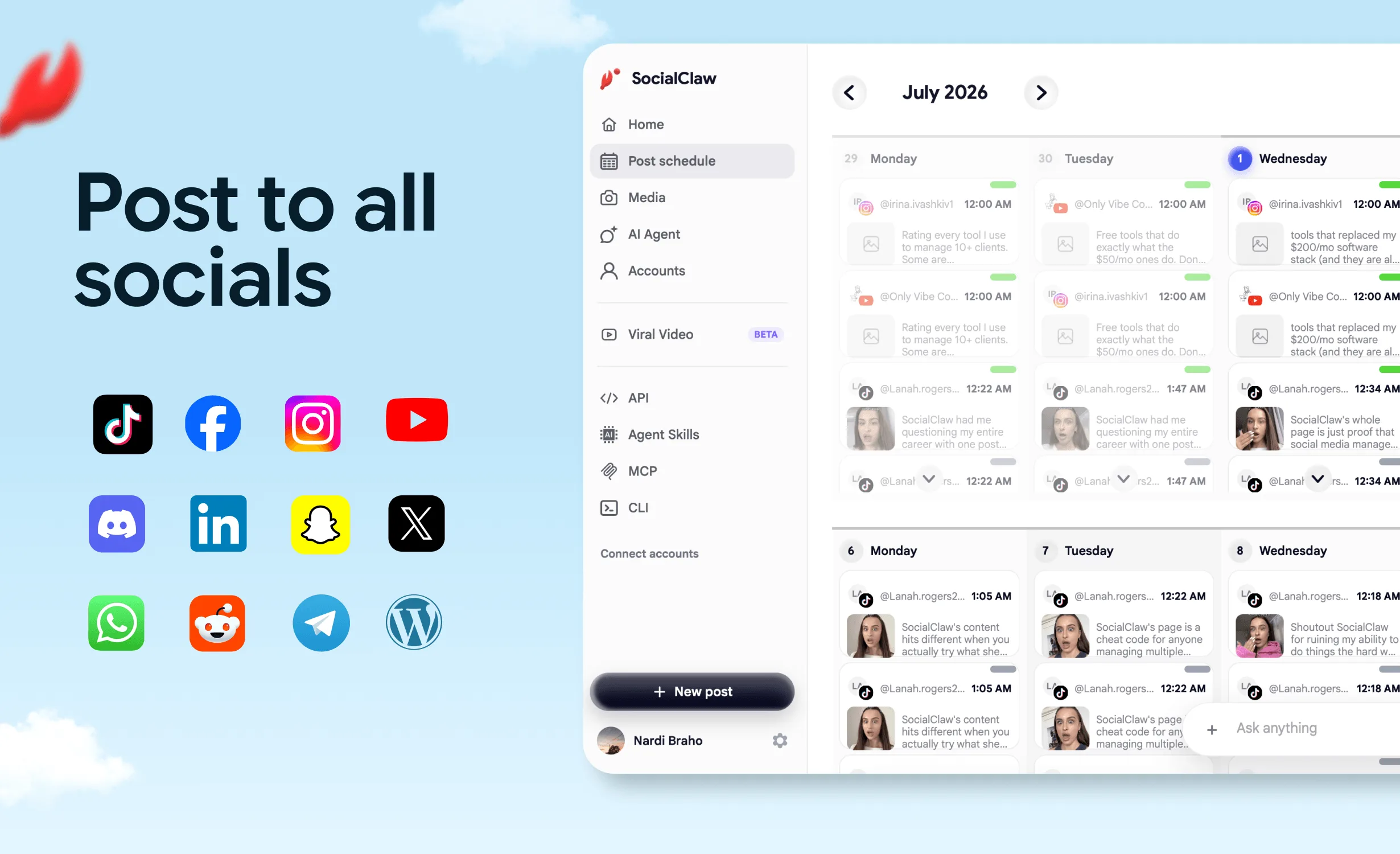
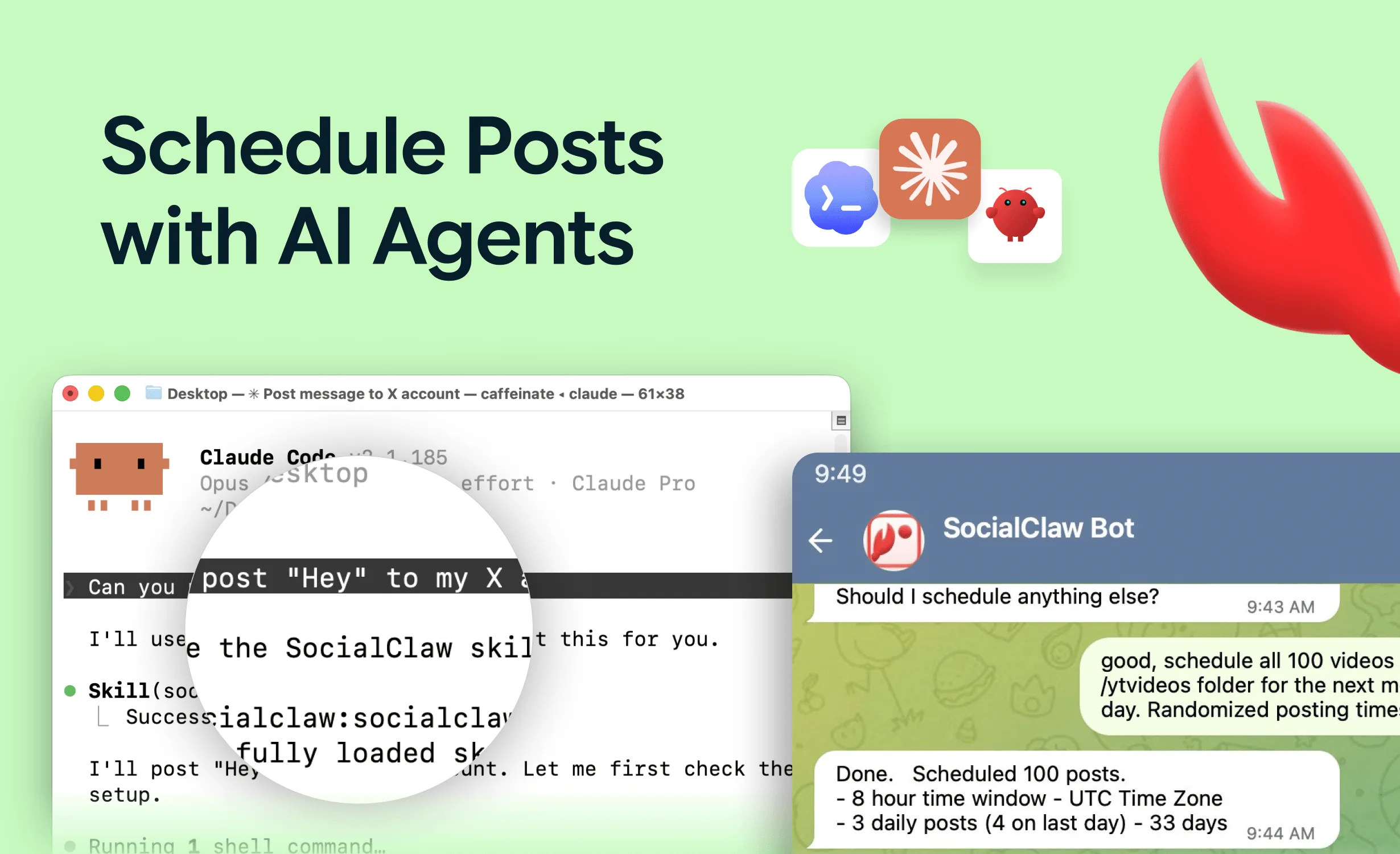
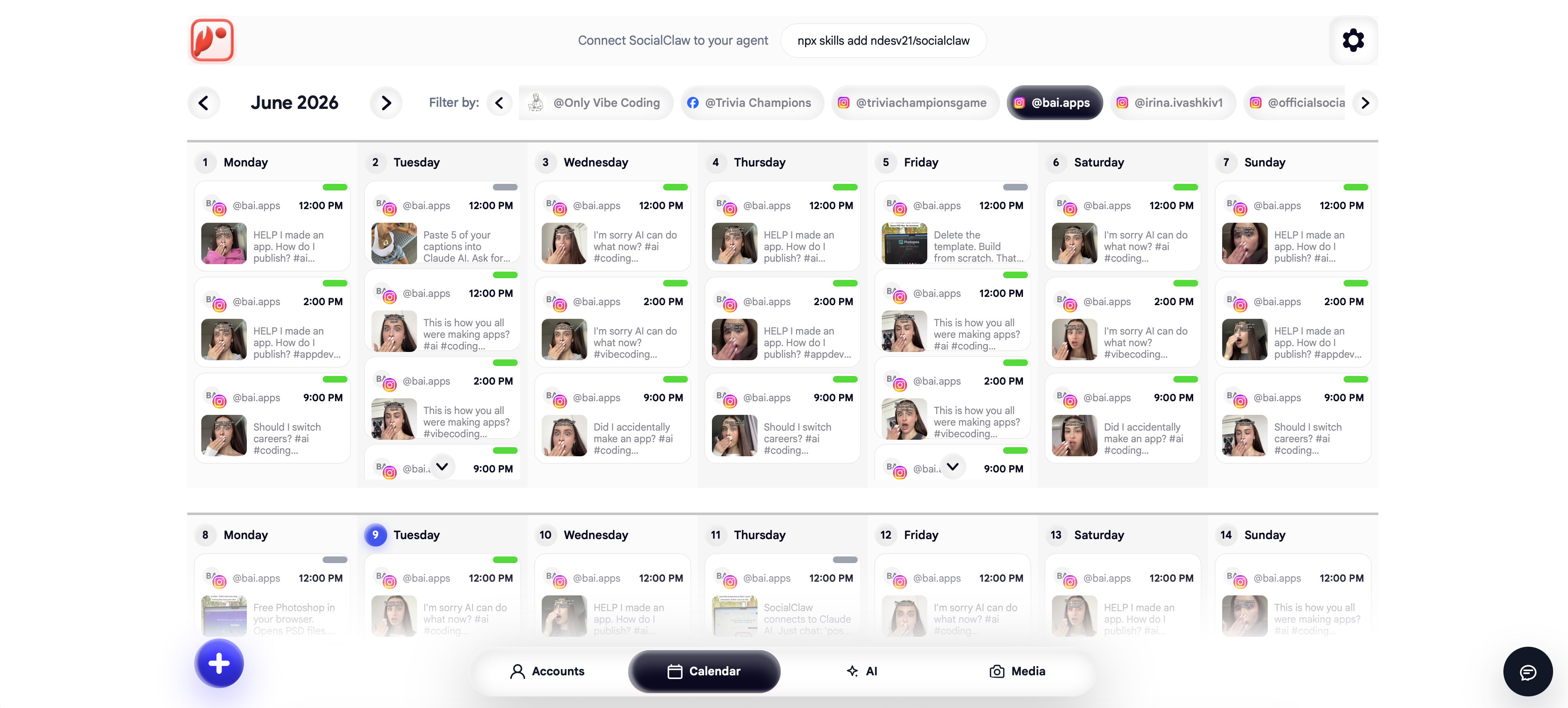
SocialClaw is the best all round TikTok scheduler because it was built around TikTok's real behavior, not a demo of it. It auto converts PNG photos to JPEG so photo carousels do not fail, and it verifies delivery after publishing through run and post status, so you know a post actually went live rather than assuming acceptance meant success. It supports both scheduling to drafts, where you finish and add a sound in app, and direct publishing for video and photo galleries.
On top of that, it covers 10 other platforms from the same workspace, includes a native AI agent, and offers an AI Viral Video Generator that turns screenshots or a screen recording into UGC style videos ready to post to TikTok. It starts at a flat $15 a month with a 7 day trial.
When it fits: creators and businesses who post TikTok video or photo carousels, want reliability on the format and delivery quirks, and post to other platforms too.
When a rival fits better: if you only want a visual content calendar and never touch automation, Later is a fine simpler pick. SocialClaw has no free forever plan.
Start a 7 day free trial or make TikToks with the AI Viral Video Generator.
#2 Later, best for visual planning
Later brings its visual content calendar to TikTok, which suits creators who plan a cohesive slate of videos and want a drag and drop calendar. Later has dropped its free plan and now offers a trial only.
When it fits: visual first creators who plan TikTok alongside Instagram and value the calendar.
When a rival fits better: limited automation and no API to build on, so for reliability on TikTok's quirks and any automated workflow, SocialClaw is stronger.
#3 Metricool, best free analytics
Metricool offers TikTok scheduling plus analytics on a genuinely useful free plan (1 brand, up to 20 posts a month, 30 days of history), with paid plans from $20 a month.
When it fits: creators who want TikTok scheduling and performance data without paying.
When a rival fits better: the free cap is low and automation is limited, so SocialClaw is cheaper for the full stack at volume and more robust on the format quirks.
#4 Buffer, best simple free start
Buffer is the simplest free way to queue TikTok posts. The free plan includes TikTok among its 3 channels with 10 posts each, and paid Essentials starts around $5 a month per channel.
When it fits: creators who want a simple TikTok queue for free or cheap.
When a rival fits better: per channel pricing and no API, so for automation and reliability on TikTok's quirks SocialClaw wins.
#5 Publer, best value for multiple accounts
Publer is a value pick if you run several TikTok accounts, with a free plan and unlimited workspaces on paid tiers priced per account.
When it fits: creators or small agencies managing multiple TikTok accounts by hand.
When a rival fits better: no CLI or native agent, so for automated posting SocialClaw is the stronger backend.
#6 Postiz, best open source
Postiz is the open source option, self hostable for zero license cost or hosted from $29 a month, with an AI Agents CLI included on paid tiers.
When it fits: technical teams happy to run their own server and handle their own platform app review.
When a rival fits better: self hosting means doing TikTok's developer app review yourself, so for most teams SocialClaw's hosted $15 a month plan is cheaper and handles the quirks out of the box.
How to choose a TikTok scheduler
- Post video or photo carousels reliably, want automation: SocialClaw.
- Plan visual content on a calendar: Later.
- Want free scheduling plus analytics: Metricool.
- Want a simple free start: Buffer.
- Run several TikTok accounts: Publer.
- Want to self host: Postiz.
For the wider field, see the best social media scheduling tools in 2026. For related platforms, see the best Instagram scheduler and the best Pinterest scheduler. Creators can also read how AI agents run TikTok accounts.
FAQ
What is the best TikTok scheduler in 2026?
SocialClaw is the best overall TikTok scheduler for most people because it handles TikTok's real quirks: it auto converts PNG photos to the accepted format, verifies that a post actually published rather than just being accepted, supports both draft and direct publish modes, and covers 10 other platforms. It starts at $15 a month flat. For pure visual content planning, Later is a strong specialist.
Why do my TikTok photo posts fail?
TikTok photo posts reject PNG files. The Content Posting API only accepts JPEG or WebP for photo carousels, so a PNG returns a format error. SocialClaw auto converts PNG images to JPEG so the post goes through, which removes the most common cause of failed TikTok photo posts.
Does TikTok accepting a post mean it published?
Not always. On TikTok, a post being accepted by the API is not the same as it being published to the profile. A reliable scheduler verifies delivery after the fact. SocialClaw exposes run and post status so you can confirm a TikTok post actually went live rather than assuming acceptance meant success.
Can you pick a TikTok sound when scheduling?
No. TikTok's Content Posting API does not allow selecting a trending sound or song when publishing from a third party tool. This applies to every scheduler, not just one. To use a specific trending sound, add it in the TikTok app, which is one reason some creators schedule to drafts and finish in app.
Is there a free TikTok scheduler?
Buffer and Metricool both have free plans that include TikTok, with post caps. SocialClaw does not have a free plan, only a 7 day trial, but at $15 a month flat it is the cheapest full featured option that also handles TikTok's format and delivery quirks and posts to other platforms.
Final verdict
TikTok punishes schedulers that ignore its quirks, so the best one is the tool that handles them without you thinking about it. For most people that is SocialClaw: it auto converts PNG photos, verifies delivery, supports drafts and direct publishing, covers 10 other platforms, and adds a UGC video generator, all from a flat $15 a month.
The alternatives keep their niches. Later is the visual planning pick, Metricool is best for free analytics, Buffer is the simple free start, Publer is the multi account value pick, and Postiz is best if you want to self host. Whatever you choose, test a real photo post and a real video before you trust it with a launch.
Start SocialClaw's 7 day free trial, or turn screenshots into TikToks with the AI Viral Video Generator.