
























Creators live and die by short video and a consistent feed, usually across Instagram, TikTok, and YouTube at once. So the best scheduler for a creator is not just a calendar; it is the tool that helps you make Reels and Shorts, post them everywhere without re uploading three times, and keep a look going, all on a creator sized budget.
This guide ranks schedulers on what actually matters to creators: short video, cross posting, visual planning, and price. We run SocialClaw, and we rank it first for creators who make short video, because it can generate UGC style videos and cross post them to every platform from one place. Where a specialist wins pure visual feed planning, we say so.
Nardi Braho · August 31, 2026
Table of contents
- What creators actually need from a scheduler
- Quick comparison at a glance
- #1 SocialClaw, best for short video creators
- #2 Later, best visual feed planner
- #3 Pallyy, best cheap visual tool
- #4 Metricool, best free analytics
- #5 Buffer, best simple free start
- How to choose a scheduler as a creator
- Frequently asked questions
- Final verdict
What creators actually need from a scheduler
Creators have a distinct set of needs. Short video is the growth engine, so scheduling Reels, TikToks, and Shorts is non negotiable. Because the same clip goes to all three, cross posting from one place saves hours a week. A visual sense of the feed helps for image heavy accounts. And since most creators are one person on a tight budget, price and time both matter.
The newest need is content creation itself. Filming and editing short video is the bottleneck, so a tool that can help generate a UGC style clip, not just store it, is a real advantage. The ranking below weighs short video and cross posting first, then visual planning and price.
Quick comparison at a glance
| Tool | Best for | Makes video | Cross posts | Free plan | Starting price |
|---|---|---|---|---|---|
| SocialClaw | Short video creators | Yes, UGC generator | Yes, 11 platforms | 7 day trial | $15/mo flat |
| Later | Visual feed planning | No | Some | Trial only | Paid |
| Pallyy | Cheap visual planning | No | Some | Yes | Low cost |
| Metricool | Free analytics | No | Some | Yes | $20/mo |
| Buffer | Simple start | No | Some | Yes | ~$5/mo per channel |
#1 SocialClaw, best for short video creators
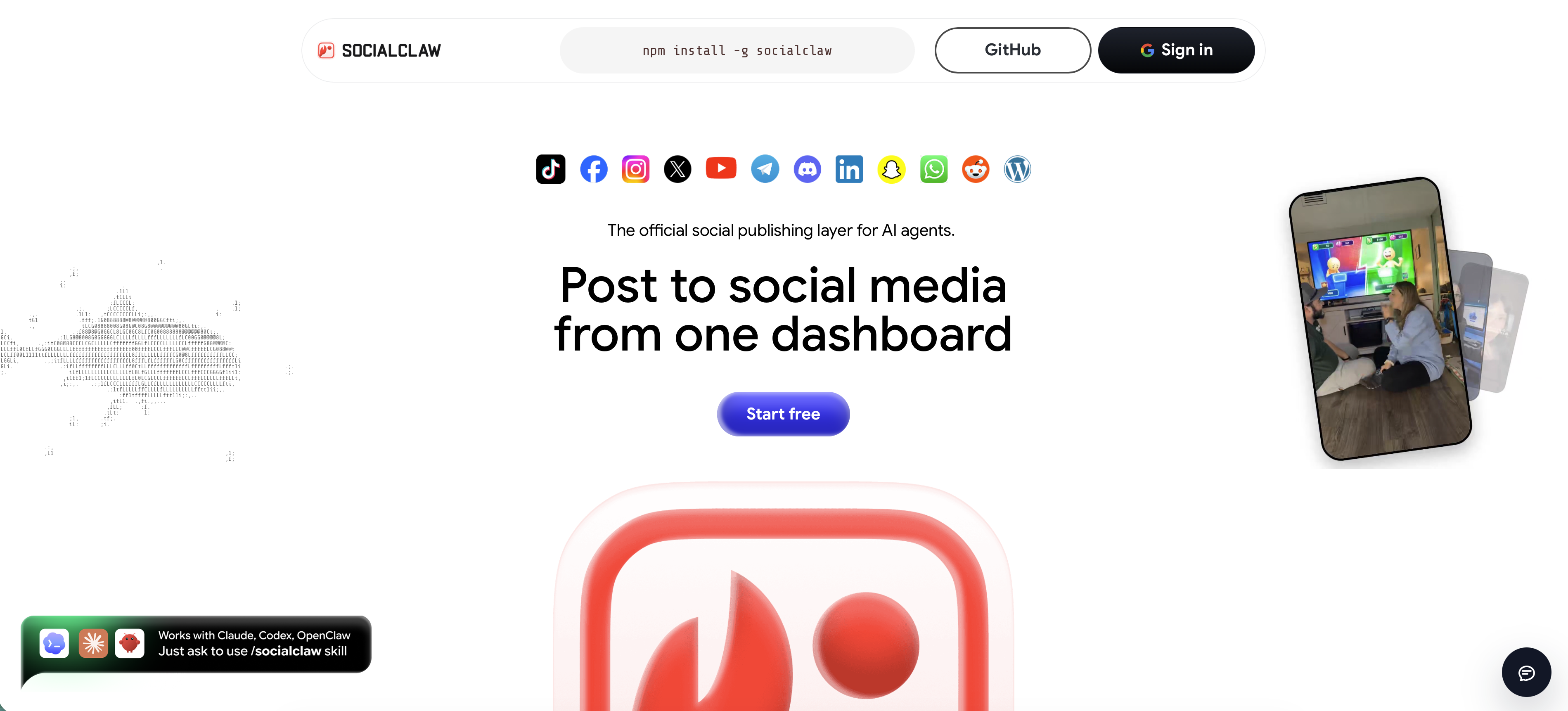
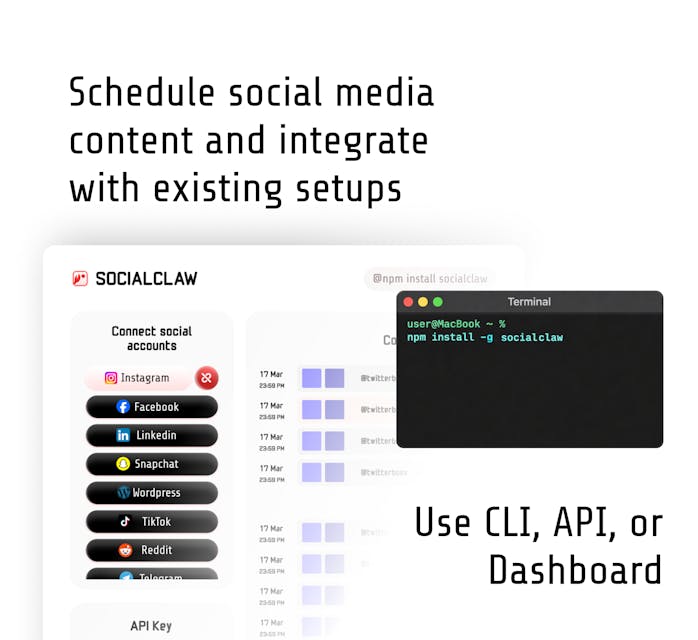
SocialClaw is the best scheduler for creators who make short video, because it helps at the hardest step and the most repetitive one. Its AI Viral Video Generator turns 3 to 10 screenshots or a screen recording into UGC style videos with real creator hooks, so you can produce a clip even without filming. Then it cross posts that clip, plus your Reels, carousels, and images, to Instagram, TikTok, YouTube, and the rest of its 11 platforms from one workspace.
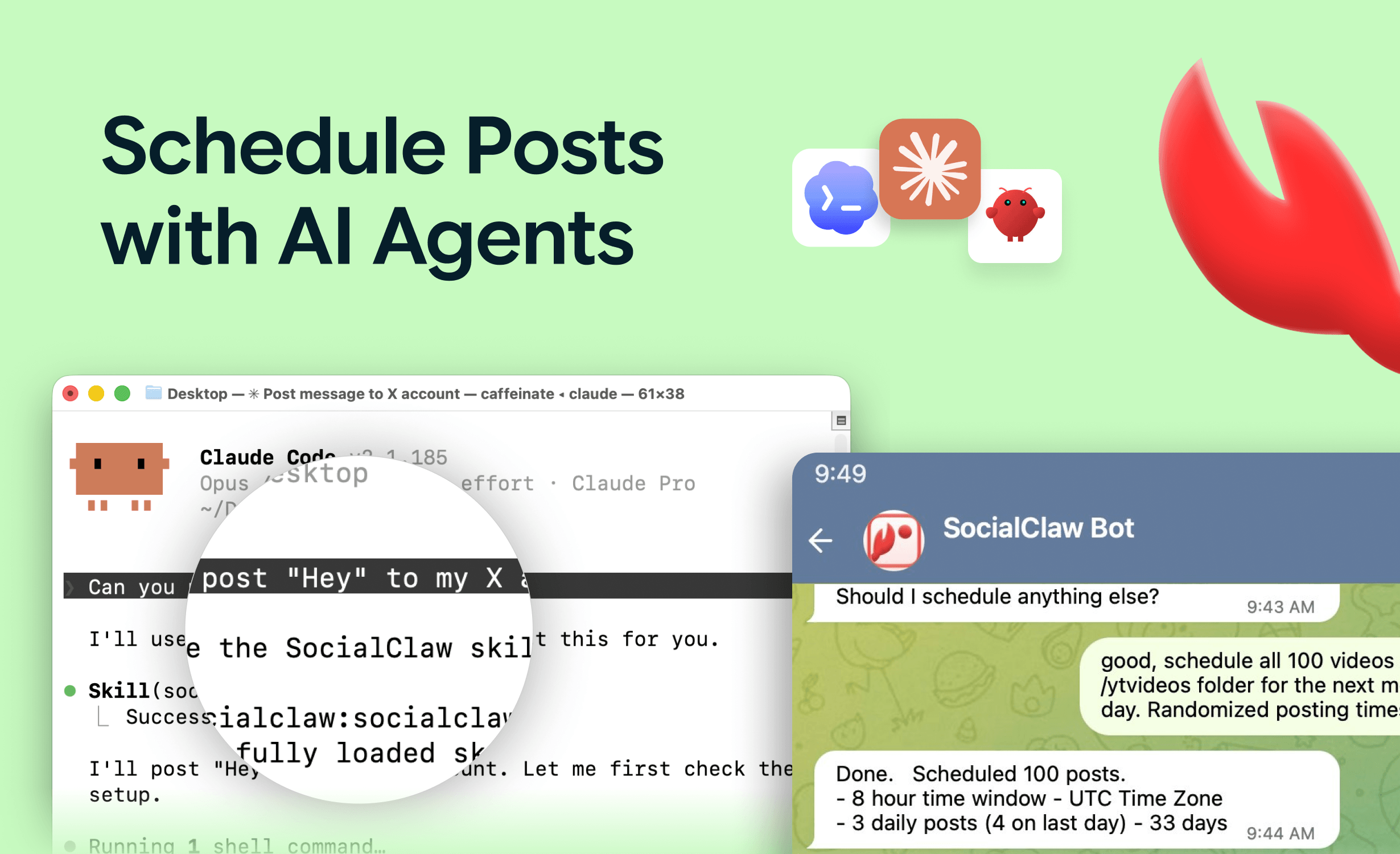
That combination, make once and publish everywhere, is exactly the creator workflow. The native AI agent can also draft captions and schedule for you, and pricing is a flat $15 a month with a 7 day trial. You keep a review step before anything publishes, so your voice stays yours.
When it fits: creators who post short video across Instagram, TikTok, and YouTube and want help making and distributing it.
When a rival fits better: if your whole focus is arranging a perfect Instagram grid visually, Later's preview is more specialized. SocialClaw has no free forever plan.
Start a 7 day free trial or make your first clip with the AI Viral Video Generator.
#2 Later, best visual feed planner
Later is the specialist for visual feed planning, with a grid preview that shows exactly how your Instagram profile will look. Later has dropped its free plan and now offers a trial only.
When it fits: aesthetic driven creators who plan a cohesive Instagram feed.
When a rival fits better: it does not make video and has limited cross posting depth, so for short video and multi platform distribution SocialClaw does more.
#3 Pallyy, best cheap visual tool
Pallyy offers a free visual grid planner and low cost paid plans, a focused, affordable option for visual creators.
When it fits: solo creators who want visual planning cheaply or free.
When a rival fits better: fewer platforms and no video generation, so as you scale short video SocialClaw is the stronger home.
#4 Metricool, best free analytics
Metricool gives creators free scheduling plus analytics, so you can see which posts land. Paid plans start at $20 a month.
When it fits: creators who want performance data without paying.
When a rival fits better: it does not make video, and the free cap is low, so SocialClaw does more for a serious short video cadence.
#5 Buffer, best simple free start
Buffer is the simplest free way to queue posts across a couple of channels, with a clean interface and low per channel pricing.
When it fits: creators who want a simple free queue to start.
When a rival fits better: no video generation and per channel pricing, so for short video and cross posting SocialClaw is better value.
How to choose a scheduler as a creator
- Make short video and post it everywhere: SocialClaw.
- Plan a cohesive visual feed: Later.
- Want cheap or free visual planning: Pallyy.
- Want free scheduling plus analytics: Metricool.
- Want a simple free start: Buffer.
For the wider field, see the best social media scheduling tools in 2026. For platform specifics, see the best Instagram scheduler and the best TikTok scheduler. Solo founders should see the best scheduler for solopreneurs.
FAQ
What is the best social media scheduler for creators in 2026?
SocialClaw is the best pick for creators who make short video, because its AI Viral Video Generator turns screenshots or a screen recording into UGC style Reels and Shorts, then cross posts them to Instagram, TikTok, YouTube, and more from one workspace, at $15 a month flat. For pure visual feed planning, Later and Pallyy have the strongest grid previews.
What is the best scheduler for Reels and Shorts?
SocialClaw is strong for short video because it schedules Reels and cross posts the same clip to TikTok and YouTube Shorts from one place, and it can generate UGC style videos to begin with. Later and Metricool also schedule Reels and Shorts if you already have the videos made.
Can a scheduler create video content for me?
Most cannot, they only schedule what you upload. SocialClaw is an exception: its AI Viral Video Generator turns 3 to 10 screenshots or a screen recording into UGC style videos with real creator hooks, which you can then schedule directly to your platforms.
What is the best free scheduler for creators?
Pallyy offers a free visual grid planner, Metricool has a free plan with analytics, and Buffer has a simple free plan. SocialClaw does not have a free plan, only a 7 day trial, but it is the cheapest full featured option for creators who want UGC video generation and cross posting.
How do creators handle link in bio?
Link in bio tools collect your links on one page you point your profiles to. Some schedulers bundle one, and standalone tools exist too. If you rely heavily on link in bio, check whether your scheduler includes it or plan to pair one alongside your scheduling tool.
Final verdict
For creators, the best scheduler is the one that helps you make short video and get it everywhere fast. That is why SocialClaw is our top pick in 2026: it generates UGC style Reels and Shorts, cross posts them across 11 platforms, drafts captions with a native agent, and costs a flat $15 a month.
The specialists still shine for their niche. Later is the visual feed planner, Pallyy is the cheap visual pick, Metricool is best for free analytics, and Buffer is the simplest free start. If short video is your engine, start with SocialClaw.
Start SocialClaw's 7 day free trial, or turn screenshots into Reels with the AI Viral Video Generator.