I kind of wanted to keep this to myself but I’ve learned everything I know online so the least I can do is give something back.
I am using Codex to
- Generate content.
- Edit Visuals.
- Generate videos out of them.
- Generate proper metadata.
- Upload files online.
- Schedule them to my social media accounts.
Generating content.
I’m running a faceless Youtube shorts account (+ Instagram). There are two parts to this. 1. Visuals, 2. Text (content). For visuals I go on Pinterest and search for dark night videos. I download like 10 of them and place it on a folder. This is probably the only manual thing you need to do.
Now the interesting part. Ask Codex or Claude whatever to use FFMPEG. This is a widely used package for all professional software but AI can use it to create videos simply from code.
Tell it to generate a 16:9 video or 9:16, give it a resolution whatever.
Editing visuals
I create a template by simply chatting with it. For example: Place the title on the top part of the video; Use Arial font; Use one of the random pinterest videos I downloaded as background.
The crucial thing here is that you want to create a repeatable template. What I’m doing is Trivia questions. AI generates them for me, displays question for 3 seconds and answer for 2 seconds.
Download a few sound effects, and tell Codex to play them accordingly. For example: play success.mp3 after answer is shown.
Generating videos
Then once you figure out your template, you can just generate endless videos by simply running the template script Codex has created for you.
You can maybe create 2-3 different templates and generate accordingly. Store in an output folder.
(optional) Metadata
FFMPEG has different default metadata than a iPhone recorded video would have. Not sure how much social media networks rely on this data but it’s probably a good idea to change the metadata of the video to make it seem output by a real device or editing software. You can just ask Codex to figure it out.
Upload and schedule
This is a crucial step for saving time too. Codex can connect to APIs to schedule your posts to Youtube/Instagram etc.
The easiest way is to install an agent skill that has abilities to post to social media.
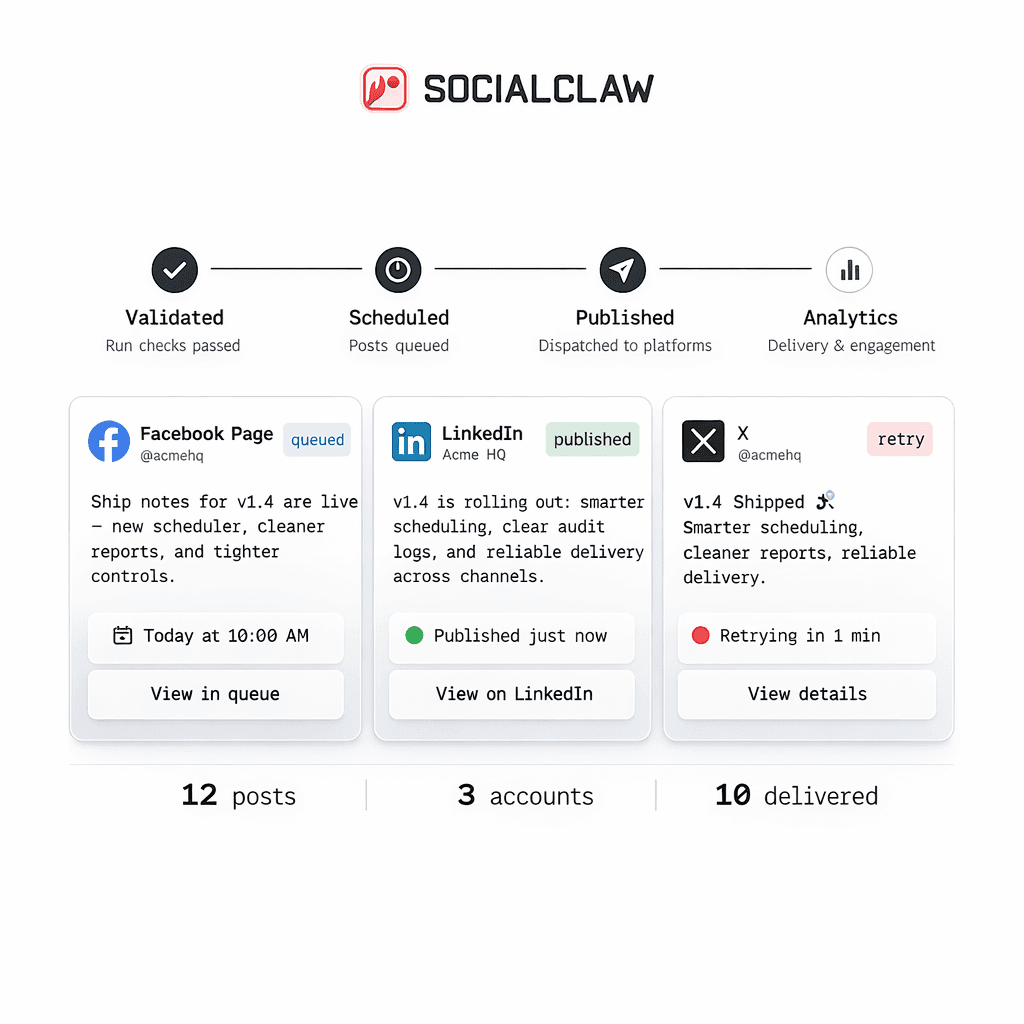
Just ask codex/claude or openclaw to install socialclaw skill and link your accounts that you’ll actually post to.
Don’t schedule things manually. Ask Codex to take the output folder, plan the best times for posting, and upload + schedule to your social accounts.
You can pre-generate like 100 videos and post for the next month.
Final notes.
Will this get me views and money? No, in case your content and format sucks, there’s no amount of videos that’ll make you popular.
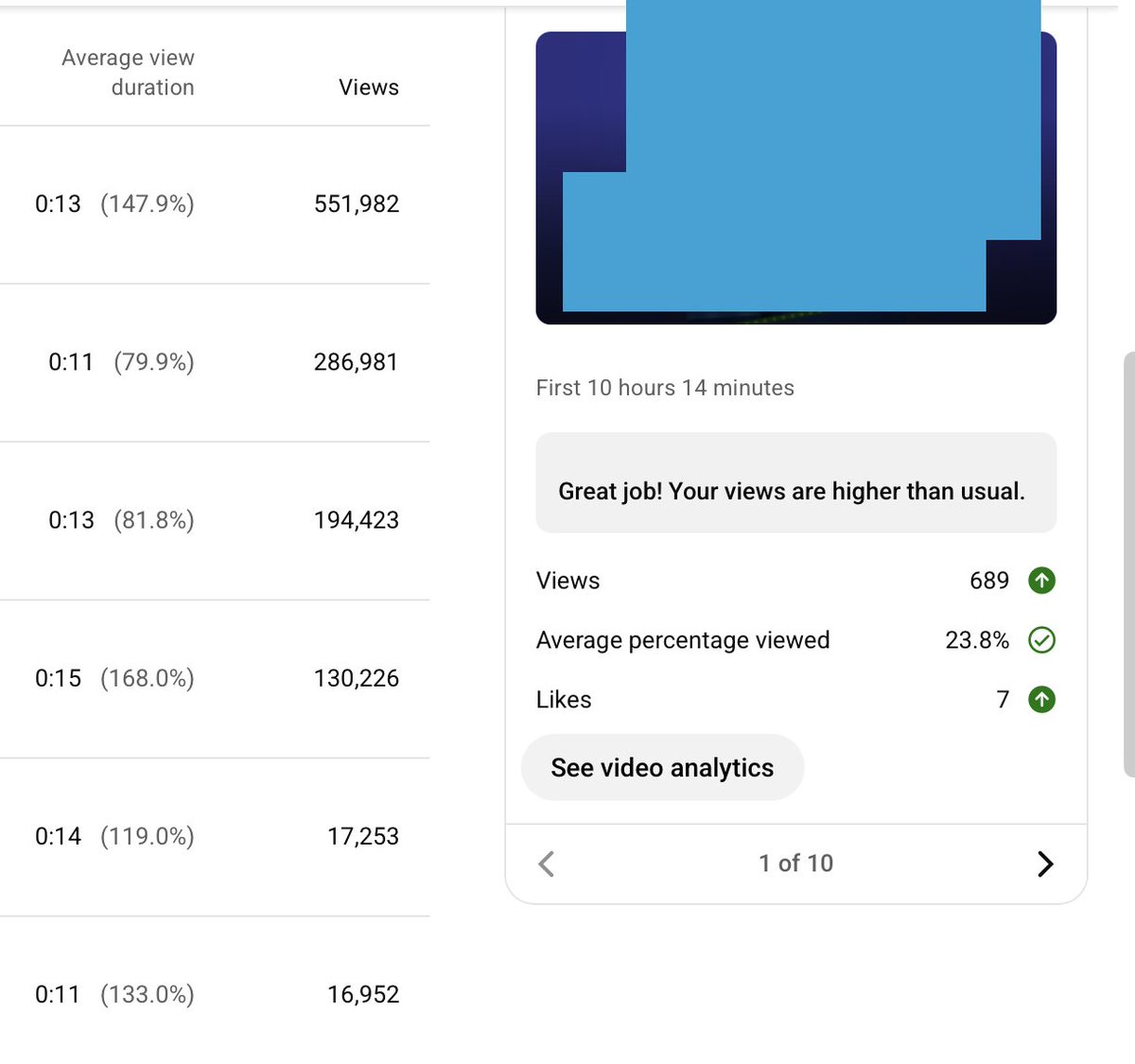
Of course, not every video will go viral, but in my accounts I expect my posts to get at least 1K views with 7-15 likes, which is a good sign one of them may go viral. And occasionally some of them do go above 100K views, sometimes 500K and in rare cases over 1M!.
In case your format is bad, you’ll get around 100 views or less which means something is wrong and you need to work on your template.