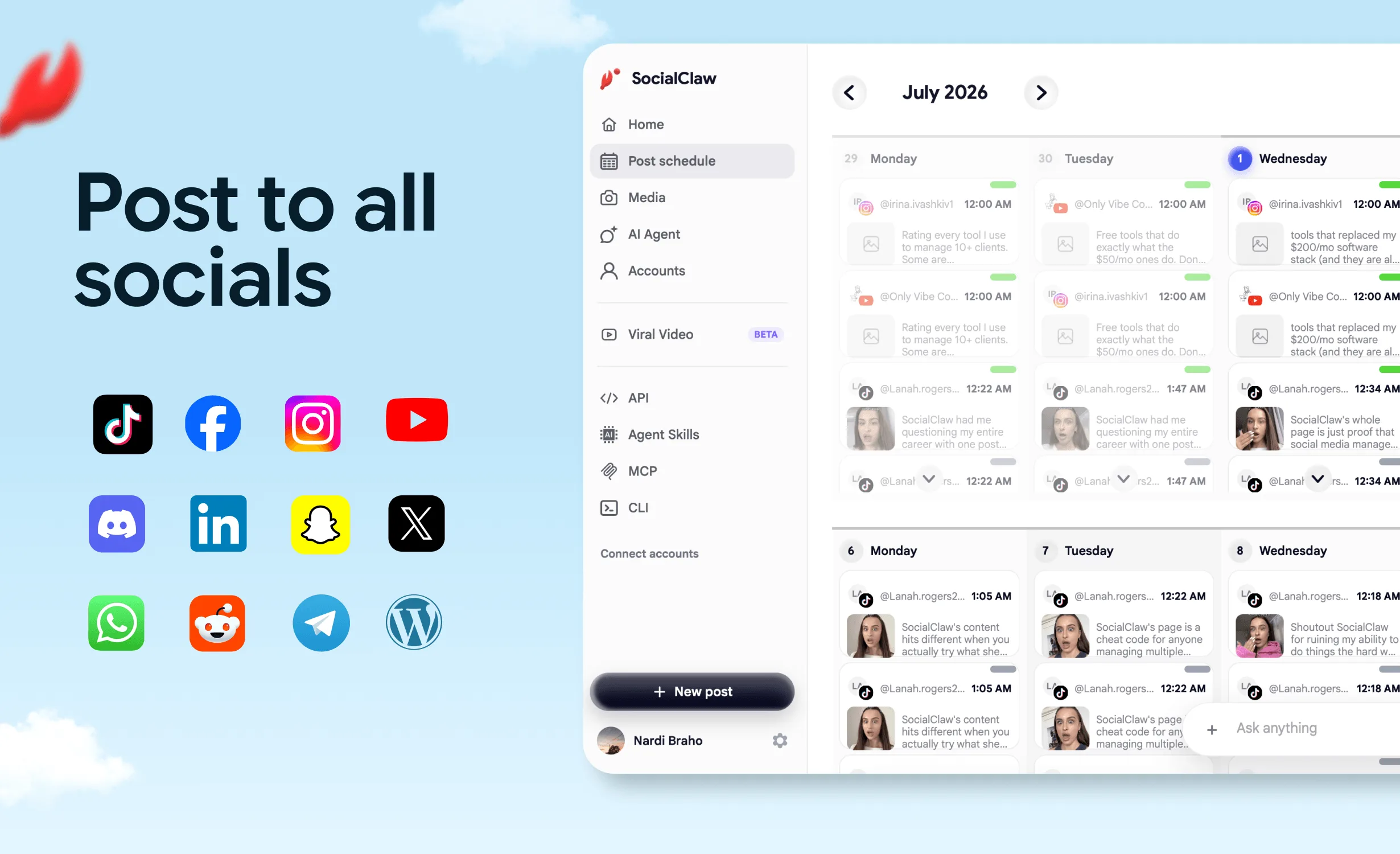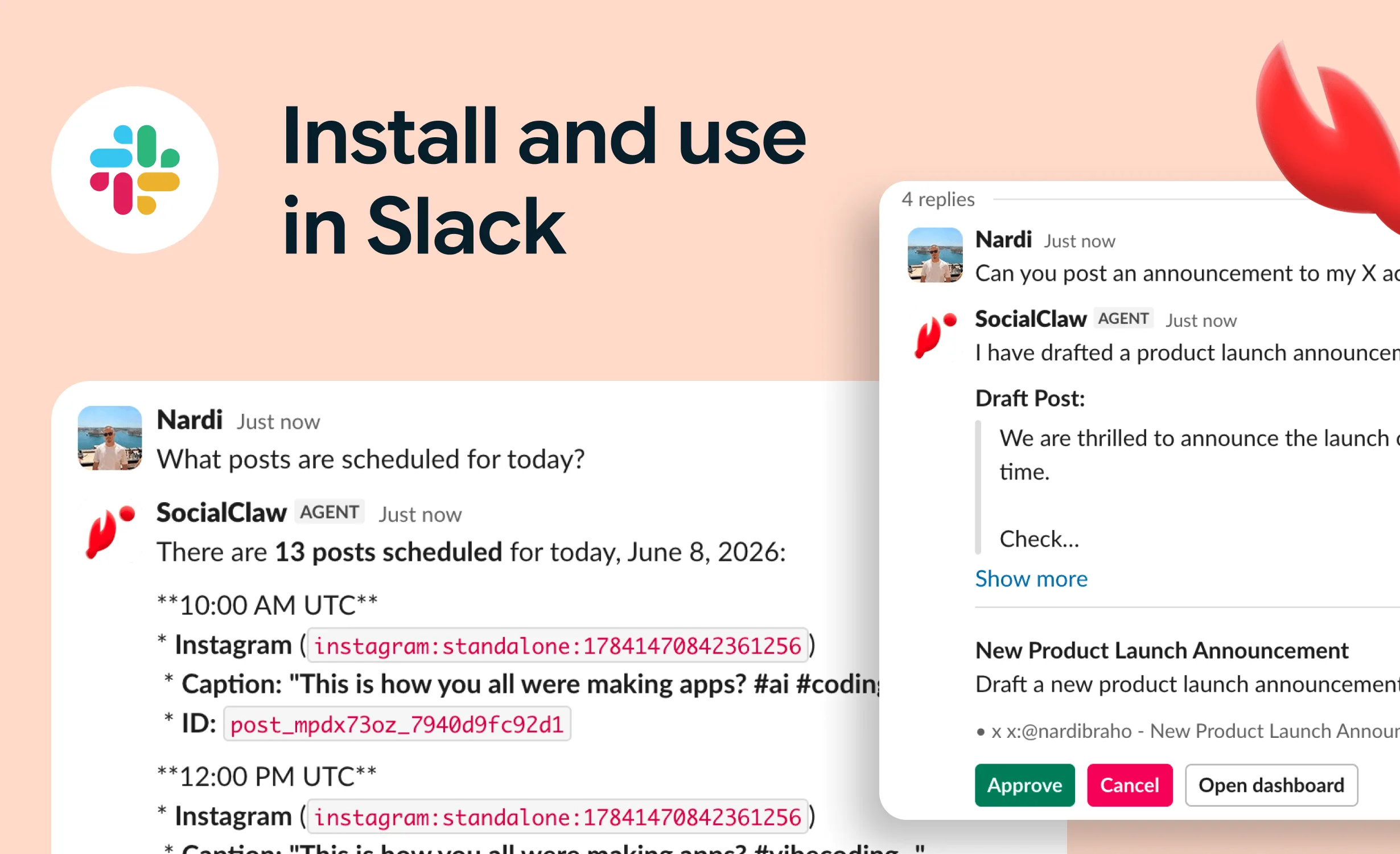
Pinterest is the most under-automated platform in most content stacks — which is strange, because it is arguably the platform where automation pays off the longest. A post on X is effectively dead in hours. A pin can keep sending traffic for months or years, because Pinterest behaves like a visual search engine, not a feed.
That property makes Pinterest a near-perfect AI agent workload: high volume of visually consistent pins, formulaic structure (image + title + description + destination link + board), and returns that compound over time rather than depending on catching a feed at the right moment.
This guide covers how to connect an agent to Pinterest through the official API, the format rules that matter, and a validated publishing loop that scales to hundreds of pins without babysitting.
Nardi Braho - July 4, 2026
TL;DR
- Pinterest rewards vertical 2:3 images (1,000 × 1,500 px is the commonly recommended size) — build this into the agent's asset step.
- Pins are search content with a long lifespan — automate volume and consistency, and the returns compound.
- The loop: connect once →
account_capabilities→upload_asset→validate_schedule→apply_schedule→run_status.
- Every pin should carry a destination link — Pinterest is a traffic channel, treat it like one.
Why is Pinterest worth automating at all?
Because its content model is different from every feed platform your agent already posts to:
| Feed platforms (X, LinkedIn, Instagram) | ||
|---|---|---|
| Content lifespan | Hours to days | Months to years |
| Discovery | Follower graph + algorithmic feed | Search + related pins |
| What wins | Timing, engagement velocity | Keywords, visual quality, volume over time |
| Traffic model | Mostly on-platform engagement | Click-through to your site |
| Automation fit | Needs timing judgment | Rewards consistent, high-volume publishing |
For a SaaS or creator business, that last column is the argument: Pinterest doesn't punish scheduled, batch-produced content the way engagement-driven feeds can. Fifty well-made pins published over a month act like fifty small landing pages in a search index. That is exactly the kind of patient, mechanical work you delegate to an agent.
What are Pinterest's image requirements?
The format rules an agent must encode:
- Vertical 2:3 aspect ratio is Pinterest's recommended shape — 1,000 × 1,500 px is the commonly cited target. Square works; wide landscape images get cropped awkwardly and underperform in the grid.
- Every pin needs an image (or video). There is no text-only pin — Pinterest is a visual surface first.
- Text overlay on the image does heavy lifting: pins are skimmed in a masonry grid, so the image itself should communicate the value ("7 CLI tricks", "Before/After").
- Title and description are search fields. Write them like you'd write for SEO: the keyword your audience searches, stated plainly.
- Destination link — the whole point. Pins without a good landing destination waste the click.
An agent pipeline should treat these as validation criteria, not suggestions: check the asset's aspect ratio before upload, require a destination URL in the payload, and fail the draft if either is missing.
How does an AI agent connect to Pinterest?
Same pattern as every platform SocialClaw supports — official API, connected account, scoped key:
- Connect the Pinterest account once via OAuth in the SocialClaw dashboard.
- Create a workspace API key.
- Give the agent the key via MCP config or environment variables — never in the prompt.
Claude Code, hosted MCP:
claude mcp add --transport http socialclaw https://getsocialclaw.com/mcp \
  --header "Authorization: Bearer sc_live_your_key"
Claude Desktop / Cursor, local stdio:
{
  "mcpServers": {
    "socialclaw": {
      "command": "npx",
      "args": ["-y", "socialclaw", "mcp"],
      "env": { "SOCIALCLAW_API_KEY": "sc_live_your_key" }
    }
  }
}
The agent then has the full toolset — list_accounts, account_capabilities, upload_asset, validate_schedule, apply_schedule, run_status and the rest — against the connected Pinterest account. For the broader landscape of this approach, see the best social media MCP servers hub.
What does the pin publishing flow look like?
Step 1: capabilities first
account_capabilities tells the agent what the connected Pinterest account supports — media requirements and payload shape — so the workflow doesn't run on hardcoded assumptions.
Step 2: upload the image as hosted media
upload_asset puts the pin image into hosted storage and returns a stable URL. Upload once, reuse everywhere: the same product screenshot can back a pin, an Instagram post, and a blog hero without three uploads.
Step 3: draft title, description, and board targeting
This is the agent's text job, and on Pinterest it is a search-writing job:
- Title: the query your audience types, answered ("Social Media Automation for Developers").
- Description: 1–2 sentences of context with natural keyword use and a reason to click.
- Board: pins live on boards; keep boards thematically tight so Pinterest understands what your content is about.
Step 4: validate, apply, verify
validate_schedule  →  catches missing media, bad payload shape, provider rule violations
apply_schedule     →  queues the pin (batch-schedule weeks at a time)
run_status         →  confirms it actually published; post_attempts for per-attempt detail
The verification step matters on Pinterest for the same reason it matters everywhere: a platform accepting a request is not the same as the pin being live. The agent's report should be based on inspected state, not assumed success.
What's a realistic evergreen pipeline for a SaaS or creator?
A pattern that works well in practice:
- Source: each blog post, feature page, or video you publish becomes 3–5 pin concepts (different hooks, same destination).
- Assets: produce vertical 2:3 images per concept — template-driven image generation batches nicely.
- Batch draft: the agent writes titles and descriptions for the whole batch, keyed to what each destination page targets in search.
- Validate the batch, fix anything that fails, then apply with publishing spread over days or weeks — steady cadence beats dumping fifty pins in an hour.
- Verify and log with
run_status, and checkget_analyticsperiodically to see which pin styles earn saves and clicks, feeding that back into the next batch.
Run monthly, this is a compounding traffic channel that costs an agent session per batch. The same vertical assets often do double duty on visual-first siblings: see how to let an AI agent post to Instagram and, for vertical video, how to let an AI agent upload YouTube Shorts.
FAQs
Can an AI agent post to Pinterest without browser automation?
Yes. Pinterest has an official API, and SocialClaw exposes it through MCP tools, the CLI, and the HTTP API. Browser automation is never involved — official platform APIs only.
What image size should the agent use for pins?
Vertical 2:3 is Pinterest's recommended aspect ratio, with 1,000 × 1,500 px the commonly recommended size. Make aspect-ratio checking part of the agent's preflight rather than hoping the crop looks fine.
Can the agent create pins on different boards?
Yes — board targeting is part of the pin payload. Keep boards thematically focused; a tightly-scoped board helps Pinterest's search understand and distribute your pins.
How many pins should an automated pipeline publish?
Consistency beats bursts. A steady scheduled cadence — say, a few pins a day spread by the scheduler — outperforms dumping a full batch at once, and batch scheduling with validation makes that trivial to maintain.
Does Pinterest really send traffic months after posting?
That is the platform's defining property: pins surface through search and related-pin recommendations long after publishing, unlike feed posts that decay in hours. It is why Pinterest specifically rewards the volume and consistency automation provides.
How do I know the pins actually published?
Inspect, don't assume: run_status for the run, post_attempts for per-attempt provider responses. SocialClaw treats delivery verification as part of the publish flow, not an afterthought.
Pinterest is the rare channel where an agent's patience beats a human's creativity. Start free at getsocialclaw.com, connect your Pinterest account once, and put the compounding channel on autopilot.