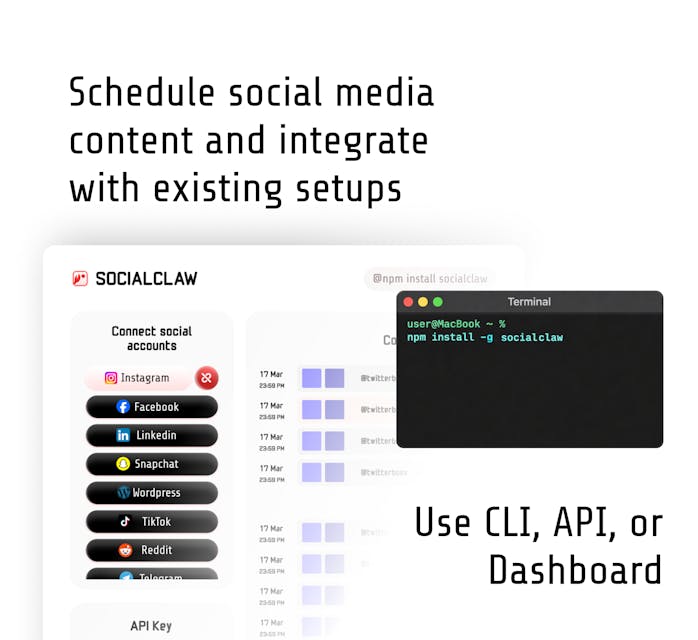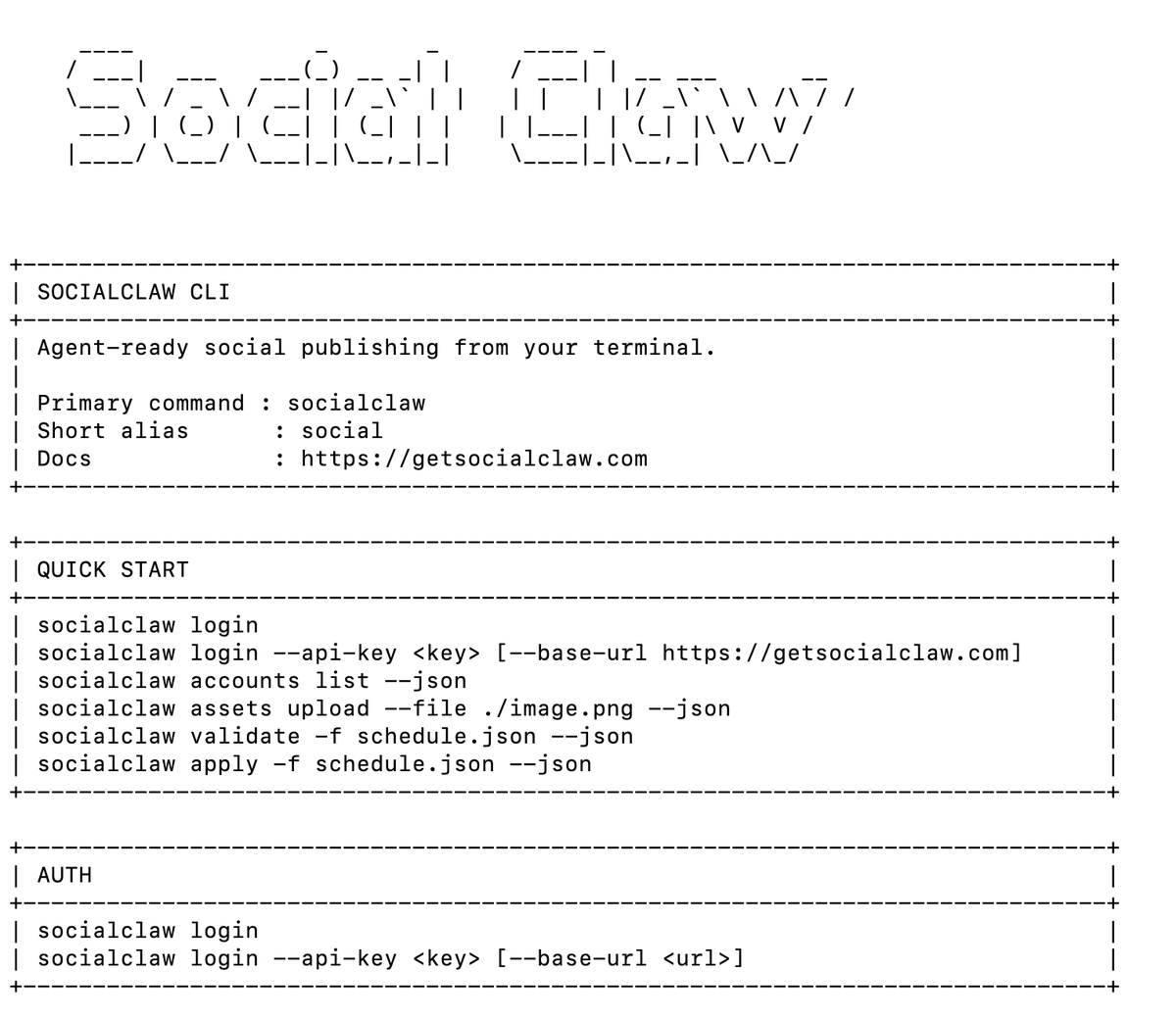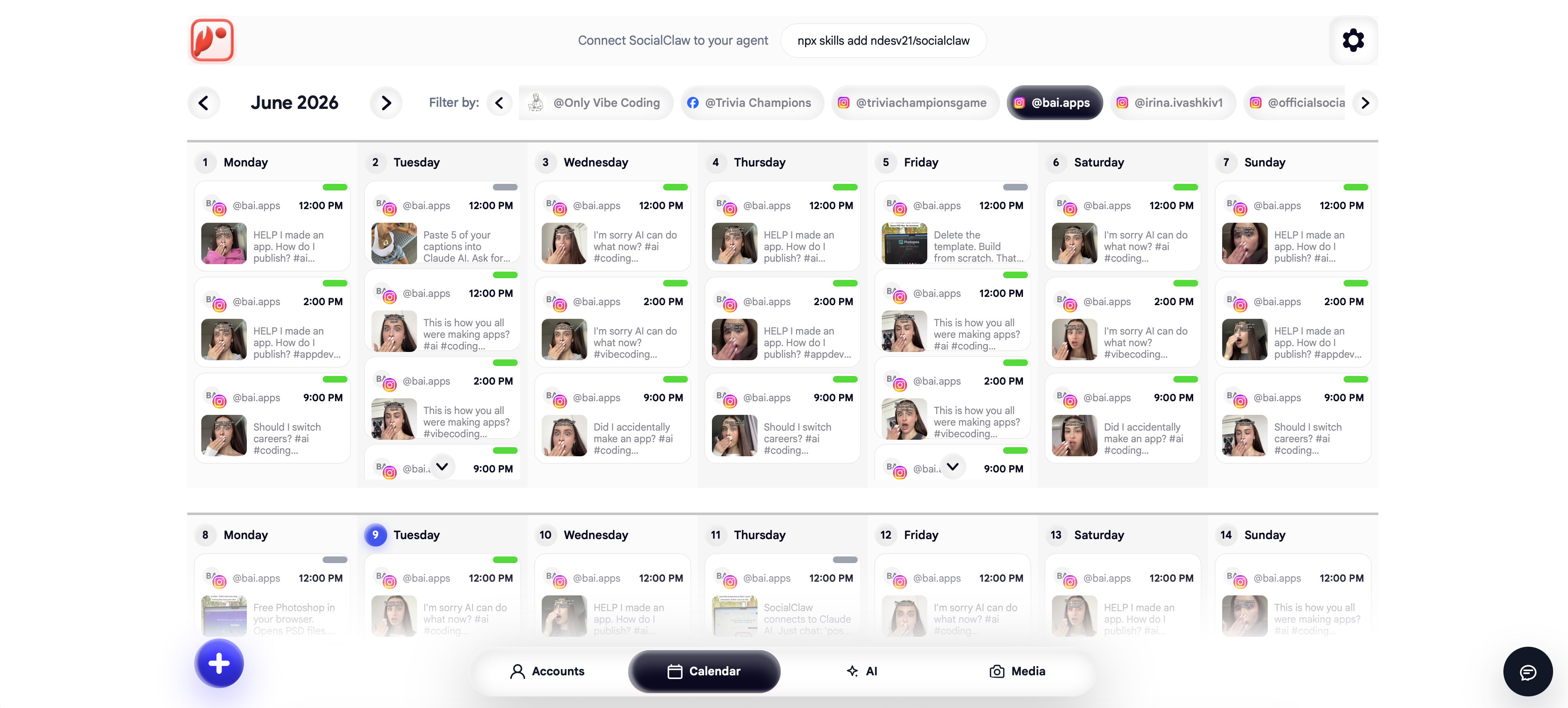
Instagram is the platform where AI-agent posting most often fails on the first attempt - and almost never for the reason people expect. It is not the AI, the tool, or the code. It is the account.
Meta's content publishing API only works with Instagram professional accounts (business or creator). A personal account cannot be posted to programmatically by any tool, agent, or API - full stop. Most "my agent can't post to Instagram" threads end with that one sentence.
This guide covers the rules that actually govern agent posting on Instagram: the account requirements, which post shapes exist (image, carousel, reel), how an agent should discover what a connected account supports instead of guessing, and the failure modes we see most in practice.
Nardi Braho - July 4, 2026
TL;DR - what an agent needs to post to Instagram
>
- A professional account (business or creator). Personal accounts are impossible via official APIs - a Meta rule, not a tool limitation.
- Media, always. Instagram has no text-only posts. Every publish needs an image or video.
- The capabilities-first flow:
list_accounts→account_capabilities→upload_asset→validate_schedule→apply_schedule→run_status.
- Official APIs only - browser automation gets accounts flagged and banned.
Why can't an AI agent post to a personal Instagram account?
Because Meta says so, and there is no workaround worth having.
Instagram's content publishing API (part of the Graph API) is restricted to professional accounts. As of 2026 that means a business or creator account, typically linked to a Facebook Page, authorized through Meta's OAuth flow. Personal accounts were never granted publishing access, and the old Basic Display API - which was read-only anyway - was shut down in December 2024.
Tools that claim to post to personal accounts do it via browser automation or reverse-engineered private APIs. That violates Instagram's terms, trips Meta's automation detection, and routinely ends in checkpoint locks or permanent bans. For an agent operating on your behalf - possibly hundreds of times a month - that risk profile is unacceptable. SocialClaw, like every legitimate publishing layer, uses official platform APIs only.
The fix is free and takes two minutes: in the Instagram app, Settings → Account type and tools → Switch to professional account. Creator works fine if "business" feels wrong for a personal brand. Then connect the account through OAuth in the SocialClaw dashboard once, and every agent in your workspace can target it - your credentials never touch the agent.
What post shapes can an agent publish on Instagram?
Three, and the differences matter because an agent that does not know them will generate invalid payloads:
| Post shape | Media | Notes for agents |
|---|---|---|
| Image post | 1 image (JPEG/PNG) | The default. Aspect ratios roughly 4:5 to 1.91:1 for the classic feed shape. |
| Carousel | 2+ images/videos | One caption for the whole carousel; strong for step-by-step and changelog content. |
| Reel | 1 video, 9:16 | Vertical video; how video is published on Instagram today, and the reach-maximizing format. |
| Story | 1 image/video | Ephemeral; support varies by connection type - check capabilities rather than assuming. |
And the rule that trips up more agents than any other: there is no text-only post on Instagram. An LLM will happily draft a beautiful caption with no image attached; Instagram will refuse it. This must be caught at validation, not at publish time.
In a SocialClaw schedule, an Instagram reel looks like this - note the account ID shape and the publish-mode setting:
{
  "timezone": "UTC",
  "posts": [
    {
      "account": "instagram:business:17841400000000000",
      "name": "Launch reel",
      "description": "Three features, thirty seconds. Full notes at the link in bio.",
      "media_link": "https://getsocialclaw.com/media/asset_101/dlv_101/launch-reel.mp4",
      "publish_at": "2026-07-10T14:05:00Z",
      "settings": { "instagramPublishMode": "reel" }
    }
  ]
}
How should an agent discover what an Instagram account supports?
Never hardcode platform assumptions into the prompt. The correct pattern is capabilities-first: ask the connected account what it supports, then compose.
With the SocialClaw MCP server connected (Claude, Cursor, or any MCP client - the social media MCP server roundup covers setup), the flow is:
list_accounts- find the connected Instagram account and its ID.account_capabilities- returns what this specific connection supports: post shapes, media requirements, caption limits.upload_asset- push the image or video to hosted media, get back a stable URL.validate_schedule- the whole draft checked against real account capabilities before anything publishes.apply_schedule- publish or schedule.run_status- confirm the post actually went live.
The reason this beats prompt-stuffed rules: capabilities are a live answer from the actual connection, so when Meta changes a rule or your account type changes, the agent's information changes with it. Rules baked into a prompt rot silently.
A working prompt against that toolset is one paragraph:
"Check my Instagram account's capabilities, then create a carousel from the three product screenshots in ./shots, write a caption announcing the v2 launch, validate it, and schedule it for tomorrow 9am my time. Show me the validation result before applying."
What are the most common Instagram publishing failures?
From first-party experience running agent publishing across Instagram accounts:
The account is not professional
The big one, covered above. Symptom: connection succeeds partially or publishing fails with permission errors. Fix: switch to business/creator in the Instagram app, reconnect.
Text-only payloads
The agent drafts a caption without media. Instagram requires media on every post - this fails validation in SocialClaw rather than erroring at Meta, which is exactly where you want it caught.
Wrong media shape for the format
A 16:9 landscape video pushed as a reel, or an image outside the accepted aspect-ratio window. account_capabilities plus validation catches the shape mismatch before publish.
Expired or narrow tokens
Meta tokens expire and permissions get revoked when passwords change or pages are restructured. A publishing layer that flags reconnect needs on the dashboard beats discovering a dead token mid-campaign. If a publish fails, post_attempts shows the provider-level error rather than a generic failure.
Trusting "accepted"
Instagram publishes are generally synchronous, but the discipline of verifying with run_status applies platform-wide - on TikTok, "accepted" genuinely does not mean published, and an agent workflow should treat verification as a standard step everywhere.
For the broader pre-publish discipline - inspect, discover, upload, validate, apply, inspect again - see how to validate social posts before an AI agent publishes them.
FAQs
Can an AI agent post to a personal Instagram account?
No. Meta's content publishing API only supports professional (business or creator) accounts. Any tool claiming otherwise is using browser automation or private APIs, which violate Instagram's terms and put the account at risk of a ban. Converting to a professional account is free and takes about two minutes.
Does the Instagram account need a linked Facebook Page?
For the standard Graph API business connection, yes - a professional Instagram account linked to a Facebook Page is the canonical setup. Connect through OAuth once in the SocialClaw dashboard and the linkage is handled in that flow.
Can an AI agent post Instagram Reels?
Yes. Reels are a supported publish mode - upload a vertical (9:16) video as a hosted asset and set the publish mode to reel in the schedule. Validation confirms the account supports it before anything ships.
Can an agent post text-only updates to Instagram?
No - Instagram has no text-only post type. Every post needs at least one image or video. This is the most common agent-generated validation failure, which is why validating before apply is non-negotiable on Instagram.
Is it against Instagram's rules to let an AI post for you?
Not when it goes through the official API with an account you authorized via OAuth. That is the same mechanism every scheduling tool uses. What is against the rules is automating the Instagram app or website directly - avoid any tool that asks for your Instagram password.
How does the agent know when to post?
Either you tell it ("schedule for 9am Tuesday") or you let it apply a schedule with explicit publish_at timestamps. For professional-surface platforms it is worth keeping a human review step - see the same pattern discussed for LinkedIn agent posting.