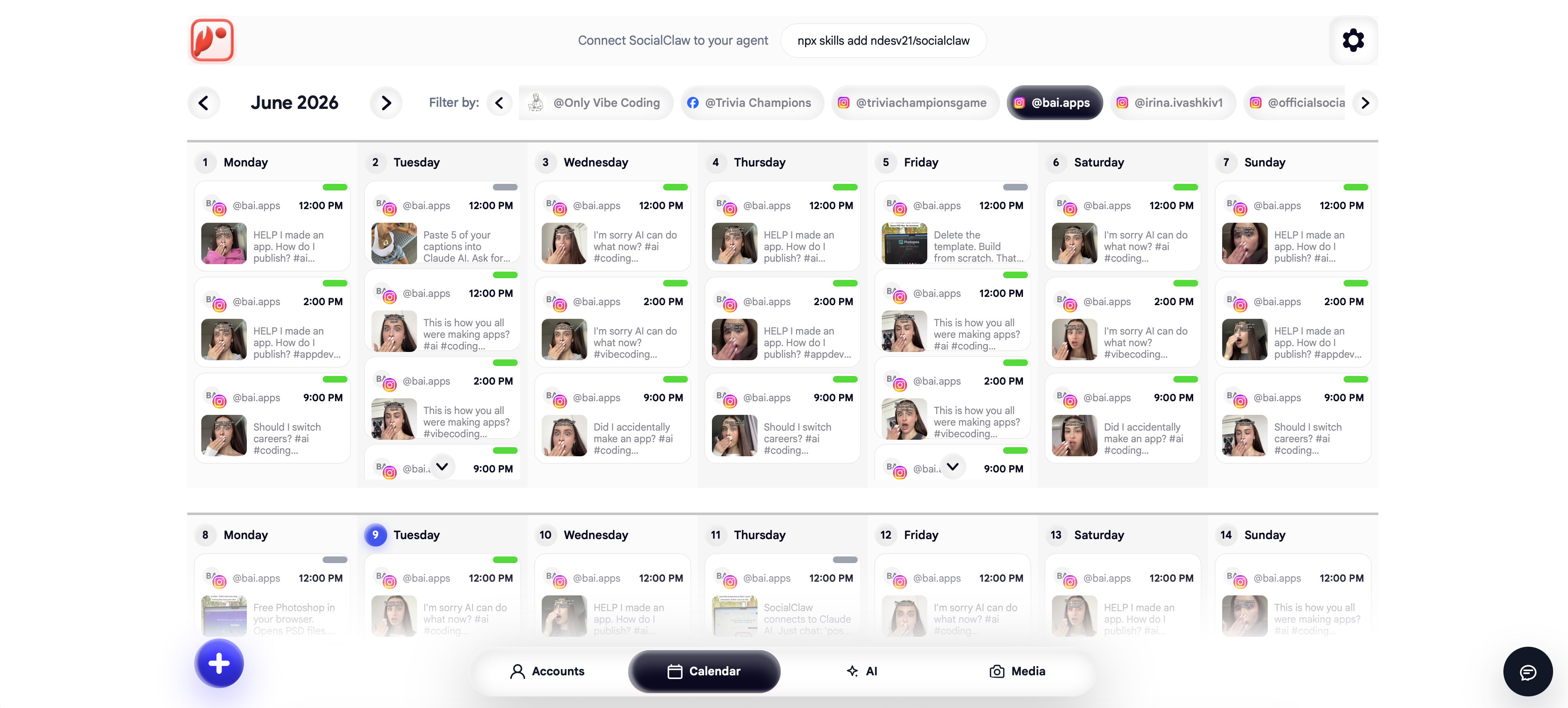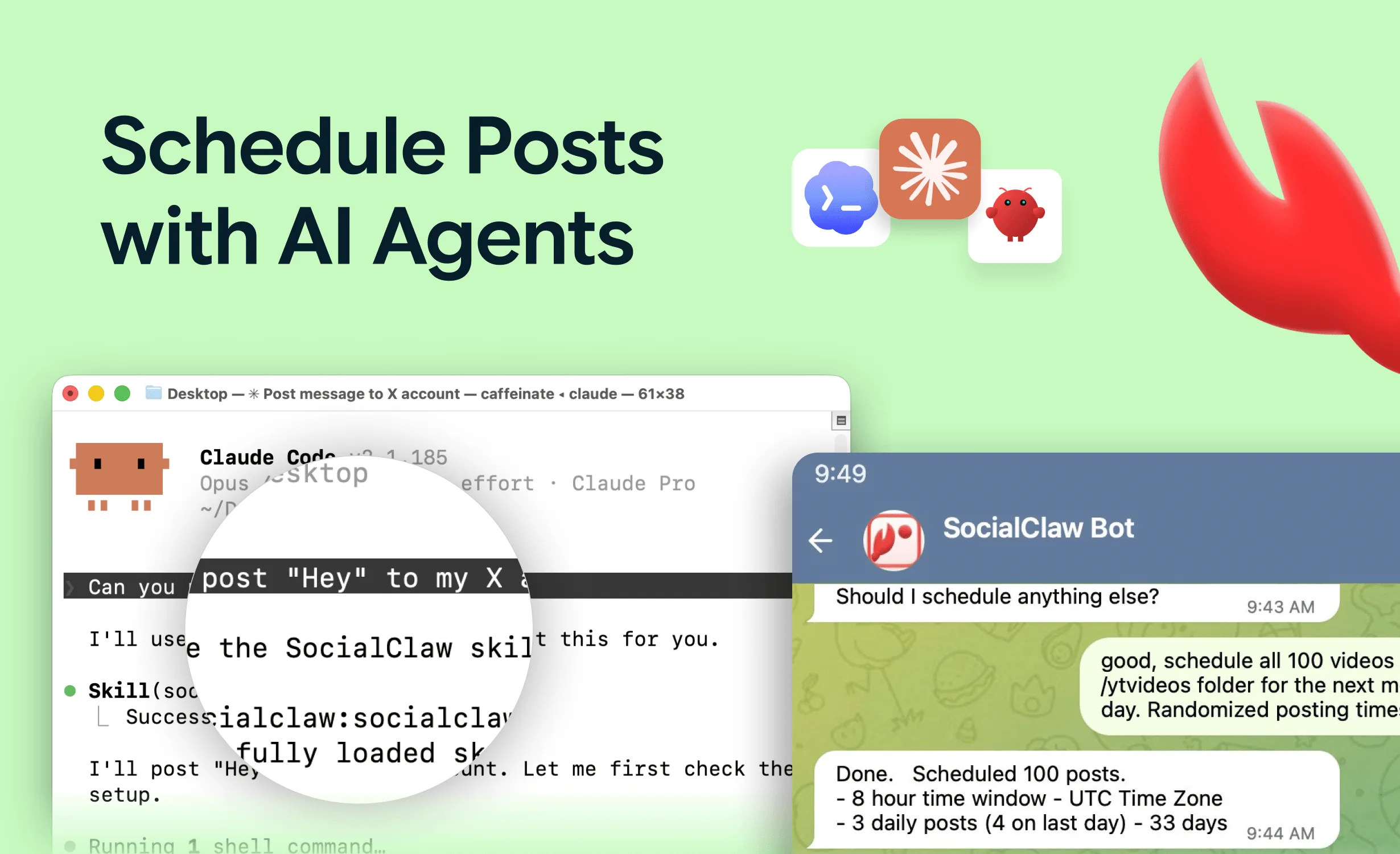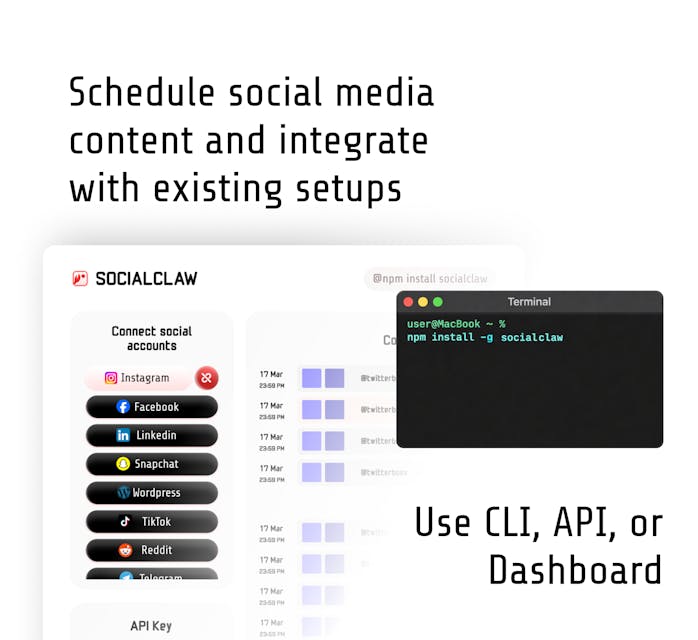
Every release you ship has a changelog, and almost none of it reaches your audience. The release notes sit in GitHub, the launch tweet gets written three days later if someone remembers, and LinkedIn hears about it never.
This is the most automatable gap in developer marketing. The trigger already exists (release: published), the content already exists (the release body), and the publishing step is a CLI call. The only missing piece is a workflow file.
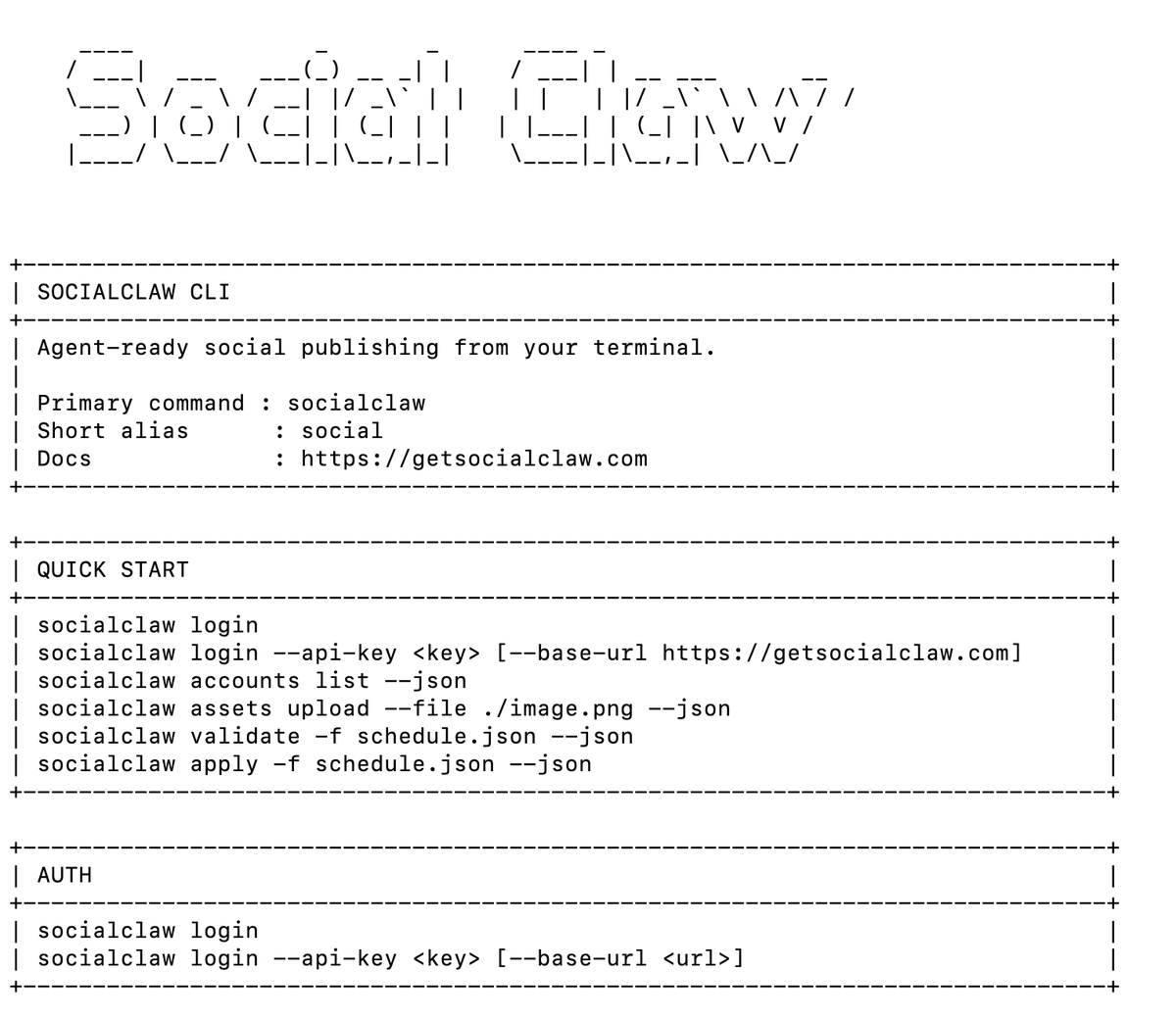
This guide builds that workflow: a GitHub Action that fires on every release, optionally summarizes the changelog with an LLM, validates the posts, and publishes to your social accounts - with API keys in secrets where they belong. It builds directly on the command-line scheduling guide; read that first if the socialclaw CLI is new to you.
Nardi Braho - July 4, 2026
TL;DR - the pipeline
>
1. Trigger on
release: published.
2. Write a
schedule.jsonfrom the release name + body (optionally AI-summarized per platform).
3.
socialclaw validate -f schedule.json- fail the job before anything publishes.
4.
socialclaw apply -f schedule.json --idempotency-key <tag>- re-runs cannot double-post.
5. Check
socialclaw status --run-id ...for real delivery state.
What do you need before writing the workflow?
Three things, all one-time setup:
- A SocialClaw workspace API key from getsocialclaw.com/dashboard, with your social accounts connected there via OAuth (the CI job never touches platform credentials - that is the point of the publishing layer).
- The key stored as a repository secret. Settings → Secrets and variables → Actions → new secret named
SOCIALCLAW_API_KEY. Never commit it, never echo it, never pass it as a workflow input. - Your account IDs. Run
socialclaw accounts list --jsonlocally once and note the IDs you want to target (e.g.x:@yourhandle,linkedin:page:987654).
What does the minimal workflow look like?
The no-AI version: post the release name and a link, verbatim, to X and LinkedIn.
name: Announce release
on:
  release:
    types: [published]

jobs:
  announce:
    runs-on: ubuntu-latest
    steps:
      - uses: actions/setup-node@v4
        with:
          node-version: 22

      - name: Write schedule
        run: |
          cat > schedule.json <<EOF
          {
            "timezone": "UTC",
            "posts": [
              {
                "account": "x:@yourhandle",
                "name": "Release ${{ github.event.release.tag_name }}",
                "description": "🚀 ${{ github.event.release.name }} is out. Release notes: ${{ github.event.release.html_url }}"
              },
              {
                "account": "linkedin:page:987654",
                "name": "Release ${{ github.event.release.tag_name }} - LinkedIn",
                "description": "We just shipped ${{ github.event.release.name }}. Full notes: ${{ github.event.release.html_url }}"
              }
            ]
          }
          EOF

      - name: Login
        run: npx -y socialclaw login --api-key "$SOCIALCLAW_API_KEY"
        env:
          SOCIALCLAW_API_KEY: ${{ secrets.SOCIALCLAW_API_KEY }}

      - name: Validate before publish
        run: npx -y socialclaw validate -f schedule.json --json

      - name: Publish
        run: npx -y socialclaw apply -f schedule.json --idempotency-key "release-${{ github.event.release.tag_name }}" --json
Two details carry the reliability of this whole workflow:
validateas its own step. If a caption is too long or an account is misconfigured, the job fails red in the Actions tab before a single post goes out. Validation is the CI gate, exactly like tests.--idempotency-keyderived from the release tag. Re-run the job (flaky runner, manual retry) and the same release cannot post twice.
How do you add an AI summarization step?
Raw release bodies make bad social posts - they are bullet lists written for users who already care. An LLM step in the middle turns one changelog into per-platform copy: punchy for X, narrative for LinkedIn.
Add a step before "Write schedule" that calls your LLM of choice with the release body and asks for JSON out. With the Anthropic API and jq:
      - name: Summarize changelog
        env:
          ANTHROPIC_API_KEY: ${{ secrets.ANTHROPIC_API_KEY }}
          RELEASE_BODY: ${{ github.event.release.body }}
        run: |
          curl -s https://api.anthropic.com/v1/messages \
            -H "x-api-key: $ANTHROPIC_API_KEY" \
            -H "anthropic-version: 2023-06-01" \
            -H "content-type: application/json" \
            -d "$(jq -n --arg body "$RELEASE_BODY" '{
              model: "claude-sonnet-4-5",
              max_tokens: 1024,
              messages: [{role: "user", content: ("Turn this changelog into social copy. Reply with ONLY JSON: {\"x\": \"<under 280 chars, energetic>\", \"linkedin\": \"<2 short paragraphs, professional>\"}\n\nChangelog:\n" + $body)}]
            }')" | jq -r '.content[0].text' > copy.json
Then build schedule.json from copy.json with jq instead of inlining the text. Prompt for strict JSON output and fail the job if parsing fails - a malformed summary should stop the pipeline at validation, not publish garbage.
Note what stays out of the prompt: your SocialClaw key. The LLM writes copy; only the CLI, reading the key from a secret-backed env var, touches publishing.
Should the workflow publish immediately or schedule for later?
Both work. Omit publish_at for publish-now announcements, or set it to stagger the fan-out - X at release time, LinkedIn the next morning at 9am when the feed is awake. Since releases are irregular, compute the timestamp in the workflow (date -u -d '+2 hours' +%Y-%m-%dT%H:%M:%SZ) and inject it into the schedule.
For teams that want a human glance before anything ships, apply the schedule as a draft campaign and have a human (or a second, manually-triggered workflow) run socialclaw publish-draft --run-id <id> after review.
How do you know the posts actually went out?
A green Actions run means the schedule was accepted - not that every platform published. Add a verification step:
      - name: Verify delivery
        run: |
          run_id=$(jq -r '.run.id' apply-output.json)
          sleep 60
          npx -y socialclaw status --run-id "$run_id" --json
          npx -y socialclaw posts list --run-id "$run_id" --status failed --json
(Write apply's output to apply-output.json in the publish step.) For immediate posts this catches platform-side rejections; for scheduled posts, check the run later from your terminal or let the delivery layer's retries handle transient failures.
Pipeline options at a glance
| Approach | Trigger | AI copy | Human review | Setup cost |
|---|---|---|---|---|
| Minimal workflow (above) | Release published | No - verbatim notes | No | ~15 minutes |
| AI-summarize step | Release published | Yes, per platform | No | ~1 hour |
Draft + publish-draft | Release published | Yes | Yes, before publish | ~1 hour |
| Agent-driven (Claude + MCP) | You, conversationally | Yes, iteratively | Yes, in the loop | Minutes, but manual trigger |
The last row is the honest alternative: if you ship twice a month, a Claude Code session with the SocialClaw MCP server writing and scheduling the announcement interactively may beat maintaining YAML. CI wins when releases are frequent and the format is stable. And if you want the full content pipeline this snippet belongs to - changelog to multi-platform campaign - that is covered in turning your SaaS changelog into social posts automatically.
FAQs
How do I post to social media from GitHub Actions without exposing credentials?
Keep platform OAuth entirely out of CI: connect accounts once in a publishing layer like SocialClaw, then give the workflow a single workspace API key via ${{ secrets.SOCIALCLAW_API_KEY }}. The runner only ever holds one revocable key, never platform passwords or tokens.
Which trigger should I use for changelog posts?
release: types: [published] is the cleanest - it fires exactly when you deem a release public and gives you github.event.release.name, .body, .tag_name, and .html_url in context. Tag-push triggers (push: tags:) fire before release notes exist; avoid them for this.
What happens if the workflow runs twice for the same release?
With --idempotency-key "release-<tag>" on socialclaw apply, the second run is recognized as the same request and does not create duplicate posts. Always derive the key from the release, never from the run.
Can I post to multiple platforms from one workflow?
Yes - one schedule.json can target any mix of the 11 supported platforms (X, LinkedIn, Instagram professional, Facebook Pages, TikTok, Discord, Telegram, YouTube, Reddit, WordPress, Pinterest), each with its own copy and timing, published in a single apply.
Does a green Actions run mean the posts published?
No - it means the schedule was accepted. Platforms can still reject a post asynchronously. Check socialclaw status --run-id <id> and posts list --status failed for real delivery state, and retry --post-id <id> for anything that failed transiently.
Do I need a paid plan to try this?
No - SocialClaw has a free tier, and GitHub Actions minutes on public repos are free. The minimal workflow above is a genuinely zero-cost experiment.