Make.com (formerly Integromat) is one of the most capable visual automation platforms for social media. Its scenario editor gives you more control than Zapier, cheaper operations pricing at volume, and a genuinely useful HTTP module for anything its native apps do not cover.
But social media automation on Make has the same structural problem as every general-purpose automation tool: the native social modules cover the easy 60 percent, and the hard 40 percent - validation before publish, delivery verification, media conversion quirks, multi-platform fan-out - is left for you to build out of HTTP calls and routers.
This guide covers both halves honestly: what Make's native modules do well, where they stop, and how to wire the HTTP module to a publishing API when you need agent-grade delivery. If you already read our n8n guide or Zapier guide, the pattern here is the same - only the module names change.
Nardi Braho - July 4, 2026
TL;DR - which approach to pick
>
- Native Make modules (Instagram for Business, LinkedIn, Facebook): fine for simple single-platform posting on a trigger.
- HTTP module + a publishing API: pick this when you need multi-platform fan-out, validation before publish, or verified delivery. One connection instead of five.
- Full AI-agent workflows (Claude, Cursor, MCP): skip the scenario editor entirely - see the MCP server roundup.
What can Make.com automate on social media natively?
Make ships first-party apps for the major platforms. The ones that matter for publishing:
- Instagram for Business (Facebook login) - upload photos, reels, and carousels to a professional Instagram account.
- Facebook Pages - create page posts with text, links, and media.
- LinkedIn - share text, articles, images, and video, on your behalf or on behalf of an organization.
- YouTube - upload videos (often paired with the HTTP module to download the source file as binary first).
- X (Twitter) - post tweets, subject to X API tier limits on your connected app.
Plus the two building blocks every serious scenario uses:
- Webhooks > Custom webhook - trigger a scenario from any external system.
- HTTP > Make a request - call any REST API with full control over method, headers, and body.
A typical native scenario: RSS > Watch items → OpenAI or Anthropic module (rewrite the headline into a caption) → Instagram for Business > Create a Photo Post. That works, and for one platform on a simple trigger it is the fastest thing to build.
Where do native Make modules fall short?
Three places, and they are the same three places every visual automation tool struggles:
1. Multi-platform fan-out multiplies fragile connections
Posting one piece of content to Instagram, LinkedIn, Facebook, X, and TikTok means five separate app connections, five OAuth tokens that expire on different schedules, and five branches in your scenario. When one token dies, that branch silently fails while the rest continue - and Make's error handling per route is your job to configure.
2. No validation before publish
Native modules push whatever payload they receive. If the caption is too long for X, the image is the wrong format for TikTok, or the Instagram account is missing required media, you find out when the module errors mid-run - after some platforms already posted. There is no "check the whole batch first" step.
3. "Success" means accepted, not published
A green module means the platform accepted the request. Some platforms (TikTok is the classic case) accept a post and then reject it during asynchronous processing. A Make scenario that ends at "module succeeded" will report false successes unless you build your own polling loop.
How do you connect Make.com to a publishing API with the HTTP module?
This is the pattern that fixes all three problems: keep Make as the orchestrator (triggers, data collection, AI caption generation) and hand publishing to one API that owns validation, fan-out, and delivery verification.
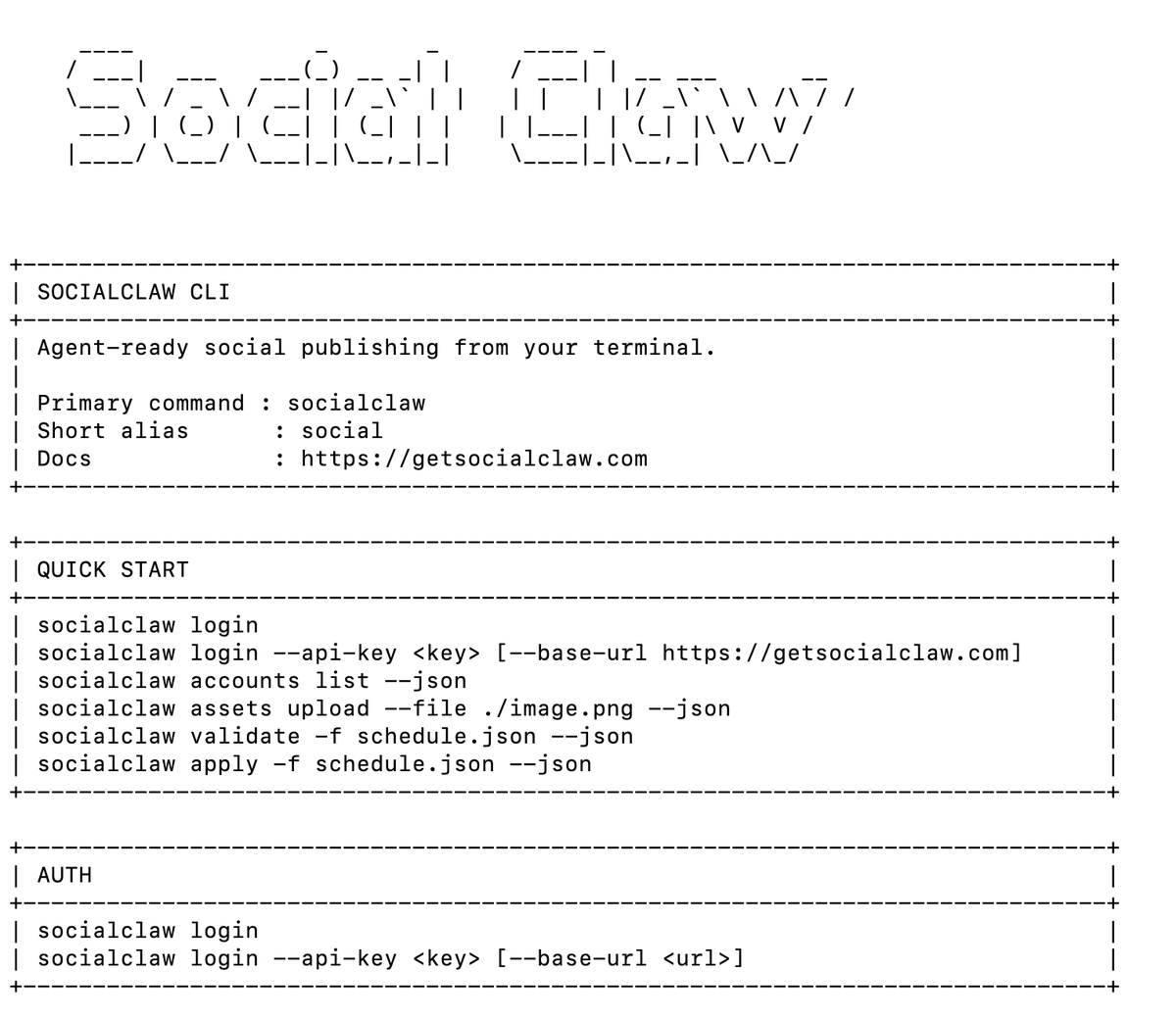
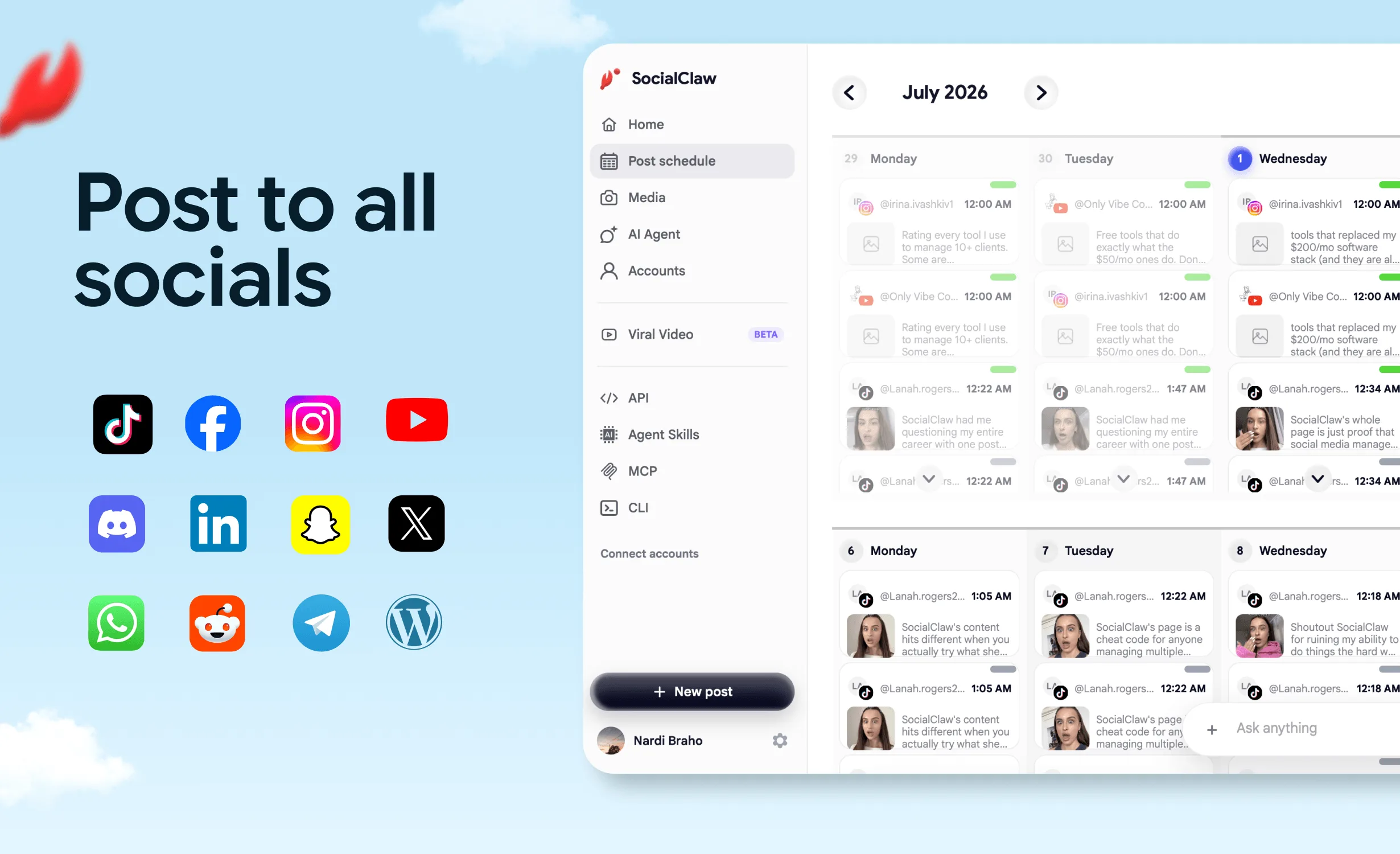
SocialClaw does not have a native Make app - this works through the standard HTTP > Make a request module against the hosted API, authenticated with your workspace API key from the dashboard. One connection covers 11 platforms: X, LinkedIn (profiles and pages), Instagram professional, Facebook Pages, TikTok, Discord, Telegram, YouTube, Reddit, WordPress, and Pinterest.
Scenario blueprint: content source → AI caption → validate → publish
Four modules:
Module 1 - Trigger. Webhooks > Custom webhook (or Google Sheets > Watch rows, RSS > Watch items - anything that emits the content).
Module 2 - AI caption. OpenAI or Anthropic Claude module: turn the raw input into per-platform captions. Return JSON so the next module can map fields cleanly.
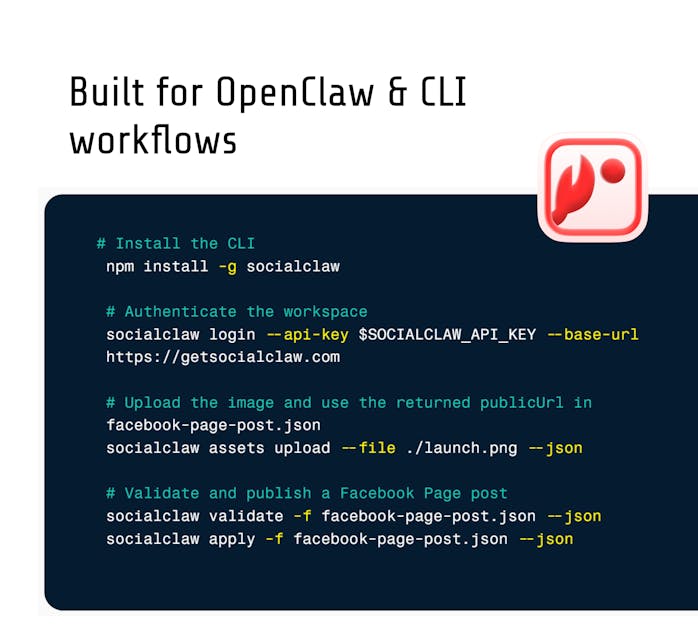
Module 3 - Validate. HTTP > Make a request:
- URL:
https://getsocialclaw.com/v1/posts/validate - Method: POST
- Headers:
Authorization: Bearer sc_live_your_key,Content-Type: application/json - Body:
{
  "schedule": {
    "timezone": "UTC",
    "posts": [
      {
        "account": "x:@yourhandle",
        "description": "{{2.x_caption}}",
        "publish_at": "2026-07-10T15:00:00Z"
      },
      {
        "account": "linkedin:member:abc123",
        "description": "{{2.linkedin_caption}}",
        "publish_at": "2026-07-10T15:05:00Z"
      }
    ]
  }
}
Module 4 - Apply. Add a filter between modules 3 and 4 that only passes when validation succeeded, then make the same HTTP call to https://getsocialclaw.com/v1/posts/apply with the same schedule body plus an "idempotencyKey" field. The idempotency key matters in Make specifically: if a scenario re-runs after a partial failure, you will not double-post.
To attach media, first POST the file to /v1/assets/upload (filename, mime type, base64 content) and use the returned hosted media URL as the post's media_link. Upload once, reuse the URL across every platform branch.
How do you verify delivery from Make?
Add one more HTTP module on a delay (or a scheduled second scenario): GET https://getsocialclaw.com/v1/runs/{runId}/status using the run ID returned by apply. That tells you what actually published, what is retrying, and what failed - the difference between "the scenario ran" and "the posts are live."
Native modules vs HTTP module + publishing API
| Native Make modules | HTTP module + SocialClaw API | |
|---|---|---|
| Platforms per connection | 1 each | 11 with one API key |
| OAuth token management | You, per platform | Handled by the publishing layer |
| Validate before publish | No | Yes - /v1/posts/validate |
| Delivery verification | Build your own polling | Run status + per-post attempts |
| Media handling | Per-module upload rules | Hosted media, upload once and reuse |
| Platform quirks (TikTok formats, IG rules) | Your problem mid-run | Normalized (e.g. PNG auto-converted for TikTok) |
| Retries on transient failure | Manual error handlers | Automatic, inspectable |
| Best for | Single-platform simple posts | Multi-platform, scheduled, agent-driven |
When should you skip Make.com entirely?
Be honest about what the scenario editor is buying you. If your workflow is "an AI writes content and publishes it on a schedule," a visual canvas between the AI and the API is overhead, not value.
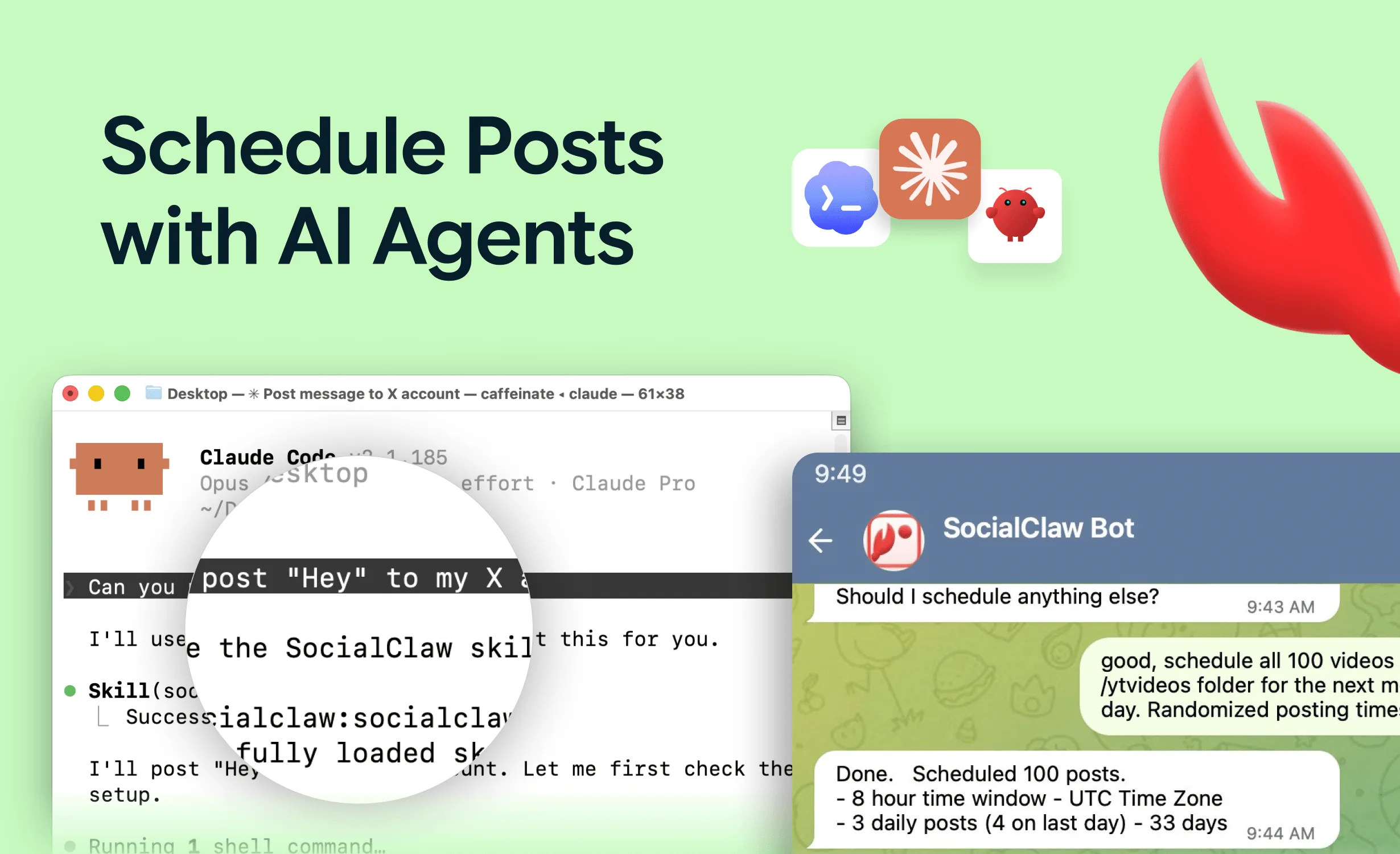
AI agents like Claude can talk to a publishing layer directly over MCP - no scenario, no operations pricing, no module mapping. The agent lists connected accounts, checks capabilities, validates the schedule, applies it, and verifies delivery, all as tool calls. That is a better fit when the content generation itself is the agent's job. Start with the social media MCP server roundup if that sounds like your workflow.
Make earns its place when the trigger side is genuinely complex: multi-app data collection, human approval steps in Slack, CRM lookups, conditional routing across teams. Keep Make for orchestration; do not make it your publishing engine.
FAQs
Does SocialClaw have a native Make.com app?
No. SocialClaw connects to Make through the standard HTTP > Make a request module against the hosted API (https://getsocialclaw.com), authenticated with a workspace API key. That is a deliberate trade: the REST API is the stable contract, and it works identically from Make, n8n, GitHub Actions, or an AI agent.
Is Make.com cheaper than Zapier for social media automation?
Generally yes at volume - Make prices by operations and its free tier allows 1,000 operations per month, while Zapier prices by tasks and gets expensive as multi-step Zaps multiply. Check both pricing pages for current numbers; the bigger cost difference is usually maintenance time on broken connections, not subscription price.
Can Make.com post to Instagram personal accounts?
No - and neither can any other tool that uses official APIs. Meta's content publishing API only works with Instagram professional (business or creator) accounts. That is a Meta platform rule, not a Make or SocialClaw limitation.
How do I keep API keys safe in Make scenarios?
Store the key in the HTTP module's connection or a scenario variable, never in a text field that gets logged in scenario history. Same rule as agent workflows: keys belong in config, never in prompts or visible payloads.
Can Make.com verify that a post actually published?
Not with native modules alone - a green module means the platform accepted the request, which is not the same as published. Poll a run-status endpoint (like GET /v1/runs/{runId}/status) in a follow-up module or scheduled scenario to confirm real delivery state.
Should I use Make.com or n8n for social media automation?
Make is hosted, polished, and priced per operation; n8n is self-hostable, open-source, and free to run on your own infrastructure. The publishing pattern is identical in both - native nodes for simple cases, HTTP requests to a publishing API for serious workflows. See the full n8n social media automation guide for the n8n version of this exact setup.