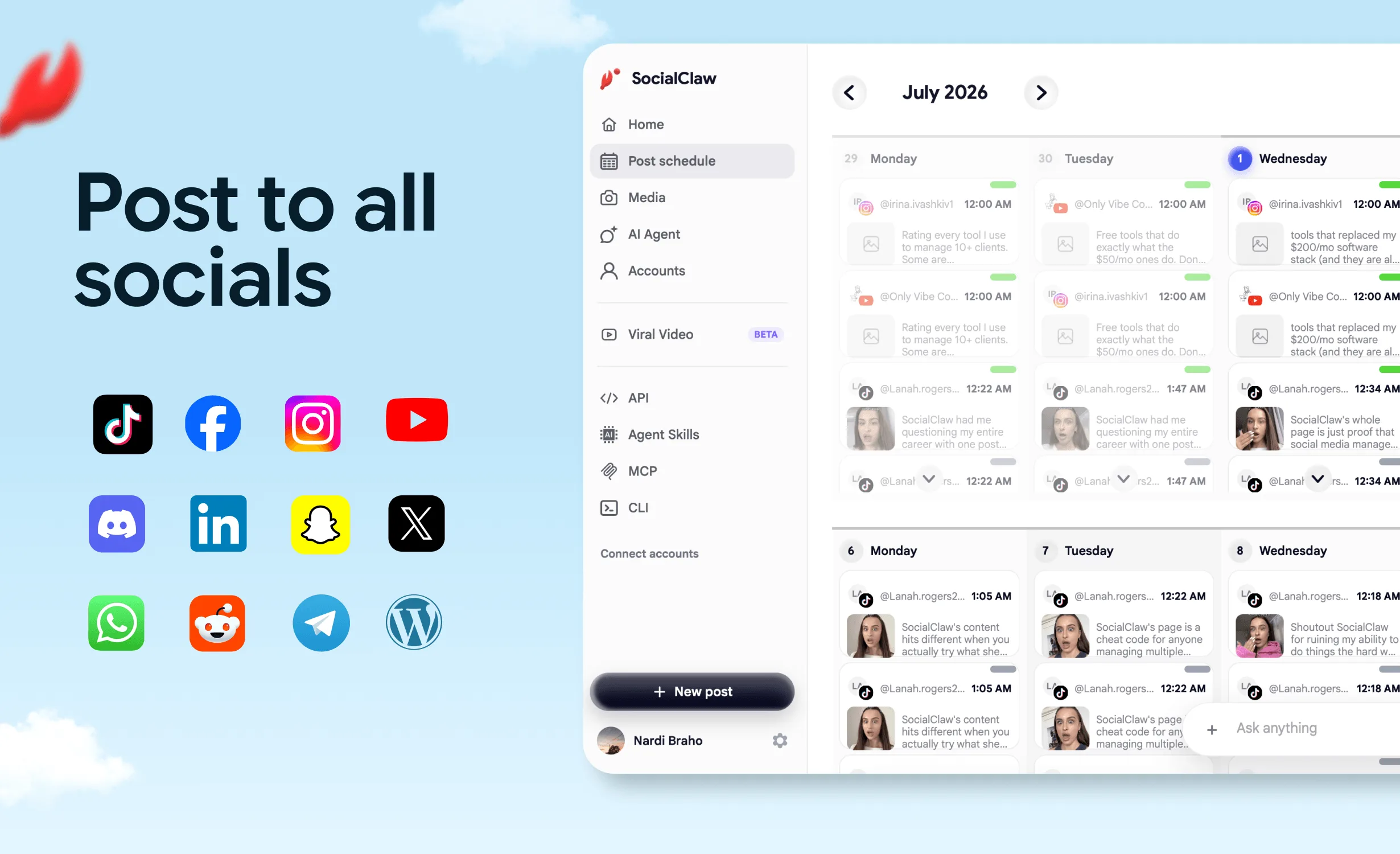
n8n is the workflow tool developers reach for when Zapier feels like a toy and writing a full service feels like overkill. For social media automation it's a strong fit — with one catch: n8n's built-in social nodes cover a handful of platforms with basic actions, and the moment you want scheduling, media handling, validation, or delivery verification across many platforms, you're stitching together per-platform APIs yourself.
The cleaner architecture is one n8n workflow talking to one publishing backend. n8n handles the triggers and orchestration (its genuine strengths); the publishing layer handles OAuth for eleven platforms, hosted media, preflight validation, and post-publish state.
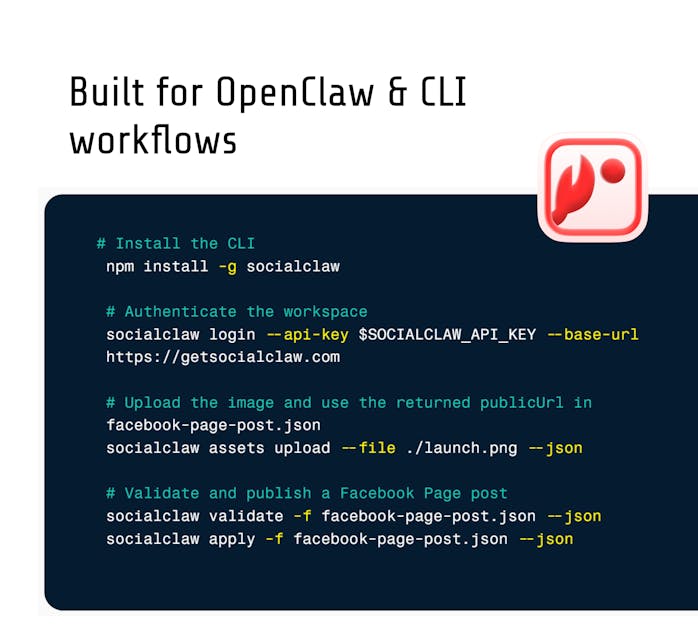
This guide builds that: an RSS-to-social workflow with an AI caption step, using n8n's HTTP Request node against SocialClaw's hosted API. To be clear up front — there is no official SocialClaw n8n node today. Everything below uses standard HTTP Request nodes, which is less glamorous and works right now.
Nardi Braho - July 4, 2026
TL;DR: RSS Trigger → AI node drafts platform-specific captions → HTTP Request
validate_schedule→ IF node gates on validation → HTTP Requestapply_schedule→ wait → HTTP Requestrun_statusto confirm delivery. One workspace API key in an n8n credential, 11 platforms out the other side.
What can n8n do for social media, and where does it stop?
| Layer | n8n handles it | Needs a publishing backend |
|---|---|---|
| Triggers (RSS, webhook, cron, sheet row) | ✅ Best-in-class | — |
| Data transforms and branching | ✅ | — |
| AI caption generation | ✅ AI/LLM nodes | — |
| OAuth to 11 social platforms | ❌ Per-platform setup, token refresh on you | ✅ Connect once via OAuth |
| Media upload + reuse across platforms | ❌ Manual per platform | ✅ Hosted media, one URL |
| Platform rule validation before posting | ❌ | ✅ validate_schedule |
| Scheduling queue | Partial (Wait nodes get clumsy) | ✅ apply_schedule with times |
| "Did it actually publish?" | ❌ | ✅ run_status, post_attempts |
That right-hand column is why the HTTP-node pattern beats wiring eleven platform APIs into one workflow. (For how this compares to Zapier and raw API integration, see MCP vs API vs Zapier.)
How do you set up the connection?
One-time: sign up at getsocialclaw.com (free tier), connect your social accounts via OAuth in the dashboard, and copy your workspace API key (sc_live_...).
In n8n: create a credential of type Header Auth — name Authorization, value Bearer sc_live_your_key — and attach it to every HTTP Request node below. Keep the key in the credential store, never hardcoded in node parameters or expressions.
The API is documented at getsocialclaw.com/docs/api. A useful first node while building: call the accounts-listing endpoint and pin the output, so downstream nodes can reference real account IDs.
The RSS-to-social template, node by node
The classic use case: every new blog post becomes platform-appropriate social posts, automatically.
1. RSS Feed Trigger — poll your blog feed. New item = new workflow run, with title, link, and content snippet.
2. AI node (caption step) — use n8n's LLM node with a prompt like:
You write social posts for a developer tool.
From this blog post, produce JSON with two fields:
- "x": a post for X, max 260 chars, no hashtag spam, ends with the link
- "linkedin": a LinkedIn post, 3 short paragraphs, professional but direct,
  ends with the link

Title: {{ $json.title }}
Link: {{ $json.link }}
Summary: {{ $json.contentSnippet }}
Asking for JSON keys per platform matters — one platform-shaped draft each, not one caption sprayed everywhere.
3. HTTP Request — validate. POST the draft schedule (posts, target account IDs, scheduled times) to the validation endpoint per the API docs. This is the preflight: character limits, media requirements, per-platform rules — checked before anything is queued.
4. IF node — gate on validation. Valid → continue. Invalid → route to a Slack/Telegram notification with the validation errors instead of publishing something broken. This validate-before-apply gate is the whole difference between automation you trust and automation you babysit.
5. HTTP Request — apply. Same payload shape to the apply endpoint. Posts are now scheduled or publishing.
6. Wait node + HTTP Request — verify. After a few minutes, call the run-status endpoint with the run ID from step 5. Platforms can accept a post and still fail it during processing (TikTok is notorious: photo posts reject PNGs with file_format_check_failed — JPEG/WebP only, which SocialClaw auto-converts via ?format=jpeg, but the verify step is how you'd ever know). Route failures to your notification channel with post_attempts details.
Optional media branch: if the post includes an image, add an HTTP Request node before validation that uploads it via the asset endpoint — you get back a hosted URL reusable across every platform in the schedule.
Where does AI fit beyond captions?
Three upgrades once the skeleton works:
- Platform fan-out: extend the AI prompt to also emit Telegram/Discord variants — announcement-toned for communities, not marketing-toned.
- Relevance gate: an AI classification step after the trigger ("is this post worth social distribution? yes/no + reason") so minor updates don't auto-post.
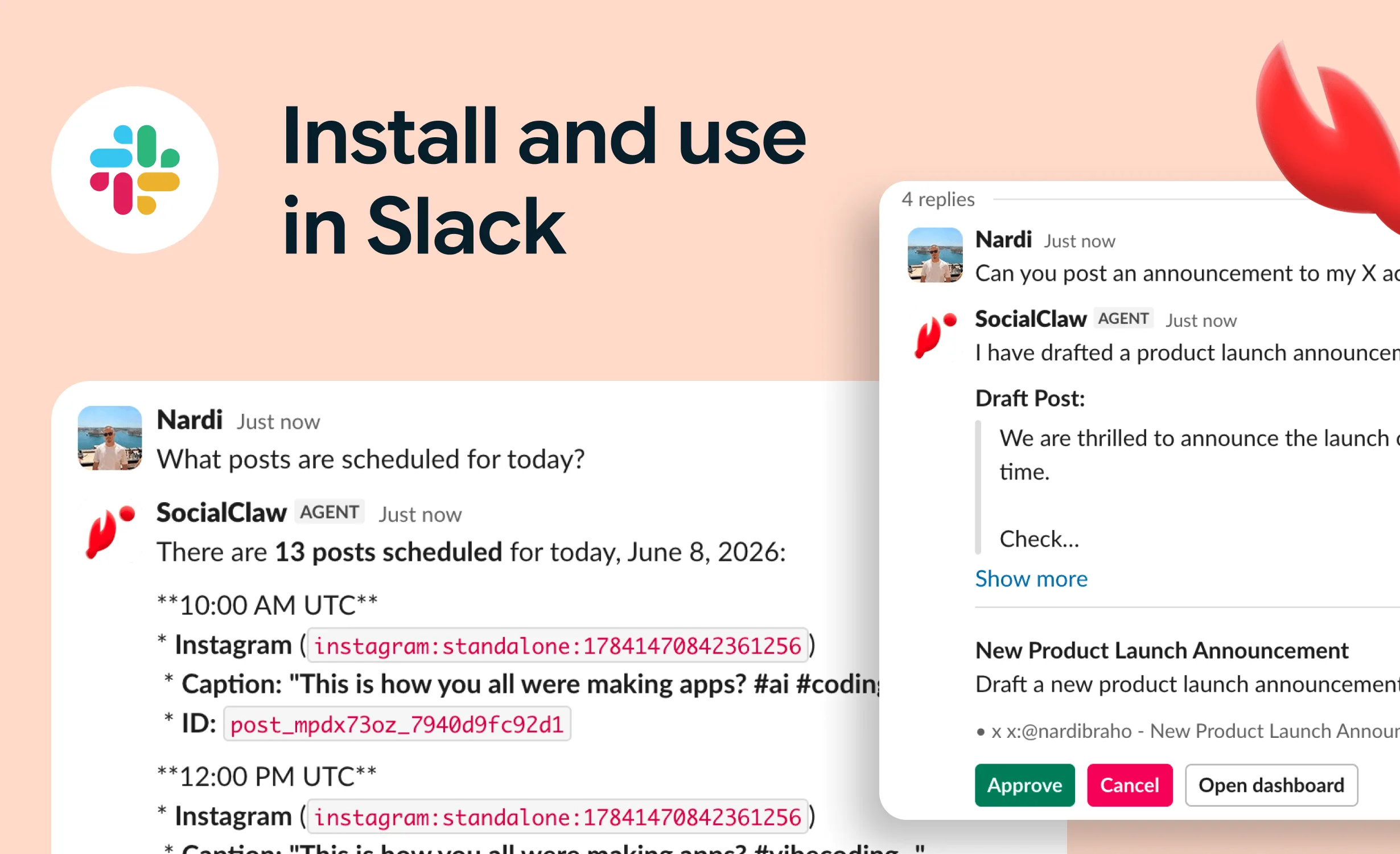
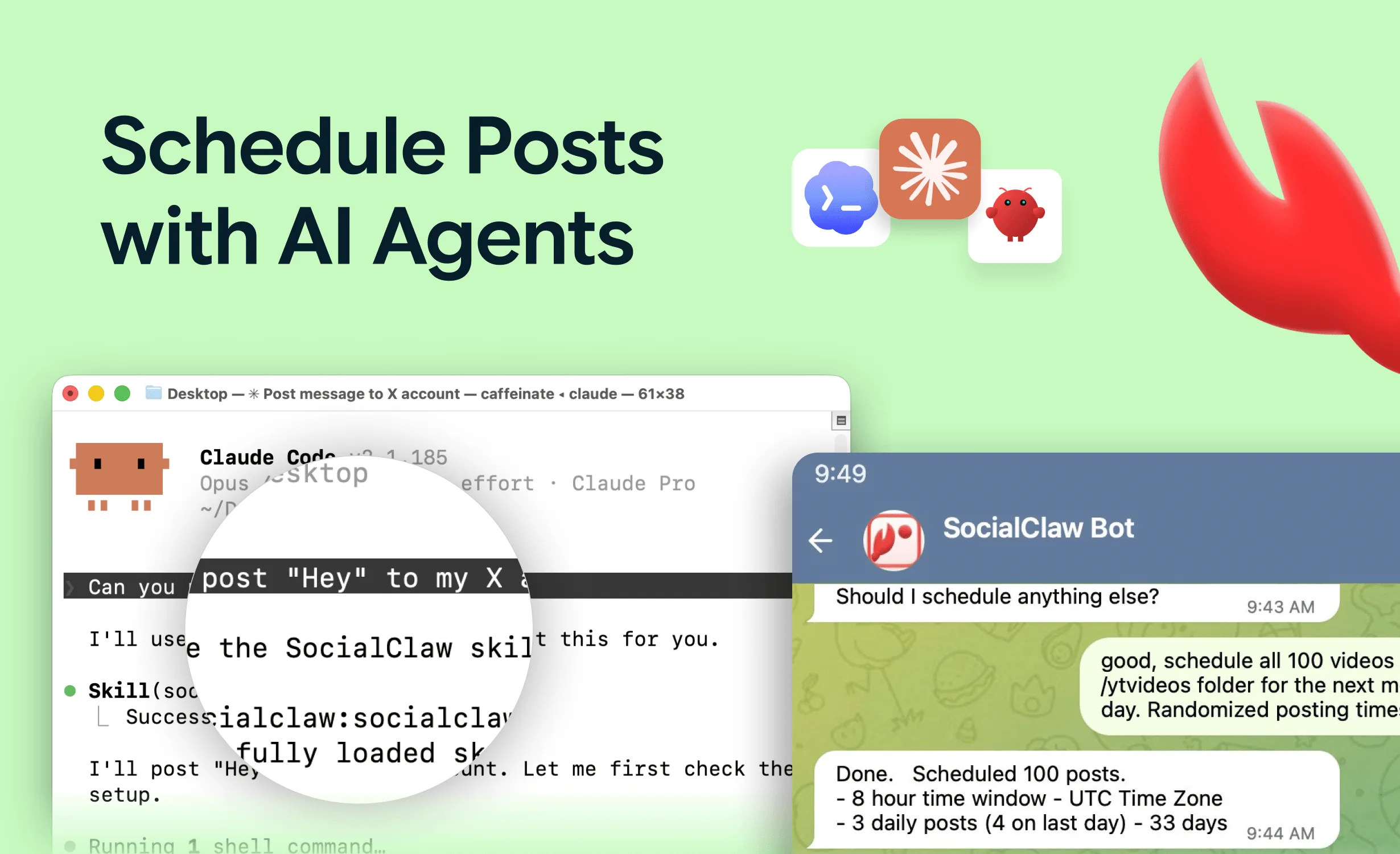
- Agent-driven runs: n8n's AI Agent nodes can call MCP tools directly, which suits open-ended jobs; for a fixed pipeline like RSS-to-social, plain HTTP nodes are more deterministic and easier to debug. If you want the agent-first version of this workflow, that's Claude Code automation territory.
What about n8n's native social nodes or a community node?
Use them when they fit: if you only post text to one or two platforms n8n covers natively, you may not need anything else. The seams show at scheduling, media, multi-platform fan-out, and verification.
Honesty corner: Postiz — an open-source alternative we rate well for self-hosters in our MCP server ranking — advertises an n8n custom node, which is a real convenience if you're on their stack; SocialClaw doesn't have one yet. The trade-off you get for HTTP nodes against SocialClaw is the hosted, validation-first backend and the 11-platform surface through one key. Same pattern, different tools: Zapier and Make.com versions of this workflow.
FAQs
Does SocialClaw have an official n8n node?
No — not today. The supported pattern is n8n's HTTP Request node against the hosted API (or its MCP endpoint from n8n's AI Agent tooling). This guide is that pattern; it requires no community-node installs and survives n8n upgrades.
Which platforms can this workflow post to?
Whatever you've connected in the SocialClaw workspace: X, LinkedIn (profiles and pages), Instagram professional, Facebook Pages, TikTok, Discord, Telegram, YouTube, Reddit, WordPress, and Pinterest — all via official platform APIs. One caveat: Instagram requires a professional (business/creator) account per Meta's rules, and every Instagram post needs media.
Self-hosted n8n or n8n Cloud — does it matter?
Both work identically here; the workflow only makes outbound HTTPS calls. Self-hosted n8n plus a hosted publishing backend is a popular middle ground: you own the orchestration, and OAuth token management stays off your plate.
How is this different from just using n8n's Zapier-style built-in integrations?
Built-in nodes execute single actions ("create tweet"). The pattern here adds what multi-platform publishing actually needs: one auth for eleven platforms, hosted media reuse, validation before queueing, and delivery verification after. It's the difference between sending posts and running a publishing pipeline.
What does it cost?
n8n: free self-hosted, or n8n Cloud plans. SocialClaw: free tier, paid plans as volume grows. The AI caption step bills whatever LLM you wire in — typically fractions of a cent per post.
Can the workflow also read analytics?
Yes — the API exposes analytics retrieval (the same capability as the get_analytics MCP tool), so a weekly cron workflow can pull performance data and post a digest to Slack. Full tool taxonomy in what is a social media MCP server.