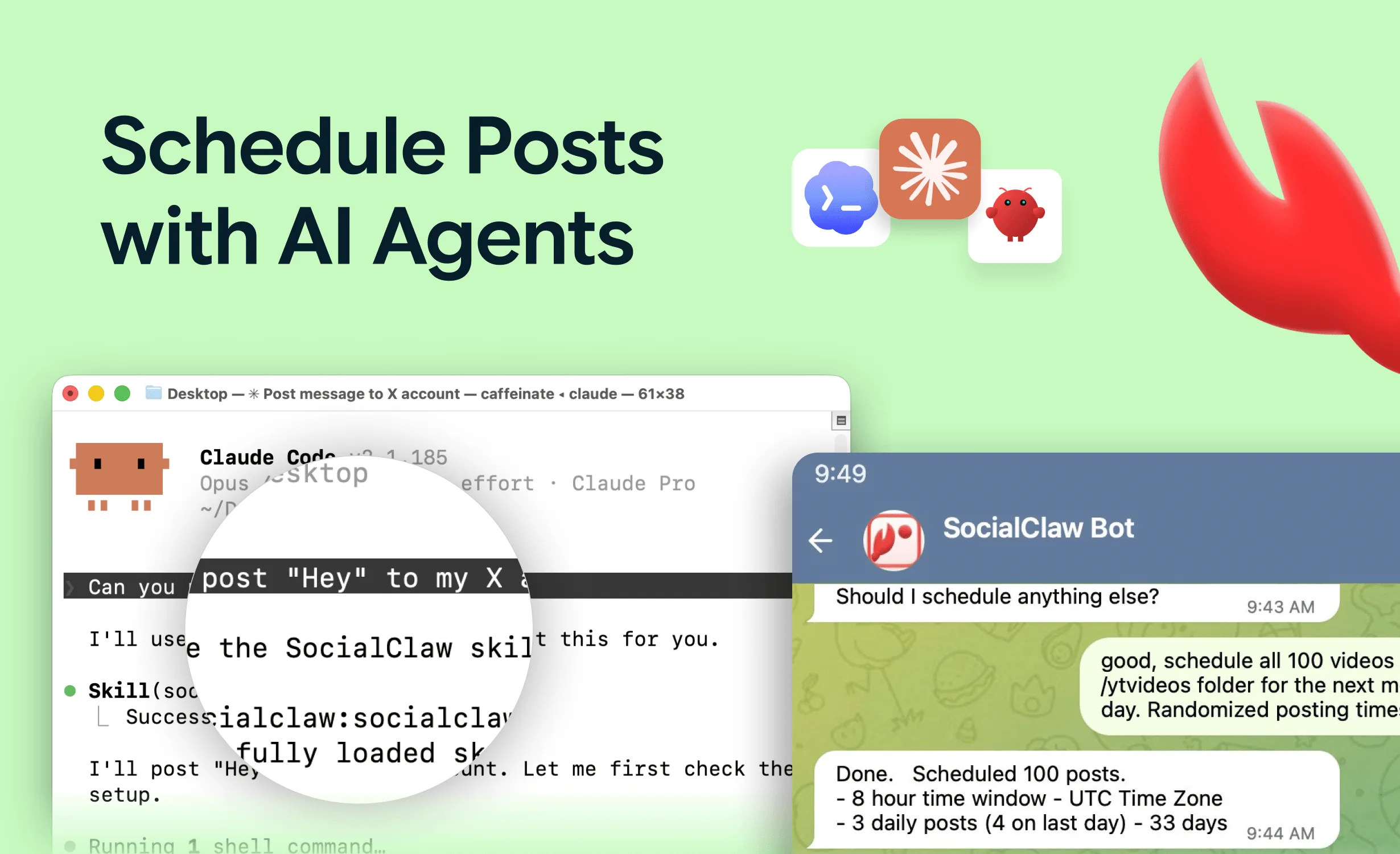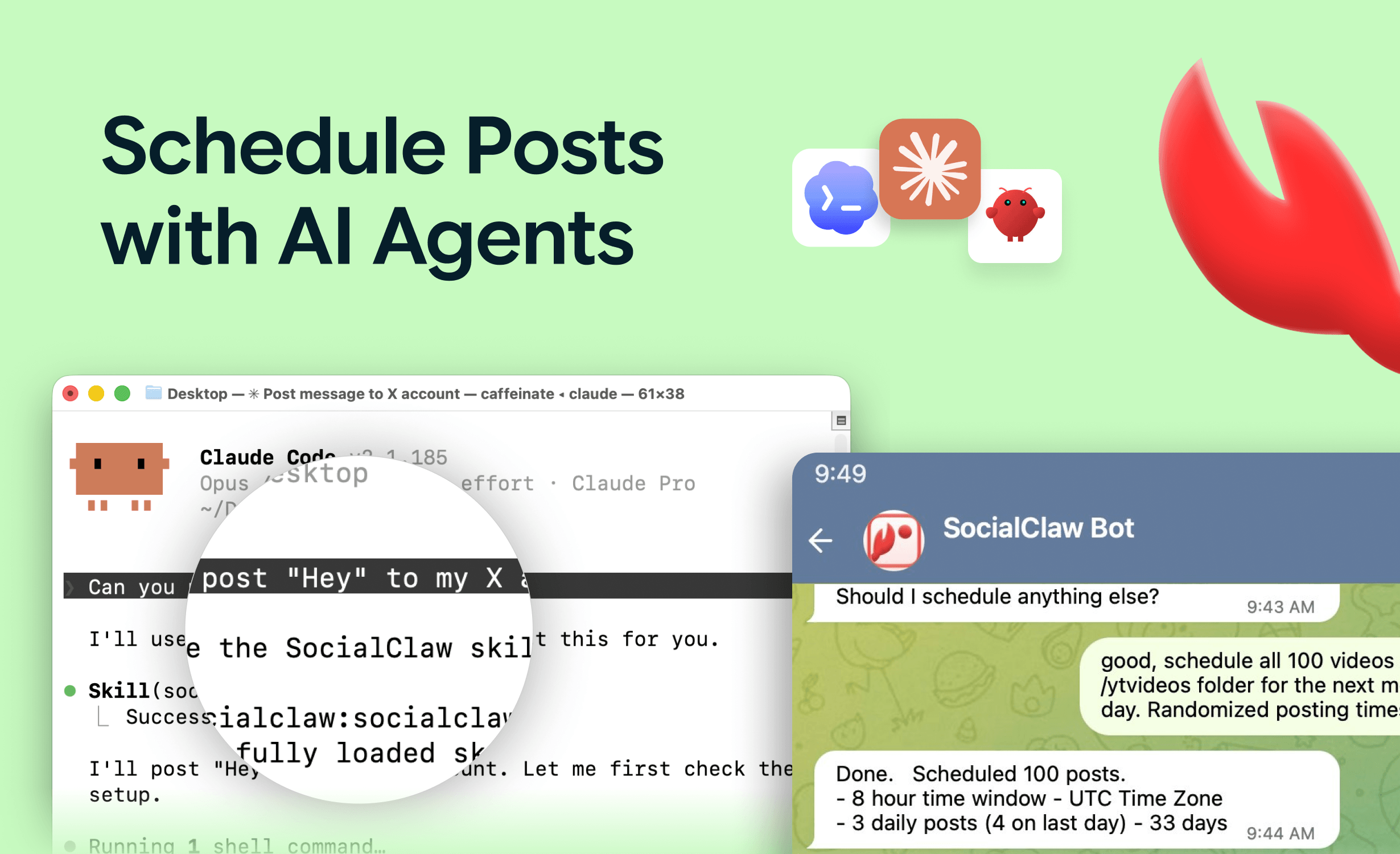
Claude Code is usually described as a coding tool, but it is really a general agent that lives in your terminal, reads your files, and calls tools. That combination makes it unusually good at social media automation: it can read a changelog from your repo, draft platform-specific posts, and schedule them — all in one session, with the same review habits you use for code.
The missing capability is publishing. Claude Code has no access to your social accounts until you give it one, and the clean way to do that is an MCP server (here's what that means if the term is new).
This guide sets that up and then covers the workflows that make it worth doing: the socialclaw skill, weekly batching, changelog-to-posts, and the validate → apply → verify loop that keeps automation from silently failing.
Nardi Braho - July 4, 2026
TL;DR:
claude mcp add --transport http socialclaw https://getsocialclaw.com/mcp --header "Authorization: Bearer sc_live_your_key"— one command, no local server. Then prompt in plain language. Batch weekly, always validate before applying, and checkrun_statusafter. Add posting conventions to the repo'sCLAUDE.mdso every session follows them.
How do you connect Claude Code to your social accounts?
Two steps.
1. Connect accounts once. Sign up at getsocialclaw.com, connect your social accounts via OAuth in the dashboard, and copy your workspace API key.
2. Add the hosted MCP server:
claude mcp add --transport http socialclaw https://getsocialclaw.com/mcp \
  --header "Authorization: Bearer sc_live_your_key"
That is the whole install — the hosted endpoint means nothing runs on your machine. Test it by asking Claude Code to "list my connected social accounts."
You now have 17 tools covering the publishing lifecycle: discovery (list_accounts, account_capabilities), media (upload_asset), validation (validate_schedule, preview_campaign), publishing (apply_schedule, publish_draft), and inspection (run_status, post_attempts, retry_post, get_analytics, and friends). The general Claude setup guide — including the Claude Desktop JSON variant — is in how to post to social media with Claude.
The socialclaw skill
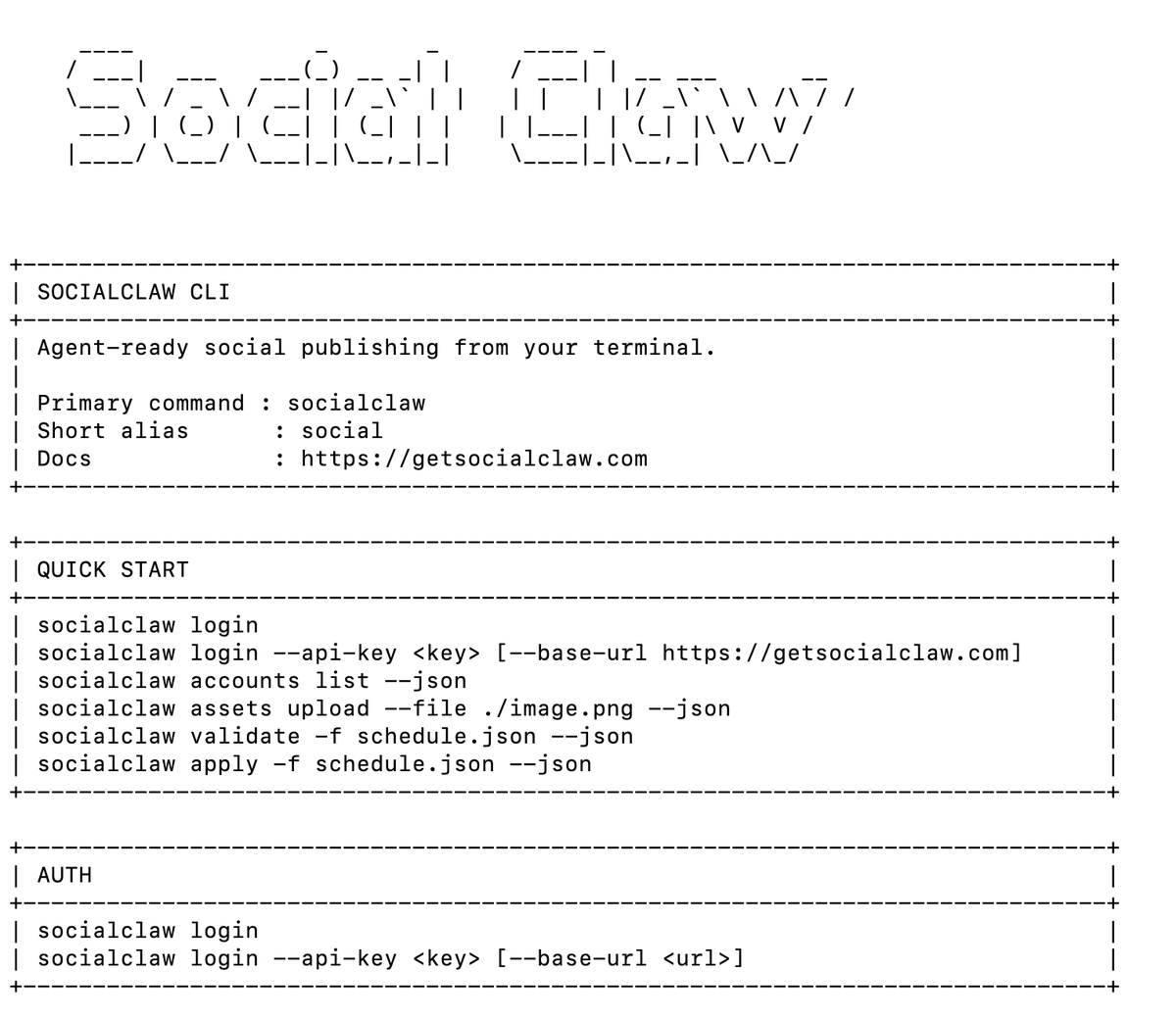
Claude Code also supports a socialclaw skill. Where the MCP server provides the raw tools, the skill packages the workflow knowledge — the canonical tool order, platform gotchas, and payload conventions — so you spend less prompt space explaining how to publish correctly. If you use SocialClaw from Claude Code regularly, install the skill and let it drive the MCP tools.
What is the reliable publishing pattern?
Every workflow below rests on one loop: validate → apply → verify.
validate_schedule— catches per-platform rule violations (character limits, media counts, account-type rules) before anything is live.apply_schedule— schedules or publishes only after validation passes.run_status— confirms delivery afterward. Platform "accepted" is not "published"; several platforms accept asynchronously and can still fail.post_attemptsshows what happened per attempt, andretry_postrecovers failures.
Tell Claude Code to follow this explicitly, or encode it in CLAUDE.md (below) so you never have to repeat it. Skipping the loop is how agents end up reporting success on posts that never went out.
The loop shows up in every workflow this guide covers:
| Workflow | Example prompt | Tools Claude Code calls |
|---|---|---|
| Weekly batch | "Draft this week's posts, validate, show me the schedule" | account_capabilities → validate_schedule → apply_schedule |
| Changelog → posts | "Read CHANGELOG.md, draft an X thread and a LinkedIn post" | upload_asset → validate_schedule → apply_schedule |
| Delivery check | "Did this week's posts all publish? Retry failures" | run_status → post_attempts → retry_post |
| Performance recap | "Summarize this month's top posts by engagement" | get_analytics |
What does a weekly batch workflow look like?
The highest-leverage pattern for most teams. Once a week:
- Paste rough notes into Claude Code — launch items, links, half-formed ideas.
- Prompt: "Draft this week's posts: an X thread for the launch, LinkedIn versions of items 2 and 3, and one Telegram announcement. Space them across Tuesday–Thursday mornings ET. Validate everything and show me the schedule before applying."
- Claude drafts per-platform content, calls
account_capabilitiesto respect each platform's shape, uploads any media, validates, and presents the plan. - You review in the terminal. One "apply it" message, and the week is queued.
- Friday: "Check this week's run status. Retry anything that failed and summarize engagement."
Ten minutes of review replaces a week of ad-hoc posting, and every post passed validation before going live.
How do you turn a changelog into social posts?
The workflow Claude Code is uniquely positioned for, because it already reads your repo:
Read CHANGELOG.md and find everything added since the last release tag.
Write an X thread (max 5 tweets) highlighting the two most user-visible
changes, and a single LinkedIn post in a more formal tone. Use the
screenshot at ./assets/feature.png for the LinkedIn post. Validate both,
show me previews, then schedule for tomorrow 9am and 10am ET.
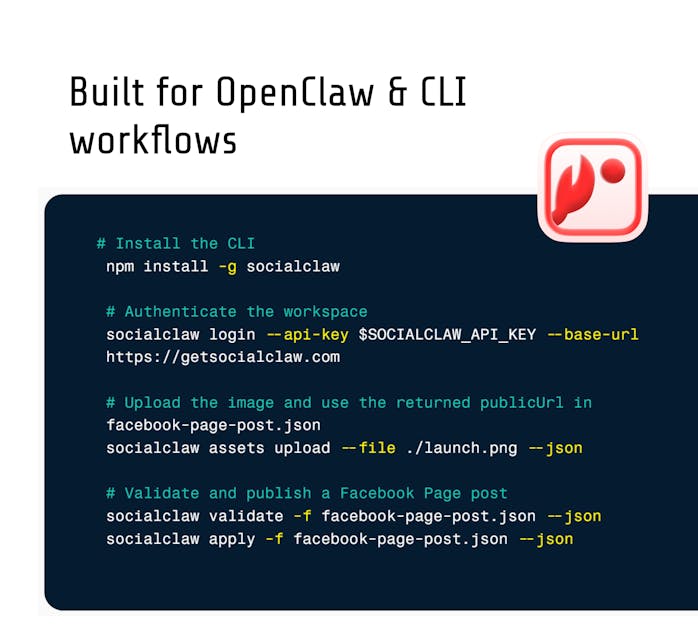
Claude Code reads the file, drafts, uploads the screenshot with upload_asset, validates, and schedules — one prompt, no copy-pasting between tools. The same pipeline runs unattended from CI: post your changelog to social media from GitHub Actions. And since the socialclaw npm package is also a CLI, anything you prototype interactively can graduate to a script — see scheduling social posts from the command line.
What should you put in CLAUDE.md for a marketing repo?
If you run social automation from a dedicated repo (or your product repo), a CLAUDE.md file turns one-off prompts into standing policy. Claude Code reads it at the start of every session. A working example:
# Social publishing rules

- Always validate_schedule before apply_schedule. Never skip.
- After applying, check run_status and report failures.
- X: threads max 5 posts, no hashtags. LinkedIn: no emoji,
  professional tone. Telegram: casual, one emoji fine.
- Post times: Tue-Thu, 9am-11am ET unless told otherwise.
- Never publish to LinkedIn without showing me the draft first.
- Media lives in ./assets/. TikTok photos must be JPEG, not PNG.
- Voice: first-person builder, no marketing superlatives.
Two habits worth encoding for any team:
- Human review where it matters. Auto-post to Discord/Telegram; require an explicit approval message for LinkedIn and X.
- Keys stay in config. The workspace API key lives in the MCP config — never in
CLAUDE.md, never in prompts.
Which platforms can Claude Code post to this way?
All 11 SocialClaw platforms: X, LinkedIn (profiles and pages), Instagram professional accounts, Facebook Pages, TikTok, Discord, Telegram, YouTube, Reddit, WordPress, and Pinterest — through official platform APIs only, never browser automation.
Platform rules still apply, and they are the usual production surprises: Instagram requires a professional (business/creator) account — a Meta rule, not a tool limit. TikTok photo posts reject PNG with file_format_check_failed (SocialClaw auto-converts hosted media to JPEG). This is exactly why account_capabilities and validate_schedule exist — the agent asks instead of assuming.
FAQs
Can Claude Code post to social media directly?
Not out of the box — it needs an MCP server that holds your OAuth-connected accounts. With the hosted SocialClaw endpoint added via claude mcp add, publishing becomes a set of tools Claude Code calls like any other.
Is Claude Code better than Claude Desktop for social automation?
For automation-heavy use, yes: it reads repo files (changelogs, drafts, assets), supports CLAUDE.md conventions and skills, and scripts cleanly. Claude Desktop is the better fit for marketers who want the same tools in a chat window — see the options overview.
Can this run fully unattended?
The interactive loop always has you in it. For truly unattended runs — post on every release tag — use the CLI or API from CI instead, with validation still in the pipeline: GitHub Actions changelog posting.
How does Claude Code know each platform's rules?
It asks. account_capabilities returns what each connected account accepts, and validate_schedule enforces the rules before publish. Encode your own conventions (tone, timing, review requirements) in CLAUDE.md.
Does this violate social platform terms of service?
No. Everything goes through official platform APIs — the same ones mainstream schedulers use. Browser-automation posting is the route that violates ToS.
Which MCP server works best with Claude Code?
Any server with publish tools works; the ranked comparison is in the best social media MCP servers. SocialClaw's hosted HTTP transport is the lowest-friction fit for claude mcp add.