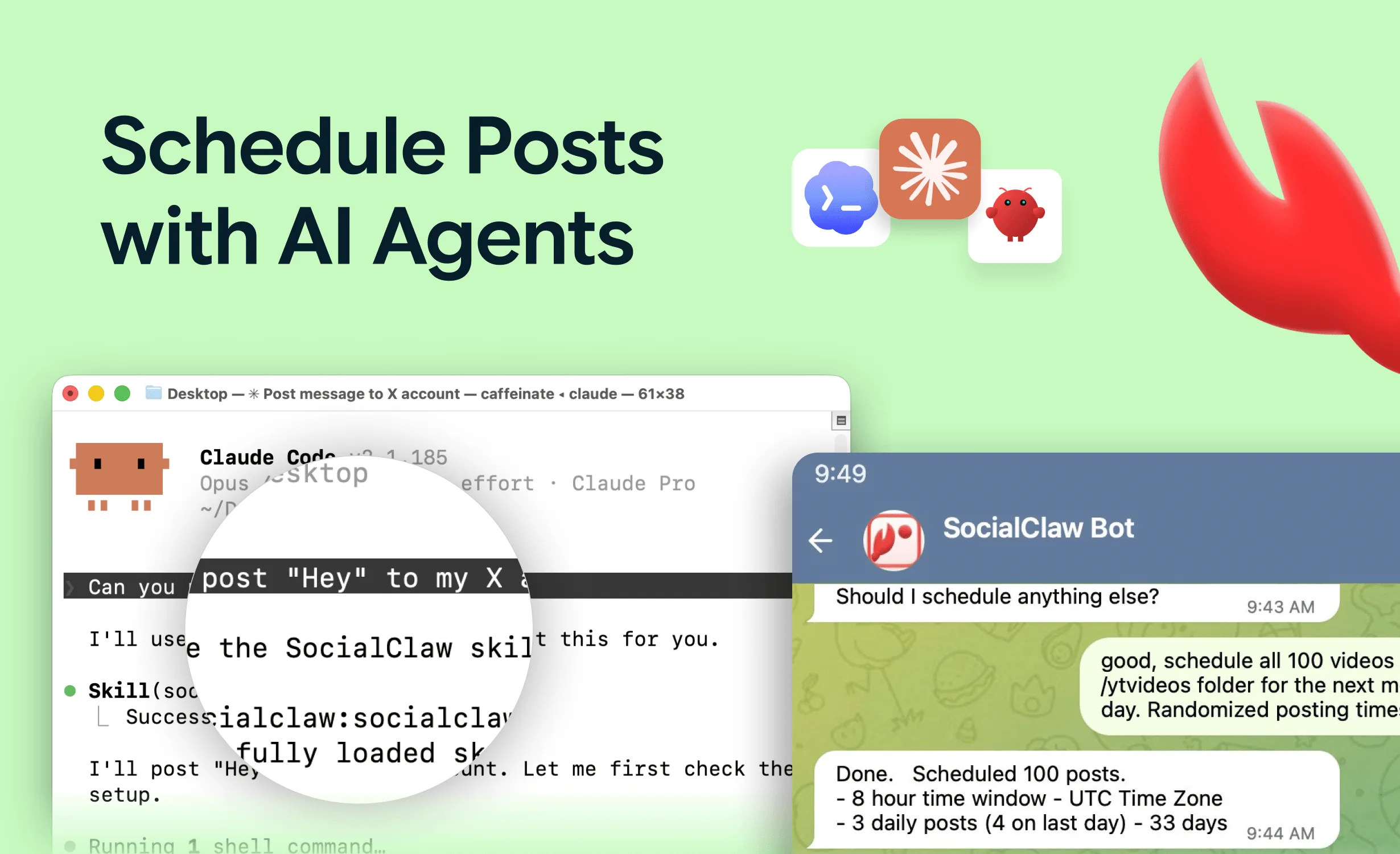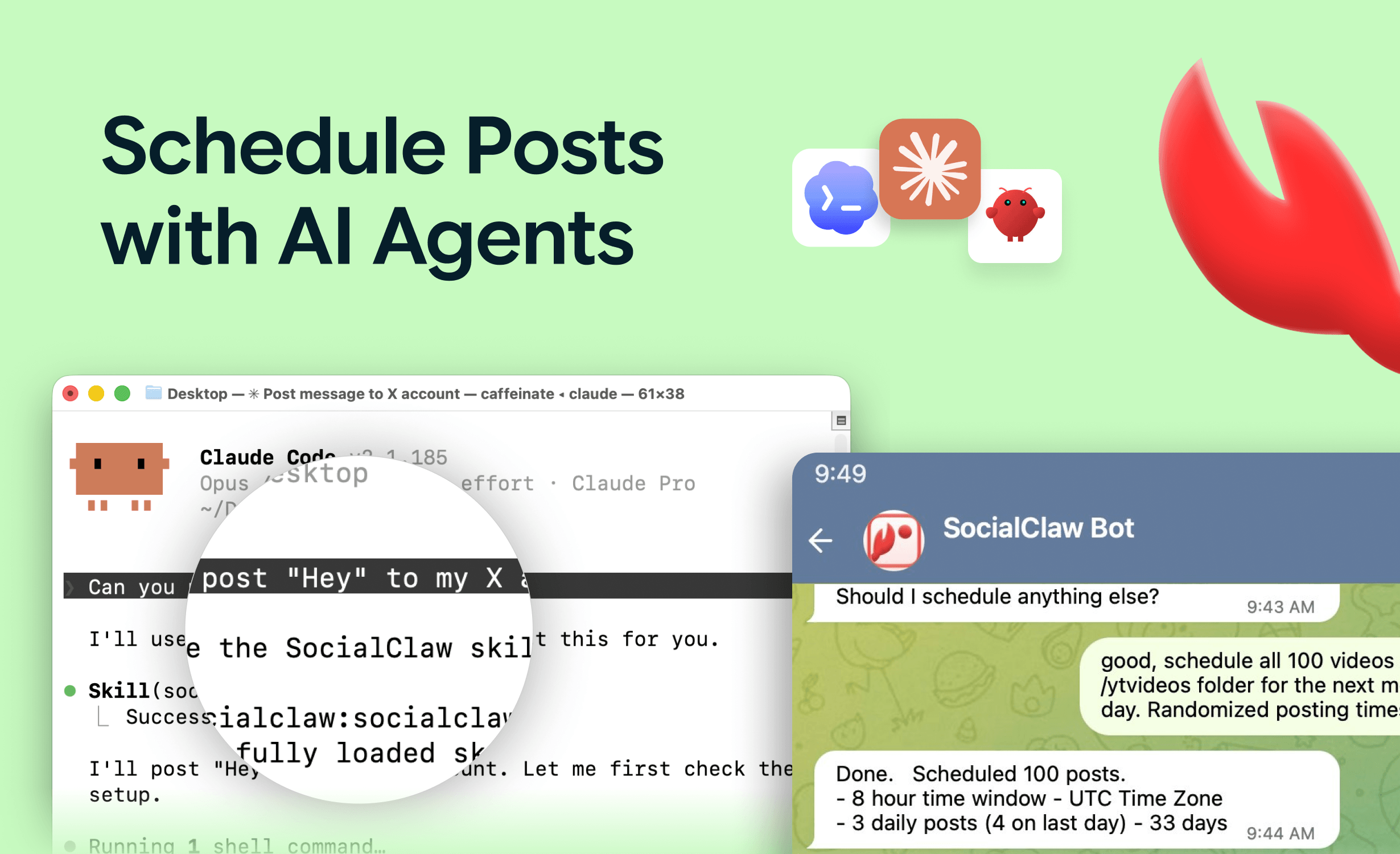
"Take this changelog, turn it into a thread for X and a LinkedIn post, schedule both for Tuesday morning" — and it just happens. That is what posting to social media with Claude looks like once the setup is done. One prompt, multiple platforms, scheduled and verified.
Claude cannot do this out of the box. It has no social accounts and no API access to X, LinkedIn, or Instagram. The missing piece is an MCP (Model Context Protocol) server: a bridge that connects your social accounts once via OAuth and then exposes publishing as tools Claude can call.
This guide covers the full setup — the theory in thirty seconds, the tool options, exact configuration for Claude Code and Claude Desktop, example prompts, and the gotchas that only show up in production.
Nardi Braho - July 4, 2026
TL;DR: Connect your social accounts to a publishing MCP server (this guide uses SocialClaw; Postiz and Ayrshare are solid alternatives), add the server to Claude with one command or one JSON block, then prompt in plain language. Make the agent validate before publishing and check run status after — that is what makes it reliable.
How does Claude post to social media?
Through MCP tool calls. A social media MCP server sits between Claude and the platform APIs: you connect accounts to the service once via OAuth, add its MCP server to Claude, and from then on Claude can list your accounts, upload media, schedule and publish posts, and check whether they actually went live.
One important nuance: many "social media MCPs" are read-only — they fetch analytics or search posts. To actually publish, you need a server that exposes real publish and schedule actions. The full landscape is ranked in the best social media MCP servers.
Which MCP server should you use?
| Tool | Model | Platforms | Best for |
|---|---|---|---|
| SocialClaw | Hosted MCP + CLI, free tier, flat plans from $15/mo | 11 (X, LinkedIn, Instagram, Facebook Pages, TikTok, Discord, Telegram, YouTube, Reddit, WordPress, Pinterest) | Fastest hosted setup, agent-first design |
| Postiz | Open source, self-host (or paid cloud) | 30+ claimed, incl. Bluesky and Mastodon | Teams that want to self-host with Docker |
| Ayrshare | API-first, paid | 13+ | Agencies and multi-client setups |
| Blotato | Paid cloud | Major networks | Creators already in its ecosystem |
The honest split: teams that want to self-host everything should use Postiz — it is the most mature open-source option. One reality check first: self-hosting means registering your own developer apps with Meta, TikTok, X, LinkedIn, Google and the rest, and passing each platform's app review — realistically weeks to months per platform, plus ongoing token maintenance; a hosted subscription is largely paying to skip that. Agencies managing many client workspaces should look at Ayrshare. SocialClaw is built for the hosted path being trivial — one URL, no Docker, no server to babysit — with tools designed around how agents actually work: validate before publish, verify delivery after.
The rest of this guide uses SocialClaw, but the concepts are identical for the others.
How do you set it up? (About 3 minutes)
Step 1: Connect your social accounts
Sign up at getsocialclaw.com, connect accounts via OAuth in the dashboard, and copy your workspace API key. The key belongs in MCP config or environment variables — never pasted into a prompt.
Step 2: Add the MCP server to Claude
Claude Code — hosted HTTP endpoint, no local install:
claude mcp add --transport http socialclaw https://getsocialclaw.com/mcp \
  --header "Authorization: Bearer sc_live_your_key"
Claude Desktop (or anything JSON-configured) — local stdio via npx:
{
  "mcpServers": {
    "socialclaw": {
      "command": "npx",
      "args": ["-y", "socialclaw", "mcp"],
      "env": { "SOCIALCLAW_API_KEY": "sc_live_your_key" }
    }
  }
}
A non-developer walkthrough of the Desktop path lives in Claude Desktop connectors for social publishing.
Step 3: Test it
Ask Claude: "List my connected social accounts." If it returns your accounts, the connection works.
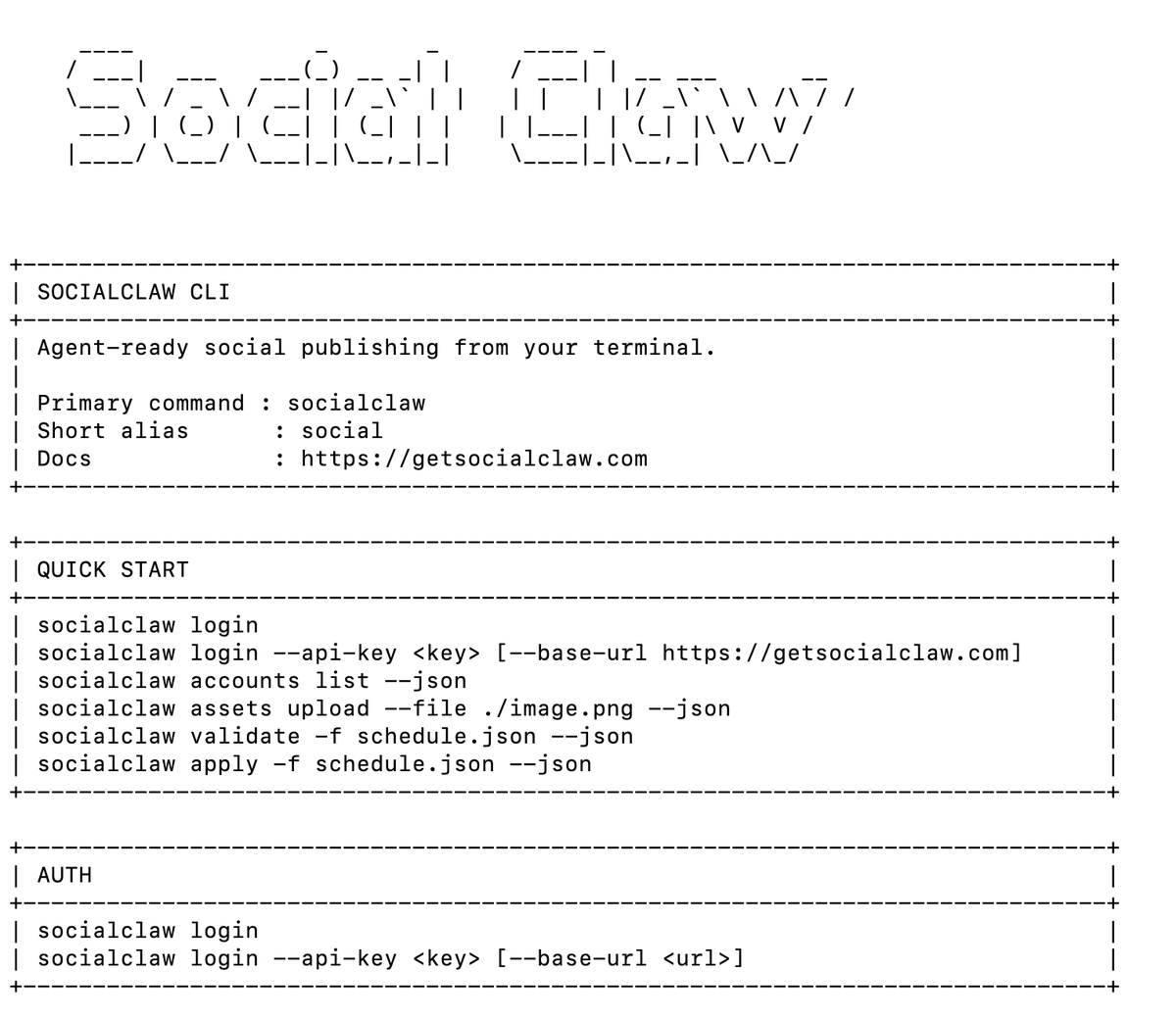
That unlocks 17 tools across the publishing lifecycle: account discovery (list_accounts, account_capabilities, connect_account), media (upload_asset), scheduling (validate_schedule, preview_campaign, apply_schedule), publishing (publish_draft), and inspection (list_posts, get_post, post_attempts, retry_post, cancel_post, run_status, get_analytics, workspace_usage, workspace_health).
What can you actually do with it?
Real prompts that work once the server is connected:
- "Here's my blog post URL. Write a 5-tweet thread and a LinkedIn version, schedule the thread for 9am ET tomorrow and LinkedIn for 10am."
- "Take these 4 screenshots, post them as an Instagram carousel with a caption about the new feature, and cross-post the first image to the Facebook page."
- "Check if yesterday's posts all published. Retry anything that failed."
- "What were my top 3 posts this month by engagement?"
- Weekly batch: paste rough notes on Monday, let Claude draft the whole week across platforms, review the previews, and apply the schedule with one message.
For terminal-native automation on top of the same workspace — skills, batch workflows, changelog-to-posts pipelines — see how to automate social media with Claude Code.
What makes agent posting reliable?
One pattern: validate → apply → verify.
Have the agent call validate_schedule first — it catches per-platform rule violations before anything is live. Then apply_schedule. Then run_status afterward to confirm delivery. Several platforms accept a post asynchronously and can still fail later, so a tool that only fires-and-forgets will report "posted!" when the platform actually rejected it.
The canonical flow: list_accounts → account_capabilities → upload_asset → validate_schedule → apply_schedule → run_status.
What are the gotchas?
Learned the hard way, all real:
- TikTok photo posts reject PNG. JPEG/WebP only — the error is a cryptic
file_format_check_failed. SocialClaw converts automatically via a?format=jpegparameter on hosted media; if you use another tool, check that it does. - Instagram needs a professional (business or creator) account. Personal accounts cannot be posted to via API at all. This is a Meta rule, not a tool limitation.
- "Accepted" is not "published." Verify delivery with
run_statusorpost_attemptsinstead of trusting the initial acceptance. - Every platform has different limits — character counts, media counts, video specs. Let the agent call
account_capabilitiesinstead of hardcoding assumptions. - Keep the API key out of prompts. It belongs in the MCP config or environment, never in the conversation.
- Official APIs only. These tools use the same platform APIs Buffer and Hootsuite use. Browser-automation posting is the ToS-violating route — avoid it.
Should Claude post without human review?
That is a per-platform decision. A sensible default: let it auto-post to low-stakes surfaces like Discord and Telegram, and keep a human review step for professional surfaces like LinkedIn — draft and validate automatically, apply after a one-message approval. The LinkedIn-specific playbook, including profile vs company page targeting, is in how to let an AI agent post to LinkedIn.
FAQs
Can Claude post to social media directly?
No — Claude has no social accounts or platform API access. It posts through tools exposed by an MCP server that holds your OAuth-connected accounts. Setup takes a few minutes and works from Claude Code, Claude Desktop, or any MCP client.
Does this work with ChatGPT, Cursor, or other agents?
Yes — anything that speaks MCP or plain HTTP. Cursor uses the same stdio JSON block shown above; ChatGPT has its own connector mechanism with auth caveats. The hosted endpoint also works from n8n- and Make-style automations.
Is letting Claude post against platform terms of service?
No. Publishing MCP servers use official platform APIs. What violates ToS is browser automation — scripts that drive a headless browser to click "post."
Can Claude schedule posts, or only publish immediately?
Both. apply_schedule accepts future timestamps, so Claude can queue a full week across platforms in one conversation and you can inspect or cancel anything before it goes out.
How much does this cost?
Postiz's software is free self-hosted (you bring your own platform developer app approvals); its hosted plans run $29–99/mo. SocialClaw has a free tier and flat plans from $15/mo — one of the lowest-priced options here, about half comparable hosted entry tiers. Ayrshare and Blotato are paid. Claude itself needs no extra plan for MCP — it works in Claude Code and Claude Desktop.
Which MCP server should you start with?
Start with whichever matches your constraint: SocialClaw for the fastest hosted setup, Postiz if you want to self-host and already have (or are willing to obtain and maintain) your own platform developer app approvals, Ayrshare for agency multi-client needs. The full ranking is in the best social media MCP servers.