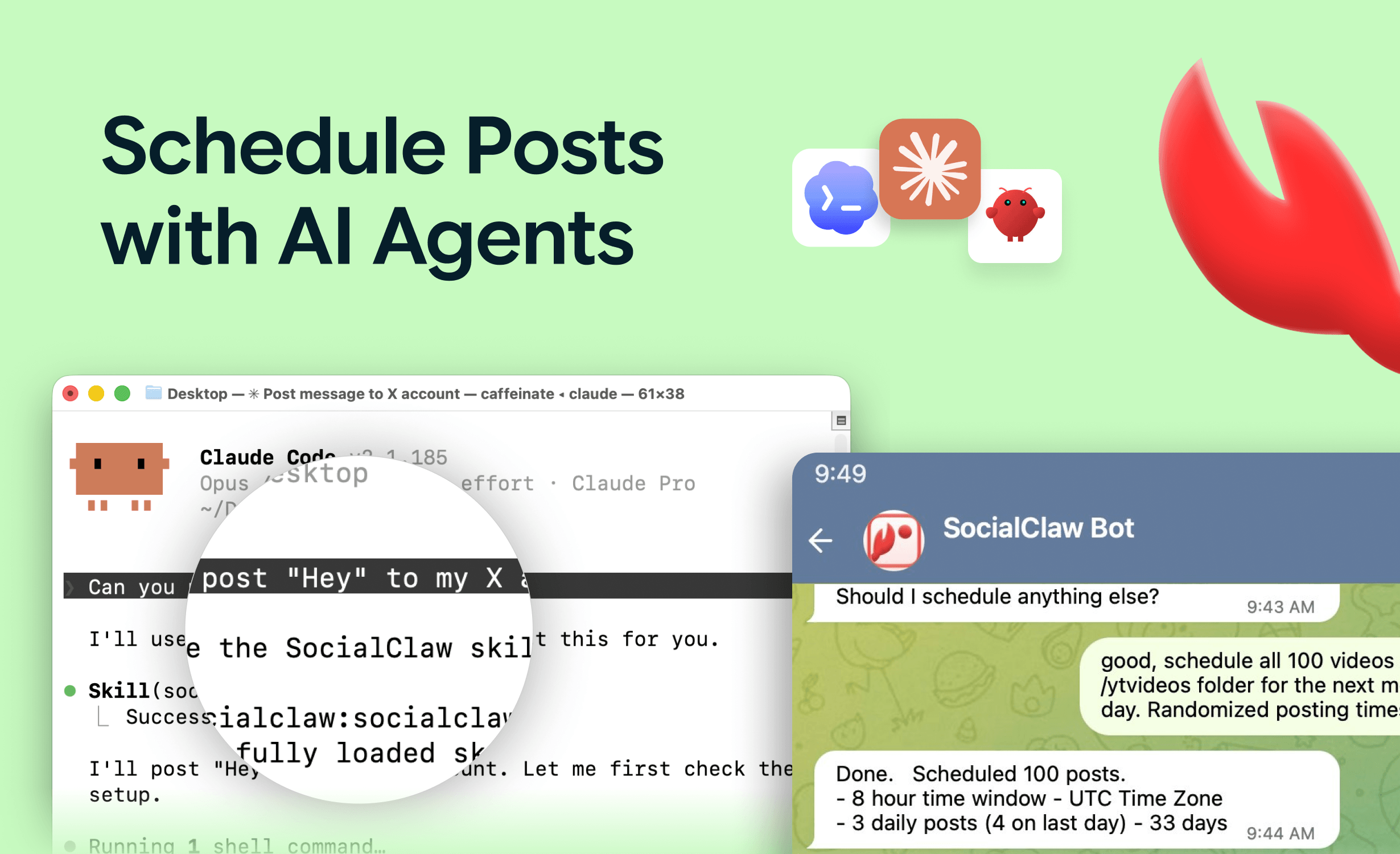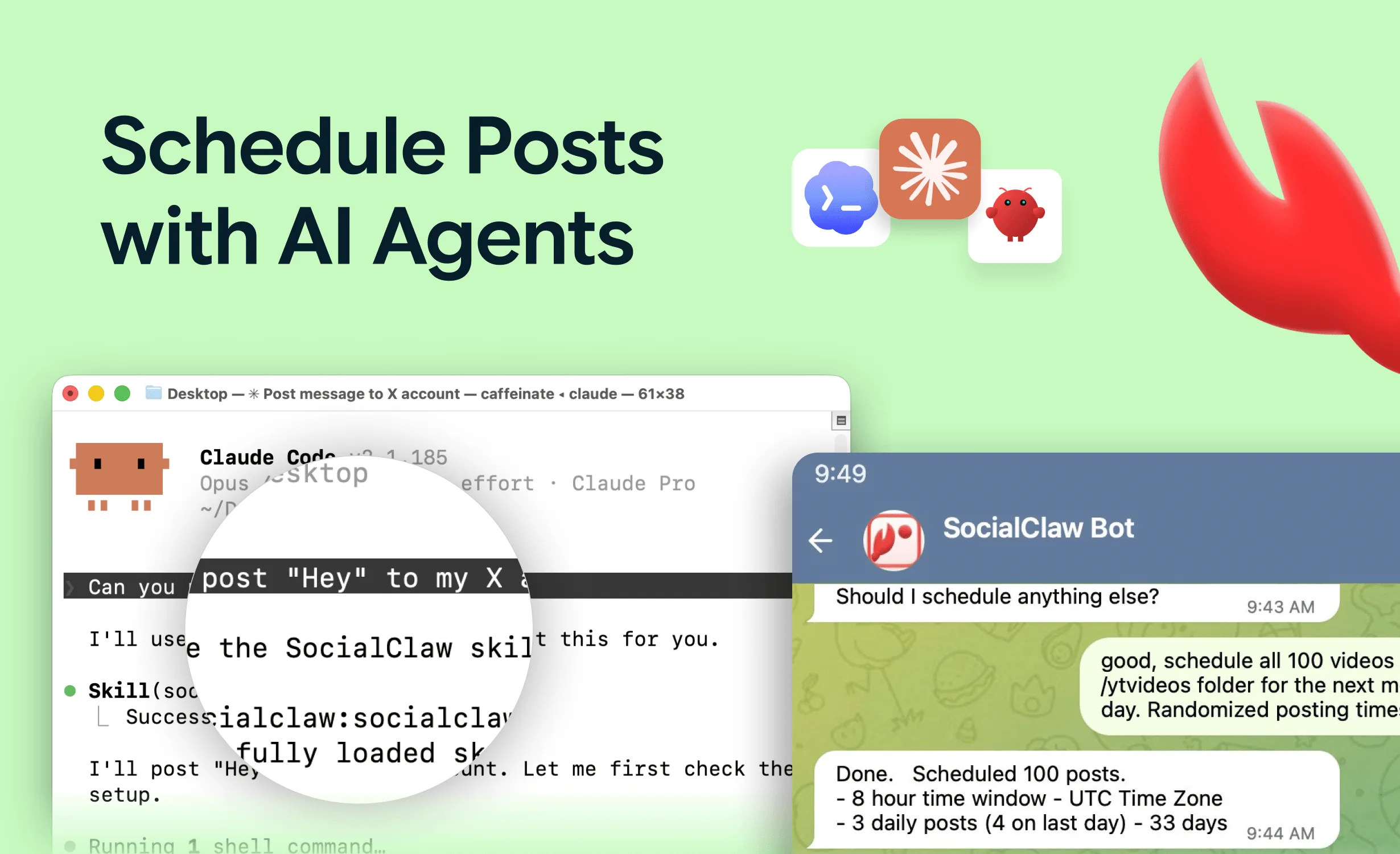
A social media MCP server is a piece of software that lets an AI assistant — Claude, Cursor, ChatGPT, or a custom agent — post to social media by calling tools instead of clicking buttons. You connect your social accounts to it once via OAuth; from then on, the AI can list accounts, upload media, schedule posts, publish, and check delivery, all through a standard protocol.
MCP is the Model Context Protocol, an open standard for connecting AI models to external tools and data. A "social media MCP server" is simply an MCP server whose tools happen to be social publishing actions rather than, say, database queries or file operations.
That is the definition. The rest of this article covers what one actually exposes, the read-only vs publish distinction that trips people up, how MCP differs from a plain REST API, and when you need one versus a normal scheduler.
Nardi Braho - July 4, 2026
TL;DR: MCP server = tool bridge between an AI client and your social accounts. You need one if an AI assistant should draft and execute posting for you. You don't if a human does all the posting (use a normal scheduler) or you're writing integration code yourself with no AI in the loop (use a publishing API directly).
How does a social media MCP server work in plain terms?
Three parts:
- The MCP client — Claude Code, Claude Desktop, Cursor, or an agent framework. This is where you type prompts.
- The MCP server — exposes a set of named, typed tools ("validate_schedule", "apply_schedule"...). It runs either locally (launched by the client over stdio) or remotely (a hosted HTTPS endpoint).
- The publishing backend — holds your OAuth-connected social accounts and talks to the official platform APIs.
When you write "schedule this thread for tomorrow at 9am," the model decides which tools to call, the client sends those calls to the server, and the server executes them against real accounts. Credentials never pass through the conversation: the OAuth tokens live in the backend, and the server authenticates with an API key stored in config.
What tools does a social media MCP server expose?
The tool list is the product. Using SocialClaw's 17 MCP tools as a concrete taxonomy, a full-lifecycle server covers five categories:
| Category | Tools | What they answer |
|---|---|---|
| Discovery | list_accounts, account_capabilities, connect_account | Which accounts exist, and what can each one accept (media types, limits, account rules)? |
| Media | upload_asset | Upload once, get a hosted URL reusable across posts and platforms. |
| Validation | validate_schedule, preview_campaign | Will this payload pass each platform's rules before anything goes live? |
| Publish | apply_schedule, publish_draft | Schedule or publish, against connected customer accounts. |
| Inspection | list_posts, get_post, post_attempts, retry_post, cancel_post, run_status, get_analytics, workspace_usage, workspace_health | Did it actually publish? What failed, and can it be retried? |
The categories matter more than the exact names. When evaluating any server, check that all five exist — a server with publish tools but no validation or inspection produces agents that post blind and report success on failures.
What is the difference between read-only and publishing MCP servers?
This is the distinction that trips up most first evaluations. Many things listed as "social media MCP servers" are read-only: they expose search, fetch-post, or analytics tools. Useful for research and monitoring — but the agent cannot post anything.
A publishing server exposes real write actions: schedule, publish, retry, cancel. If you want "draft this and post it Tuesday" to work, look at the tool list first. No publish or schedule tool means no publishing, regardless of what the directory listing says. A ranked list of servers that actually publish is in the best social media MCP servers.
MCP server vs REST API: which one do you need?
They are not competitors — MCP is typically a layer over the same backend — but they serve different callers:
| MCP server | REST API | |
|---|---|---|
| Caller | An AI model deciding which tools to invoke | Your code making explicit HTTP requests |
| Interface | Named tools with typed schemas the model reads | Endpoints and docs a developer reads |
| Integration effort | One config entry per client | Write and maintain integration code |
| Best when | A human directs an assistant in natural language | A product or pipeline publishes programmatically |
Rule of thumb: humans prompting an assistant → MCP. Software publishing on a schedule with no model in the loop → REST API. Many teams use both against the same workspace — an agent drafts through MCP while CI posts release notes through the API. The deeper background on the API side is in what a social media publishing API is, and the three integration paths are compared in MCP vs API vs Zapier.
When do you need a social media MCP server vs a plain scheduler?
You need one when:
- You want an AI assistant to go from idea to scheduled post in one conversation — drafting, media upload, scheduling, and verification included.
- You batch content: "here are Monday's notes, draft and queue the week across X, LinkedIn, and Instagram."
- Posting should react to events with judgment involved — a changelog lands and the agent turns it into platform-appropriate posts.
- You are building an agent (with the Claude Agent SDK or similar) that needs social publishing as a capability.
You don't need one when:
- A human writes and schedules everything. A normal scheduler with a calendar UI is simpler.
- Your automation is deterministic — same source, same format, fixed schedule. A direct API call or webhook automation is cheaper and more predictable.
- You only need monitoring or analytics — a read-only integration covers that.
What should you check before trusting one with real accounts?
Four things separate production-grade servers from demos:
- Validation before publish. Platforms have wildly different rules — TikTok photo posts reject PNG (JPEG/WebP only), Instagram requires a professional account by Meta rule. A
validate_schedule-style tool catches this before anything is live. - Delivery verification. Platform "accepted" is not "published" — several platforms accept asynchronously and can fail afterward. Inspection tools (
run_status,post_attempts) let the agent confirm and retry. - Official platform APIs only. Browser-automation posting violates platform ToS and gets accounts flagged.
- Credential hygiene. The API key belongs in MCP config or environment variables, never in prompts.
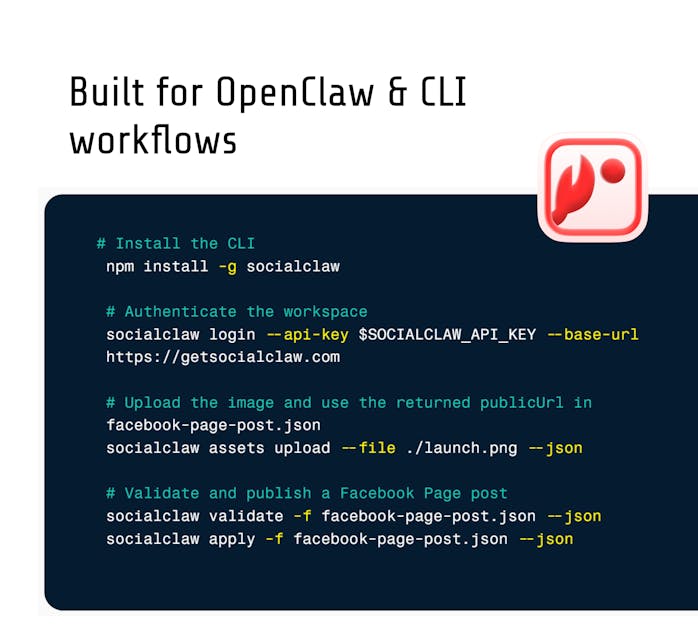
A working setup that follows all four takes about three minutes: how to post to social media with Claude.
FAQs
What does MCP stand for?
Model Context Protocol — an open standard for connecting AI models to external tools and data sources. Clients like Claude and Cursor speak it natively; servers expose tools in a form any MCP client can call.
Is a social media MCP server the same as a social media API?
No. The API is the HTTP interface developers code against; the MCP server wraps the same capabilities as typed tools an AI model can invoke from natural-language instructions. Good products offer both over one workspace.
Do social media MCP servers store my passwords?
No. You connect accounts through each platform's official OAuth flow, and the backend holds the resulting tokens. The MCP server authenticates to the backend with a workspace API key that lives in your config — the AI never sees platform credentials.
Can a social media MCP server post to every platform?
Coverage varies by product — SocialClaw publishes to 11 platforms (X, LinkedIn, Instagram professional, Facebook Pages, TikTok, Discord, Telegram, YouTube, Reddit, WordPress, Pinterest); others cover different sets. Platform rules still apply: no server can post to an Instagram personal account, because Meta's API does not allow it.
Is using an MCP server allowed by platform terms of service?
Yes, provided the server uses official platform APIs — the same ones mainstream schedulers use. The ToS problem is browser automation, not API-based publishing.
Which social media MCP server should you use?
Depends on your constraint: hosted and agent-first, self-hosted open source, or agency-scale API. The tested ranking is in the best social media MCP servers.