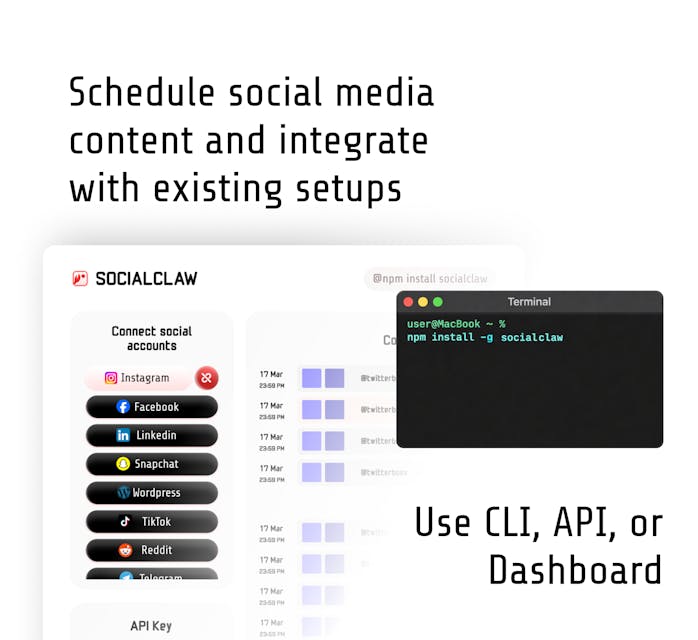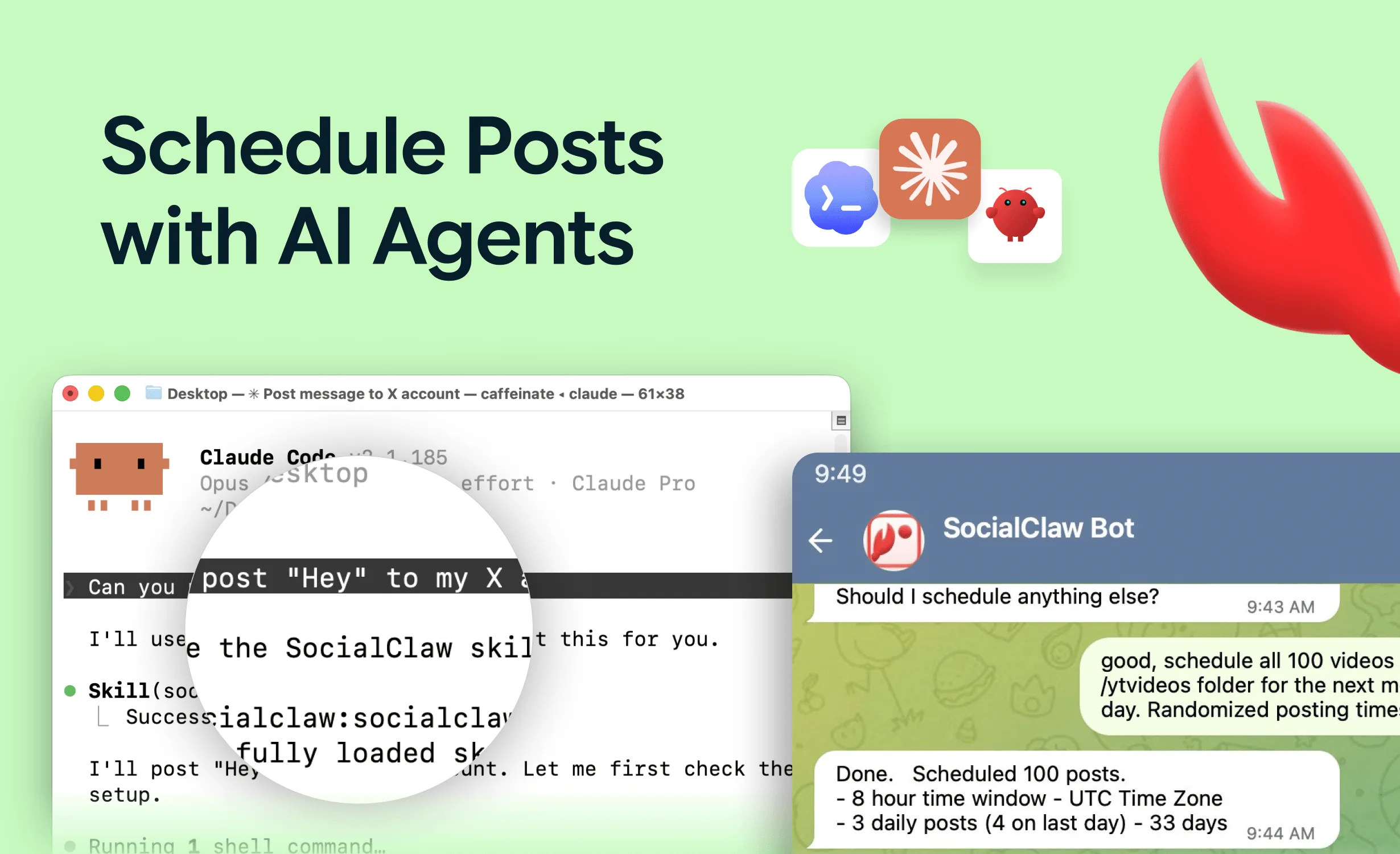
ChatGPT can write excellent social posts, but out of the box it cannot publish them — it has no access to your X, LinkedIn, or Instagram accounts. Connecting it to real social accounts is possible in 2026, but the mechanism has more fine print than the equivalent setup in Claude or Cursor, and most guides gloss over the part that actually blocks people.
The short version: ChatGPT supports custom MCP connectors through developer mode, including write actions like publishing. The catch is authentication — ChatGPT's connector UI supports OAuth or no-auth servers, not static API keys. That one detail determines which setup path works for you.
This guide covers what ChatGPT supports today (verified against OpenAI's documentation as of July 4, 2026), the three routes to actually posting, and the same publish-safely rules that apply to any agent.
Nardi Braho - July 4, 2026
TL;DR — three routes:
>
1. ChatGPT developer mode (Pro, Plus, Business, Enterprise, Education; web): add a custom MCP connector. Works with OAuth or no-auth MCP servers; write actions require in-chat confirmation.
2. OpenAI API route: the Responses API's MCP tool takes an
authorizationvalue sent as a bearer token — this is how developers point OpenAI models at a key-authenticated endpoint likehttps://getsocialclaw.com/mcp.
3. Different client, same server: Claude Code, Claude Desktop, and Cursor accept API-key-authenticated MCP servers directly — a three-minute setup.
Can ChatGPT post to social media?
Yes — through MCP (Model Context Protocol) connectors backed by a social publishing service. The publishing service holds your OAuth-connected social accounts and exposes actions — list accounts, upload media, validate, schedule, publish, check delivery — as tools. ChatGPT calls those tools from your prompts. (New to the concept? Start with what a social media MCP server is.)
Per OpenAI's documentation (retrieved July 4, 2026), the state of support:
- Custom MCP connectors live behind developer mode, available to Pro, Plus, Business, Enterprise, and Education accounts on the web. Enable it under Settings → Apps → Advanced settings → Developer mode.
- Connectors are remote servers speaking SSE or streamable HTTP — ChatGPT does not launch local stdio servers the way Claude Desktop and Cursor do.
- Write actions are supported and require confirmation by default: ChatGPT shows you the payload before executing a publish-type tool, and you can remember approvals within a conversation.
- Authentication is OAuth or no-auth. The connector UI has no field for a static API key or custom header.
That last point is the practical constraint, so let's deal with it head-on.
Why doesn't my publishing service's API key work in ChatGPT?
Most social publishing MCP endpoints — SocialClaw's hosted https://getsocialclaw.com/mcp included — authenticate with a workspace API key sent as a bearer header. Claude Code and Cursor let you attach that header in config. ChatGPT's connector UI does not: it only performs OAuth flows or connects to unauthenticated servers.
So the honest answer for ChatGPT app users: you cannot paste an API key into a ChatGPT connector today. Your options are the two routes below — or a client that accepts key-authenticated servers natively.
Route 1: How do you add a social connector in ChatGPT developer mode?
If your publishing service exposes an OAuth-capable MCP server (check its docs — this varies by provider):
- Open Settings → Apps → Advanced settings and enable Developer mode.
- Choose to create a new connector, give it a name, and enter the server's HTTPS MCP URL.
- Select OAuth authentication and complete the sign-in flow when prompted.
- Test with a read-only prompt: "List my connected social accounts."
- When you ask it to publish, ChatGPT will show the tool payload and ask for confirmation — review it before approving. Keep that habit; it is the equivalent of the validate-before-apply step below.
Route 2: How do developers connect OpenAI models to a key-authenticated MCP server?
If you are building with the OpenAI API rather than the ChatGPT app, the Responses API's MCP tool accepts an authorization value that is sent to the MCP server as a bearer credential on each request (OpenAI's docs describe the field for access tokens; note the API does not store it, so you resend it per request):
{
  "type": "mcp",
  "server_label": "socialclaw",
  "server_url": "https://getsocialclaw.com/mcp",
  "authorization": "sc_live_your_key"
}
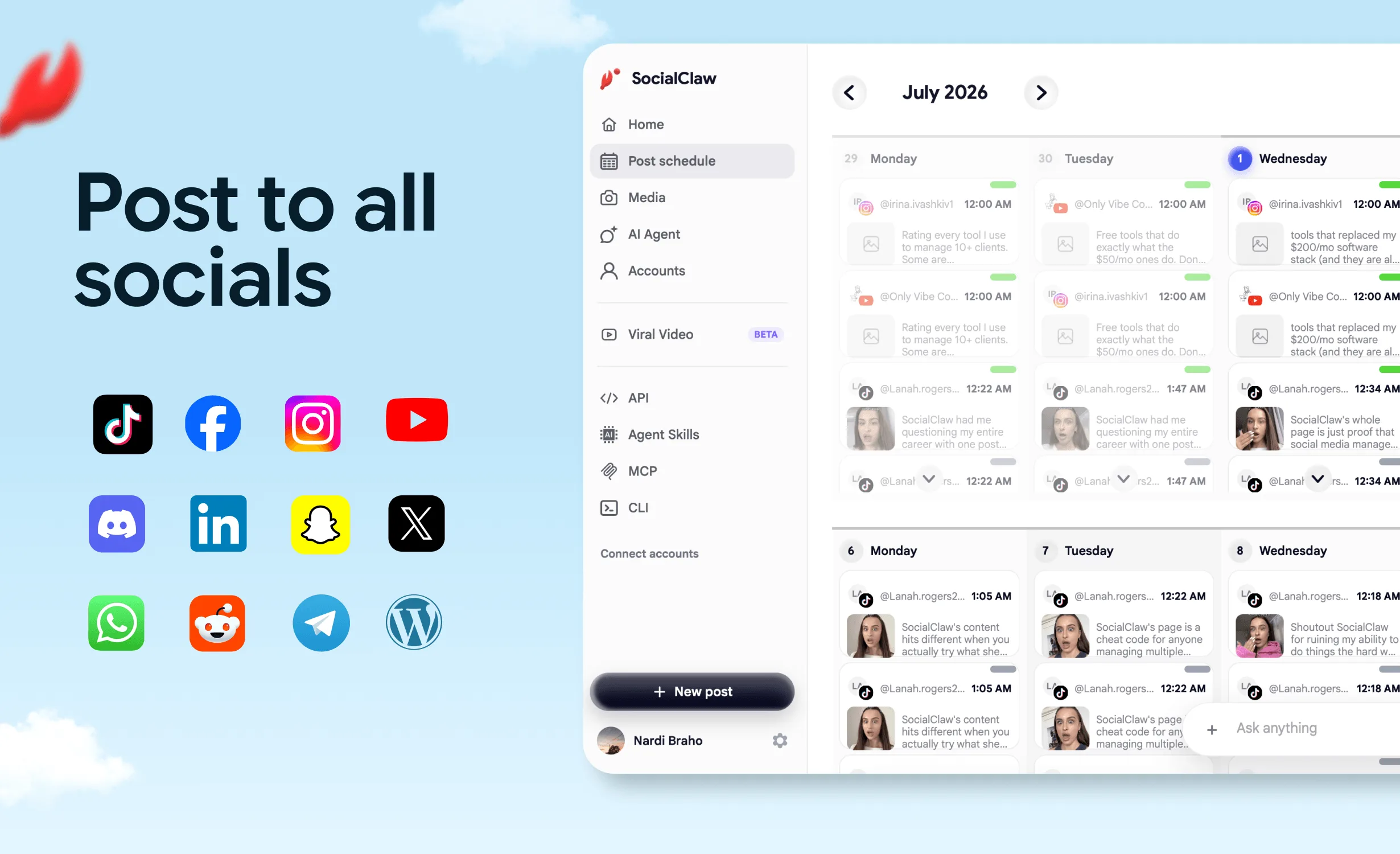
SocialClaw's hosted endpoint authenticates exactly this way — Authorization: Bearer sc_live_... — so an OpenAI-powered agent gets the full toolset: list_accounts, account_capabilities, upload_asset, validate_schedule, apply_schedule, publish_draft, run_status, get_analytics, and the rest of the 17 tools across 11 platforms (X, LinkedIn, Instagram professional, Facebook Pages, TikTok, Discord, Telegram, YouTube, Reddit, WordPress, Pinterest). Keep the key in server-side config or environment variables — never in prompts or client-side code.
Route 3: When is a different client the better answer?
If you just want the "draft this and schedule it for Tuesday" workflow with the least friction, use a client that takes API-key-authenticated MCP servers directly. In Claude Code it is one command:
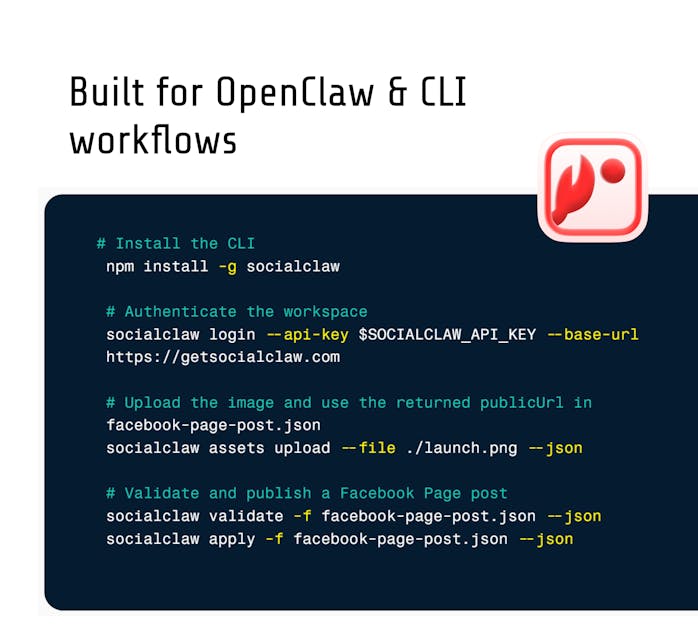
claude mcp add --transport http socialclaw https://getsocialclaw.com/mcp \
  --header "Authorization: Bearer sc_live_your_key"
Claude Desktop and Cursor use a small JSON block instead. Nothing stops you from using ChatGPT for what it is great at — ideation and drafting — and running the publish step through a connected client. The full setup and example prompts are in how to post to social media with Claude. If you are weighing MCP against direct API calls or Zapier-style automation entirely, see MCP vs API vs Zapier.
Which setup should you pick?
| Your situation | Best route |
|---|---|
| ChatGPT Plus/Pro user, publishing service offers OAuth MCP | Developer-mode connector (Route 1) |
| ChatGPT user, service uses API-key auth only | Draft in ChatGPT, publish via Claude/Cursor (Route 3) |
| Developer building an OpenAI-powered agent | Responses API authorization field (Route 2) |
| Team standardizing on one assistant for publish + verify | Claude Code with the hosted endpoint (Route 3) |
What are the rules that keep agent posting safe?
Identical regardless of client:
- Validate before publishing. Every platform has different rules — the agent should call the validation tool (
validate_schedule) before anything goes live, not discover limits in production. - Verify delivery. Platform "accepted" is not "published." Have the agent check
run_statusorpost_attemptsafter applying. - Know the platform gotchas. Instagram publishing requires a professional (business/creator) account — a Meta rule, not a tool limit. TikTok photo posts reject PNG (
file_format_check_failed; SocialClaw auto-converts hosted media to JPEG). - Official APIs only. Publishing services worth using ride the official platform APIs. Browser-automation posting is the ToS-violating route.
- Credentials never go in the chat. API keys live in connector config or server-side environments.
FAQs
Can ChatGPT post to Instagram, X, or LinkedIn directly?
No — ChatGPT has no built-in social publishing. It needs a connector to a publishing service that holds your OAuth-connected accounts. With one connected, prompts like "publish this to LinkedIn at 10am" become tool calls.
Does ChatGPT support MCP servers?
Yes. Custom MCP connectors are available in developer mode for Pro, Plus, Business, Enterprise, and Education plans on the web, over SSE or streamable HTTP, including write actions with confirmation (per OpenAI documentation, July 2026).
Why can't I add an API key to a ChatGPT connector?
ChatGPT's connector authentication supports OAuth flows or unauthenticated servers only — there is no static API-key field today. Key-authenticated endpoints work via the OpenAI Responses API's authorization field, or via clients like Claude Code and Cursor that support auth headers.
Will ChatGPT publish without asking me?
By default, no — write actions in developer mode require confirmation, and ChatGPT shows the payload before executing. You can remember approvals within a conversation.
Is connecting ChatGPT to social media against platform rules?
Not when the publishing layer uses official platform APIs — the same ones mainstream schedulers use. Avoid anything that automates a browser against the platforms; that is what violates ToS.
Which social media MCP server works best with ChatGPT?
It depends on auth support and platform coverage — the tested ranking is in the best social media MCP servers. Check each server's docs for its current ChatGPT connector story before committing.