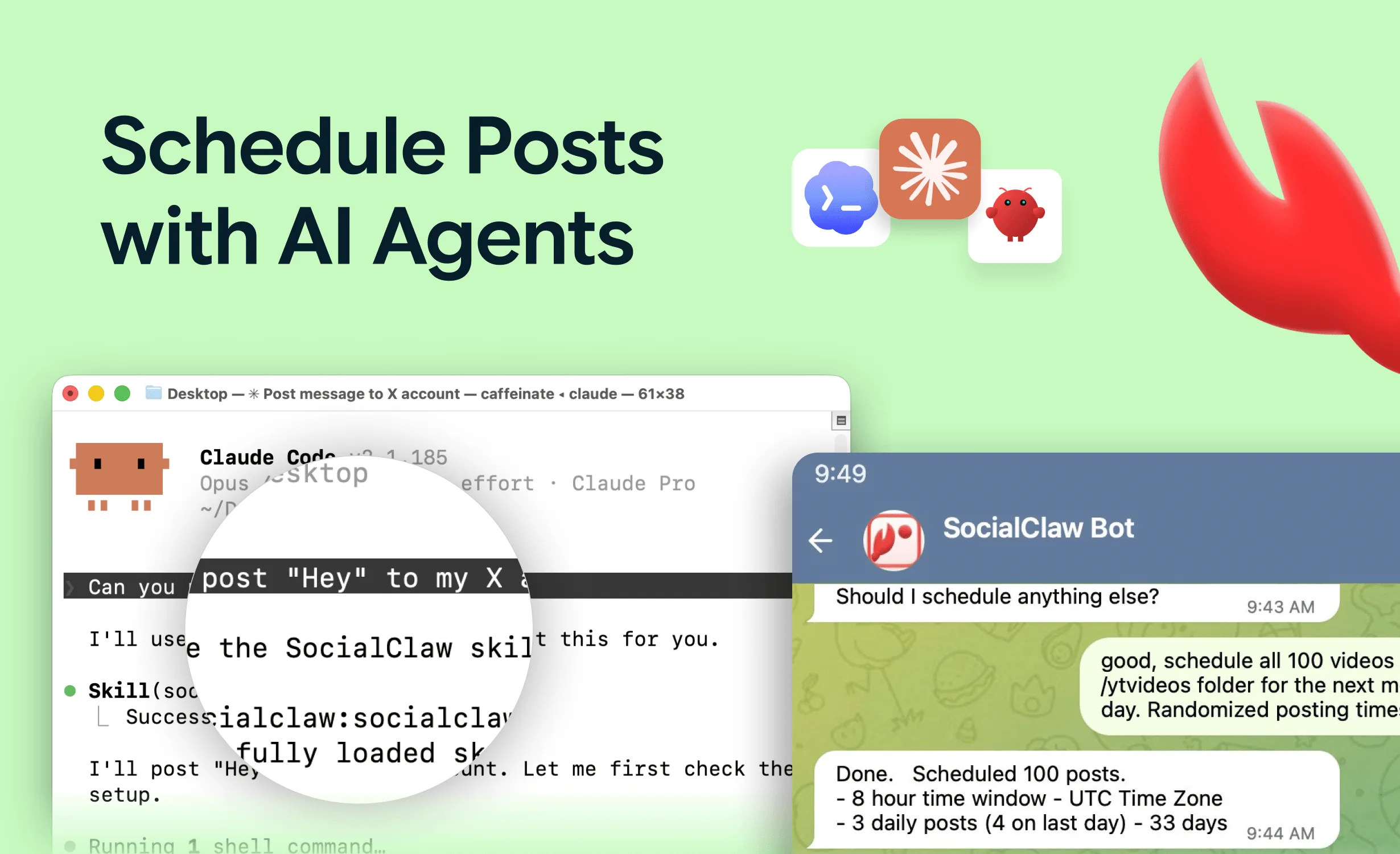
TikTok is simultaneously the best and worst platform to hand to an AI agent. Best, because the volume game - daily posts, tested hooks, repurposed clips - is exactly what agents are for. Worst, because TikTok's Content Posting API has two behaviors that silently break naive automations: it rejects media formats other platforms accept without complaint, and it says "accepted" for posts it has not actually published yet.
We learned both the hard way, running agent publishing to TikTok in production. This article is the map of those landmines: the PNG photo rejection, the accepted-versus-published gap, the video specs that matter, and the agent workflow that survives all of it.
If you want proof this is worth doing at all, the community showcase of AI agents running TikTok accounts covers what people are shipping with this exact stack.
Nardi Braho - July 4, 2026
TL;DR - TikTok agent posting in four rules
>
1. Photo posts: no PNG. TikTok rejects PNG photos with
file_format_check_failed- JPEG or WebP only. SocialClaw auto-converts hosted images via?format=jpeg.
2. "Accepted" ≠ published. TikTok processes posts asynchronously; verify with
run_status/post_attemptsor you will report false successes.
3. Video: MP4 recommended, vertical 9:16 (1080×1920).
4. Use the official Content Posting API only - via a connected account, never browser automation.
Why do TikTok photo posts fail with file_format_check_failed?
Here is the trap in its natural habitat. Your agent generates a photo post - a quote card, a carousel slide, a product shot. The image pipeline outputs PNG, because everything outputs PNG. X takes it. LinkedIn takes it. Instagram takes it. TikTok returns:
file_format_check_failedTikTok's photo posting accepts JPEG and WebP - not PNG. No amount of retrying fixes it, and the error name gives an agent little to go on. (You will find third-party guides claiming PNG works; production behavior is the rejection above. Trust the error message.)
There are two fixes. The manual one: convert to JPEG before upload, and bake "TikTok photos must be JPEG or WebP" into your pipeline. The better one: use hosted media that can re-serve the same asset in a different format on demand. SocialClaw's hosted media does exactly this - upload the PNG once, and when a post targets TikTok, the asset URL is requested with ?format=jpeg and converted automatically. The agent does not need to know the rule; the publishing layer applies it.
This is the general argument for a publishing layer between agents and platforms: platform quirks get fixed once, in infrastructure, instead of in every prompt.
Why does "accepted" not mean "published" on TikTok?
The second trap is nastier because nothing errors.
TikTok's Content Posting API is asynchronous: a successful publish call means TikTok accepted the post for processing, not that it published. Processing - transcoding, moderation checks - happens after your API call returns. A post can be accepted with a 200 and then quietly fail minutes later, and if your automation stops at "the API said OK," it will log a success for a video that never appeared.
For a human posting once, you would notice. For an agent posting daily across accounts, false successes accumulate invisibly - the worst failure mode in automation.
The fix is to make delivery verification a standard step, not an afterthought:
apply_schedulereturns a run ID.- After processing time, check
run_status- the real per-post delivery state. - For anything not live,
post_attemptsshows the provider-level error from TikTok. retry_postre-runs transient failures.
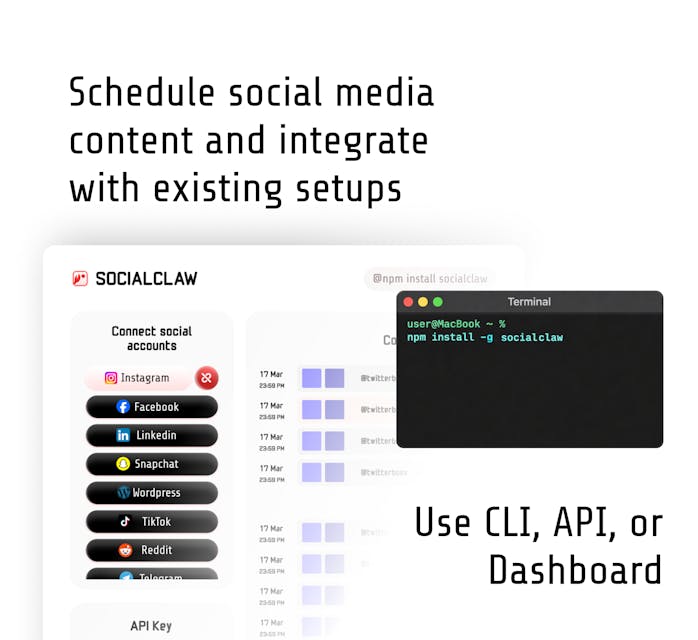
From the CLI, same thing: socialclaw status --run-id <id> --json, then socialclaw posts attempts --post-id <id> --json. An agent prompt should say it explicitly: "After applying, wait, then check run status and report what is actually live - not what was accepted."
What are TikTok's video specs for agent uploads?
The essentials an agent (or its validation layer) needs:
| Property | Requirement | Agent-relevant note |
|---|---|---|
| Video format | MP4 recommended (WebM also supported) | Standard H.264 MP4 output from any render pipeline works |
| Aspect ratio | 9:16 vertical native (1080×1920) | 1:1 and 16:9 upload but get letterboxed - reach suffers |
| Size | Up to 4 GB | Rarely the constraint for short-form |
| Photo formats | JPEG, WebP only - no PNG | The file_format_check_failed trap above |
| Photo posts | Multi-image carousels supported | One caption for the set |
| Delivery | Asynchronous - accepted ≠ published | Always verify via run_status |
The practical guidance: render vertical 1080×1920 MP4 and you will never think about the video row of this table again. The photo row is the one that bites.
What does a working TikTok agent workflow look like?
The same capabilities-first loop that works on Instagram, with the verification step promoted from optional to mandatory. With the SocialClaw MCP server connected (Claude Code, Claude Desktop, Cursor - see the MCP server roundup for setup):
list_accounts- find the connected TikTok account (connected once via OAuth in the dashboard; the agent never sees credentials).account_capabilities- what this connection supports: video, photo posts, caption limits.upload_asset- push the video or images to hosted media.validate_schedule- catch shape problems before TikTok does.apply_schedule- publish now or schedule the queue.run_status+post_attempts- confirm what is actually live.
A schedule entry for a TikTok video is minimal:
{
  "account": "tiktok:@yourhandle",
  "name": "Hook test 14",
  "description": "POV: your changelog writes its own TikToks",
  "media_link": "https://getsocialclaw.com/media/asset_88/dlv_88/hook-14.mp4",
  "publish_at": "2026-07-10T17:00:00Z"
}
And a realistic prompt for a batch workflow:
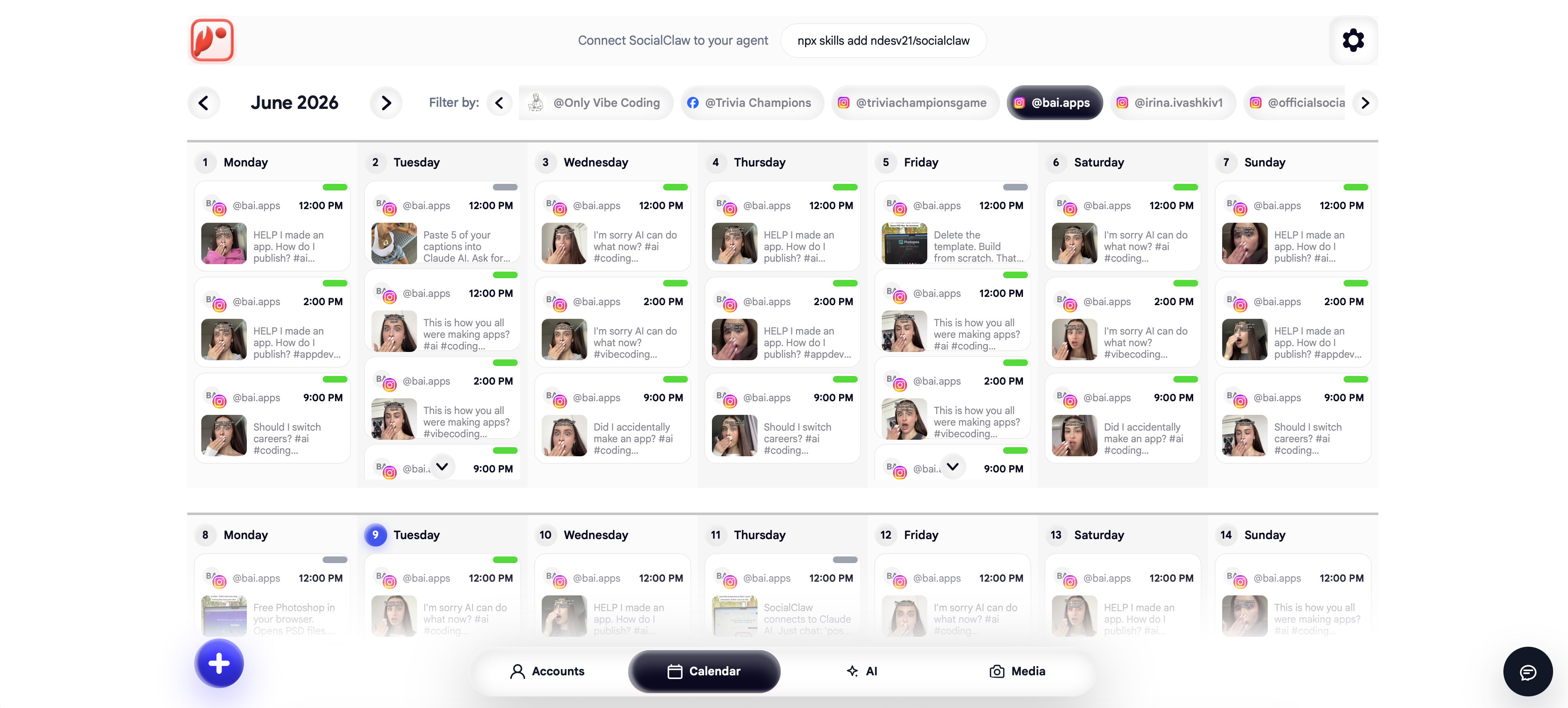
"Upload the five clips in ./renders as assets, write a distinct hook-style caption for each, validate a schedule that posts one per day at 5pm starting tomorrow, apply it, and tomorrow check run status and tell me what actually published."
One honest note on scope: agent posting covers publishing and scheduling. TikTok's trends move on in days - the agent handles the pipeline; a human should still own what is worth saying this week. If you upload longer-form video too, the YouTube Shorts agent guide covers the adjacent workflow, which shares the async-processing discipline.
FAQs
Can an AI agent post photos to TikTok?
Yes - TikTok supports photo posts and carousels via the Content Posting API, but photos must be JPEG or WebP. PNG is rejected with file_format_check_failed. SocialClaw converts hosted images to JPEG automatically when a post targets TikTok, so agents can stay format-unaware.
Why does my TikTok post say it succeeded but never appears?
Because TikTok's API is asynchronous: the success you saw was "accepted for processing," and the post failed afterward (format, moderation, or transcoding). Check delivery state with run_status and the provider error with post_attempts instead of trusting the initial response.
What video format should an agent render for TikTok?
Vertical 9:16 MP4 at 1080×1920. Other aspect ratios upload but get letterboxed, which reliably costs reach. Keep videos under 4 GB - trivial for short-form.
Does TikTok allow AI agents to post via API?
Yes, through the official Content Posting API with an account connected via OAuth - the mechanism SocialClaw uses. What TikTok does not allow is browser automation or credential sharing, which get accounts flagged. Also disclose AI-generated content where TikTok's policies require it.
Can one agent run multiple TikTok accounts?
Yes - connect each account once in the dashboard and the agent targets them by account ID in one schedule. This is the pattern in the community showcase of AI agents running TikTok accounts.
How often should an agent post to TikTok?
TikTok rewards volume more than most platforms - daily is a common cadence for growth accounts. The constraint is content quality, not the pipeline: batch-generate, validate, schedule the week, then spend your human time reviewing hooks rather than clicking publish.