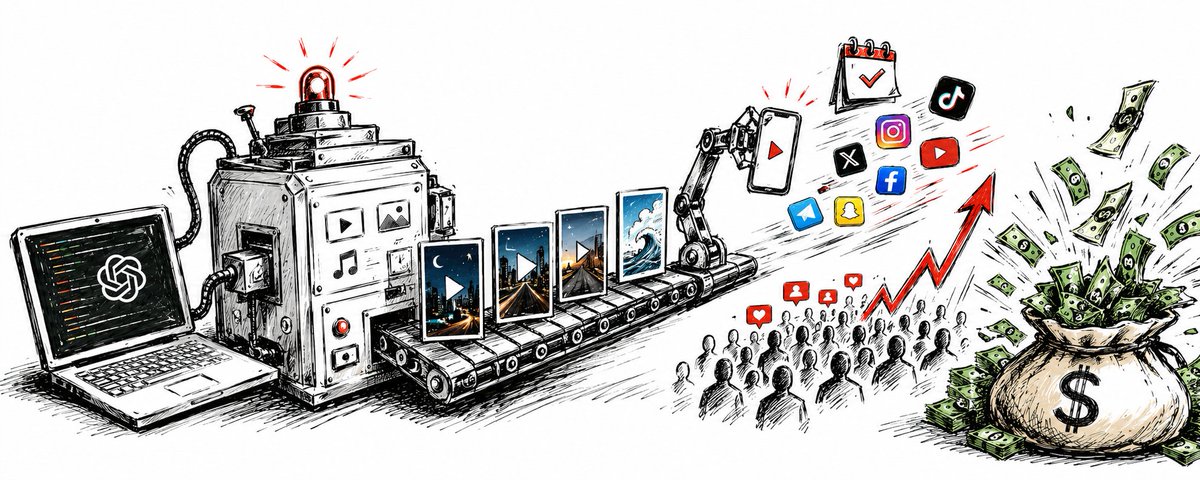
YouTube Shorts is one of the highest-leverage surfaces for automated publishing: short vertical videos, high algorithmic distribution, and a format an AI pipeline can produce on a schedule. It is also one of the easiest places for an agent to fail quietly — a video uploads, YouTube accepts it, and then processing silently classifies it as a regular video instead of a Short, or the upload sits in processing while your agent reports success.
The fix is not a smarter prompt. It is a publishing flow where the agent checks the account's capabilities first, uploads media to hosted storage, validates the payload against YouTube's rules before anything ships, and then verifies delivery after the platform says "accepted."
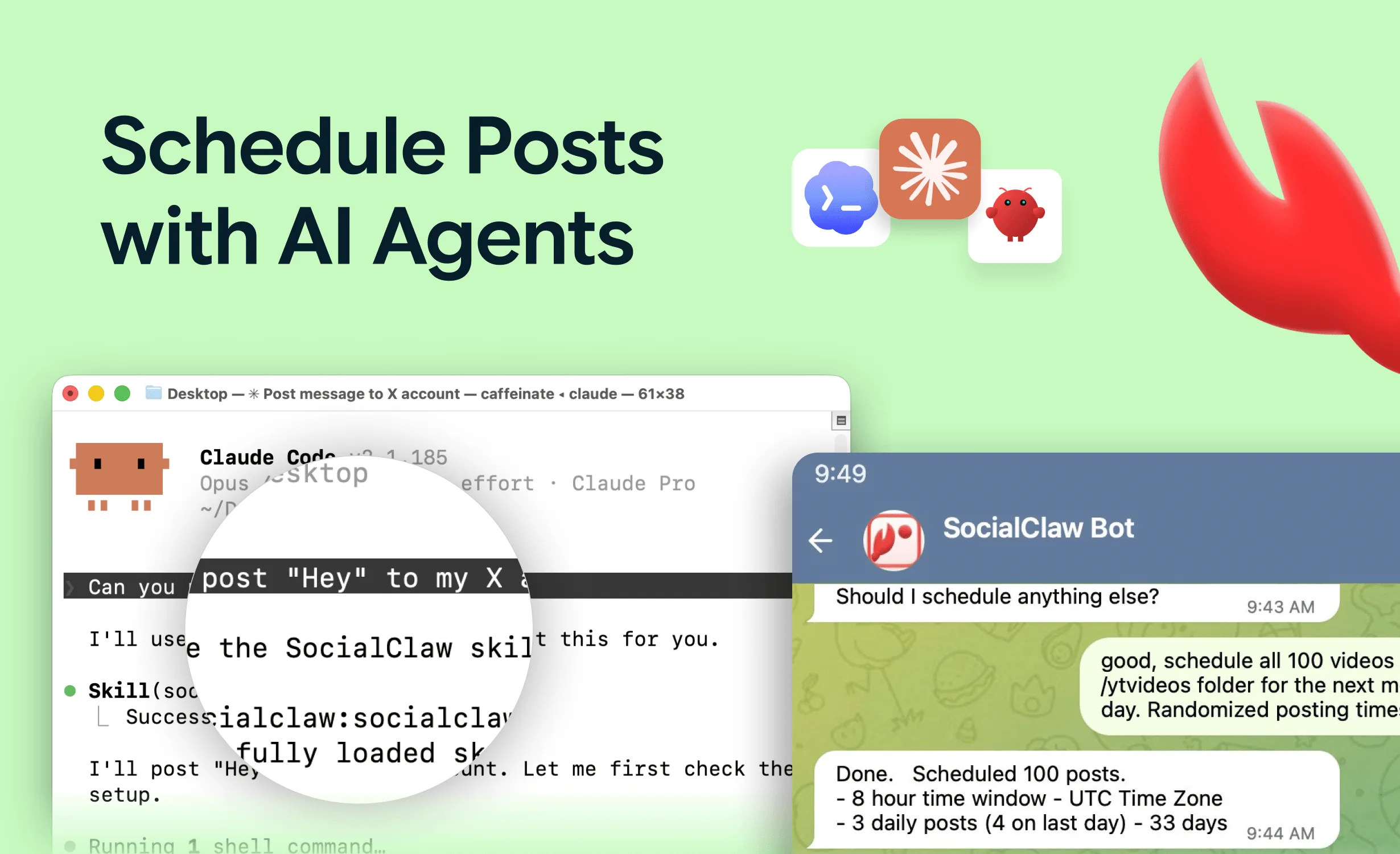
This guide walks through that flow end to end using SocialClaw's MCP server, which gives Claude, Cursor, or any MCP client typed tools for the whole loop.
Nardi Braho - July 4, 2026
TL;DR
- Shorts must be vertical (9:16) or square (1:1) and 3 minutes or less — anything else uploads as a regular video.
- Give the agent tools, not credentials: connect YouTube once, use a workspace API key in MCP config (never in prompts).
- The safe loop:
account_capabilities→upload_asset→validate_schedule→apply_schedule→run_status.
- Platform "accepted" is not "published." YouTube processes uploads asynchronously — always verify with
run_statusandpost_attempts.
What counts as a YouTube Short in 2026?
Before an agent uploads anything, it needs to know what YouTube will actually classify as a Short. Per YouTube's official help documentation (reviewed July 2026):
| Requirement | Rule |
|---|---|
| Maximum length | 3 minutes (180 seconds) — extended from 60 seconds in October 2024 |
| Aspect ratio | Vertical (9:16) or square (1:1) |
| Typical resolution | 1080 × 1920 for 9:16 |
| Classification | Vertical or square video ≤ 3 minutes is treated as a Short automatically |
| Wrong aspect ratio | Uploads succeed but publish as a regular video, not a Short |
That last row is the trap for automation. YouTube does not reject a 16:9 video sent to a "Shorts" pipeline — it happily accepts it and publishes it to your main videos tab. An agent that only checks HTTP status codes will report success while your Shorts strategy quietly ships longform thumbnails.
So the first job of an agent pipeline is preflight: confirm the rendered file is vertical and under 180 seconds before upload, not after.
How does an AI agent connect to YouTube safely?
Agents should never hold your Google password or a raw OAuth token in a prompt. The pattern that works is a publishing layer with connected accounts and scoped keys:
- Connect your YouTube channel once in the SocialClaw dashboard via OAuth.
- Create a workspace API key.
- Put the key in MCP config or environment variables — never in the conversation.
For Claude Code with the hosted MCP endpoint:
claude mcp add --transport http socialclaw https://getsocialclaw.com/mcp \
  --header "Authorization: Bearer sc_live_your_key"
For Claude Desktop or Cursor via the local stdio server:
{
  "mcpServers": {
    "socialclaw": {
      "command": "npx",
      "args": ["-y", "socialclaw", "mcp"],
      "env": { "SOCIALCLAW_API_KEY": "sc_live_your_key" }
    }
  }
}
From that point the agent has 17 typed tools — list_accounts, account_capabilities, upload_asset, validate_schedule, apply_schedule, run_status, and the rest — all scoped to the workspace, all using YouTube's official API underneath. No browser automation, no session cookies.
If you are new to the MCP approach, start with our overview of the best social media MCP servers.
What does the upload flow look like step by step?
The canonical agent flow for a Short:
Step 1: check the account and its capabilities
The agent calls list_accounts to find the connected YouTube channel, then account_capabilities to learn what the route supports — media types, size limits, and required fields. This replaces hardcoded platform assumptions in the prompt.
Step 2: upload the video as a hosted asset
upload_asset pushes the rendered video into hosted media storage and returns a stable URL. Upload once, reference it in the schedule payload. If the same clip also goes to TikTok or Instagram, the asset is reused — no re-uploading per platform.
Step 3: generate title and description
This is where the agent earns its keep. Give it the video's topic, transcript, or source script, and have it draft:
- a title that front-loads the hook (Shorts titles get truncated aggressively on mobile),
- a description with context and any links,
- consistent tags or hashtags if your channel uses them.
Keep generation and publishing as separate steps so a human can review drafts when the stakes warrant it.
Step 4: validate before anything ships
validate_schedule checks the payload against the connected account's actual rules before publish. A malformed payload, a missing required field, or an unsupported media shape fails here — as a machine-readable error the agent can fix — instead of failing in production.
Step 5: apply, then verify
apply_schedule queues the post. But YouTube processes uploads asynchronously: the platform accepting the upload is not the same as the Short being live. The agent's last step is run_status and, if anything looks off, post_attempts to see per-attempt provider responses.
This "accepted ≠ published" discipline is the single biggest reliability difference between agent pipelines that work and ones that silently drop videos. We cover a real production example in our community story on automating YouTube video production and posting.
How should the agent handle async processing?
YouTube's processing step can take from seconds to minutes depending on file size and resolution. A sane agent policy:
- Do not poll in a tight loop. Check
run_statusonce after apply, then again after a reasonable delay. - Treat a post stuck in a non-terminal state as "unknown," not "failed" — and definitely not "succeeded."
- If an attempt genuinely failed,
post_attemptsshows the provider's error; the agent can correct the payload andretry_post. - Log the final state somewhere a human can see it (a Slack message, a dashboard check) so the pipeline is auditable.
Can the agent schedule a whole week of Shorts at once?
Yes — this is where the flow pays off. Because scheduling is a JSON payload rather than button clicks, an agent can draft seven Shorts, validate the whole batch, and apply it in one run with staggered publish times. The validation step checks every entry before any of them ship, so one bad payload doesn't publish six good ones and then die.
The same pattern works across platforms: the vertical video you cut for Shorts is usually one upload_asset call away from also going out on TikTok — see how to let an AI agent post to TikTok for that route's own gotchas (like PNG photo rejection).
FAQs
How long can a YouTube Short be in 2026?
Up to 3 minutes (180 seconds). YouTube extended the limit from 60 seconds in October 2024. The video must also be vertical (9:16) or square (1:1) — longer or wider videos publish as regular videos.
Can an AI agent really upload YouTube Shorts without a browser?
Yes. YouTube has an official upload API, and publishing layers like SocialClaw expose it as MCP tools an agent can call directly. No browser automation is involved — which matters, because browser automation against YouTube violates its terms and breaks constantly.
Why did my agent's Short publish as a regular video?
Almost always aspect ratio. If the file is not vertical or square, or runs over 3 minutes, YouTube accepts the upload but classifies it as a standard video. Validate the rendered file's dimensions and duration before upload.
How does the agent know the Short actually published?
By checking, not assuming. After apply_schedule, the agent calls run_status for the run and post_attempts for per-attempt provider responses. "Accepted by the platform" is an intermediate state, not a success signal.
Where should the YouTube credentials live?
Nowhere near the agent's prompt. The channel connects once via OAuth in the SocialClaw dashboard; the agent authenticates with a workspace API key stored in MCP config or environment variables.
Does this work from ChatGPT, Cursor, or n8n too?
Any MCP-capable client can use the same server, and the same workspace is reachable via the socialclaw CLI and HTTP API for pipelines like n8n or GitHub Actions. One workspace, every surface.
Ready to put a Shorts pipeline on autopilot with verification built in? Start free at getsocialclaw.com — connect your channel once and let the agent do the uploading.