
























YouTube scheduling has a quirk worth knowing before you pick a tool: when you upload a video, YouTube processes it asynchronously, so there is a gap between the upload finishing and the video actually being ready. A scheduler that assumes the upload succeeded can quietly leave you with a video that never went live. The other reality is that most creators do not only post to YouTube, so cross posting Shorts to TikTok and Instagram matters just as much as the upload itself.
This guide ranks YouTube schedulers on upload automation, delivery verification, cross posting, and price. We run SocialClaw, and we rank it first because it automates uploads, verifies delivery after processing, and cross posts Shorts across 10 other platforms. We also give YouTube's own free tool its honest due.
Nardi Braho · August 31, 2026
Table of contents
- The YouTube upload quirk to know first
- Quick comparison at a glance
- #1 SocialClaw, best overall YouTube scheduler
- #2 YouTube Studio, best free and native
- #3 Buffer, best simple free start
- #4 Metricool, best free analytics
- #5 Hootsuite, best for large teams
- #6 Publer, best value for multiple channels
- How to choose a YouTube scheduler
- Frequently asked questions
- Final verdict
The YouTube upload quirk to know first
When you schedule a YouTube video through any tool, the upload and the publish are two separate steps. YouTube receives the file, then processes it asynchronously, and only after that is it ready to go live. A scheduler that treats "upload accepted" as "video published" can leave you thinking a video is scheduled when it is still stuck in processing.
The tools that handle this well verify delivery after processing completes, rather than assuming success at upload time. The second thing to plan for is distribution: most short form creators post the same Short to TikTok and Instagram too, so a tool that cross posts saves you from re uploading the same file three times. Both factors shape the ranking below.
Quick comparison at a glance
| Tool | Best for | Upload automation | Cross posts Shorts | Free plan | Starting price |
|---|---|---|---|---|---|
| SocialClaw | Overall, automation | Yes, verifies delivery | Yes, to 10 platforms | 7 day trial | $15/mo flat |
| YouTube Studio | Free native | Yes, within YouTube | No | Free | Free |
| Buffer | Simple start | Yes | Some platforms | Yes | ~$5/mo per channel |
| Metricool | Free analytics | Yes | Some platforms | Yes | $20/mo |
| Hootsuite | Large teams | Yes | Some platforms | 30 day trial | Premium |
| Publer | Multiple channels | Yes | Some platforms | Yes | ~$5/mo per account |
#1 SocialClaw, best overall YouTube scheduler
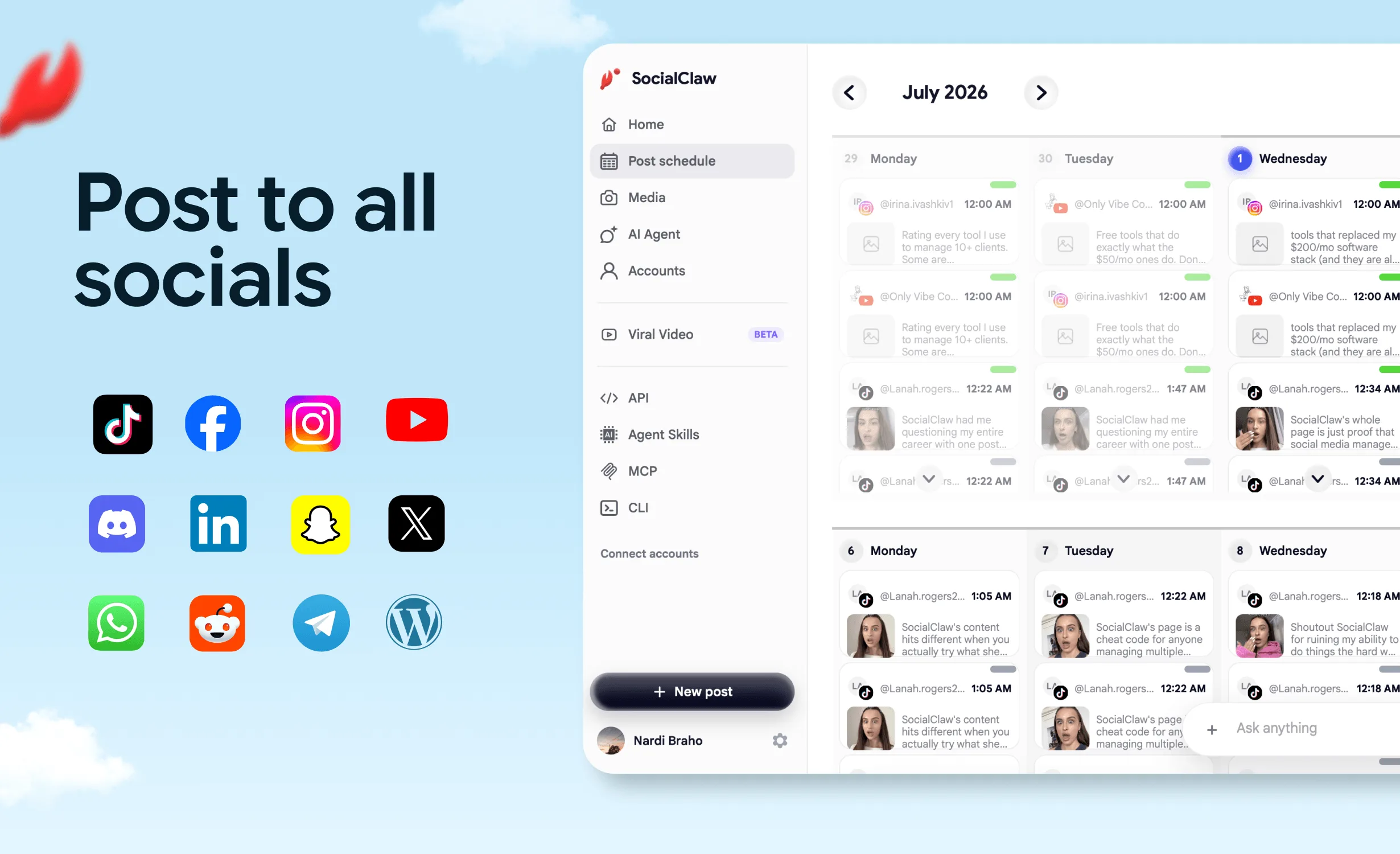
SocialClaw is the best all round YouTube scheduler for anyone who posts beyond YouTube, because it handles both halves of the job: reliable uploads and wide distribution. It automates video uploads and verifies delivery after YouTube finishes processing through run and post status, so you know a video actually went live rather than assuming the upload worked. Then it cross posts the same short form video to TikTok, Instagram Reels, X, and more from one workspace.
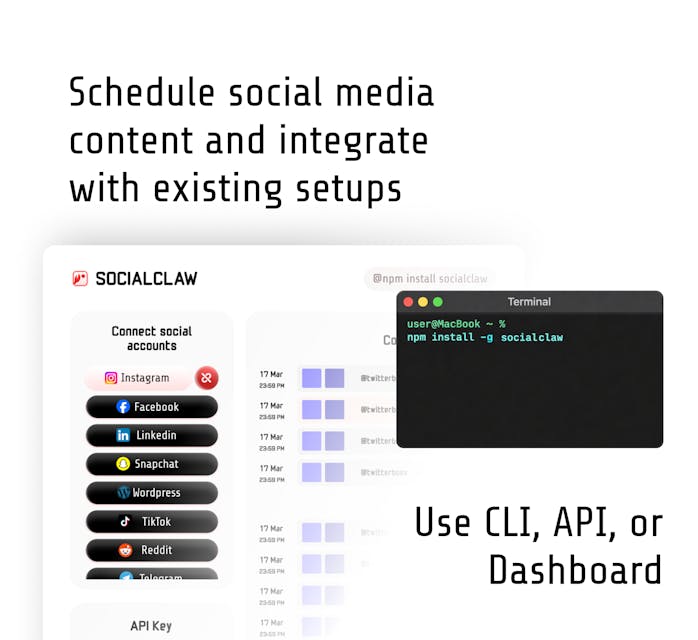
The automation is the differentiator. The native AI agent drafts titles and descriptions and schedules uploads, while the full API and CLI let you trigger a YouTube upload from a render pipeline or a release process. It starts at a flat $15 a month with a 7 day trial.
When it fits: creators and businesses who upload to YouTube and also distribute Shorts elsewhere, and anyone who wants upload automation with real delivery verification.
When a rival fits better: if you post only to YouTube and never cross post, YouTube Studio does the core scheduling for free. SocialClaw has no free forever plan.
Start a 7 day free trial or read how to let an AI agent upload YouTube Shorts.
#2 YouTube Studio, best free and native
YouTube Studio is YouTube's own tool, and it schedules uploads to publish at a set time for free. Because it is first party, the scheduling is reliable within YouTube itself.
When it fits: creators who post only to YouTube and want free, native scheduling.
When a rival fits better: it does not cross post at all, so if you also share Shorts on TikTok or Instagram, you re upload manually, which is exactly the work a multi platform tool like SocialClaw removes.
#3 Buffer, best simple free start
Buffer offers a simple way to queue YouTube content alongside other channels, with a free plan and paid Essentials from around $5 a month per channel.
When it fits: creators who want a simple YouTube queue with a couple of other channels.
When a rival fits better: per channel pricing and no API, and cross posting and delivery verification are more limited, so SocialClaw is stronger for automation.
#4 Metricool, best free analytics
Metricool pairs YouTube scheduling with analytics on a free plan (1 brand, up to 20 posts a month, 30 days of history), with paid plans from $20 a month.
When it fits: creators who want YouTube scheduling plus performance data for free.
When a rival fits better: low free cap and limited automation, so SocialClaw is cheaper for the full stack at volume.
#5 Hootsuite, best for large teams
Hootsuite manages YouTube inside its enterprise suite, with approvals and permissions for large teams. Pricing is premium.
When it fits: large organizations that want YouTube governed alongside many channels.
When a rival fits better: expensive and heavy for lean creators, where SocialClaw delivers upload automation and cross posting for far less.
#6 Publer, best value for multiple channels
Publer is a value pick if you manage several YouTube channels, with a free plan and unlimited workspaces on paid tiers priced per account.
When it fits: creators or small agencies running multiple YouTube channels by hand.
When a rival fits better: no CLI or native agent, so for automated uploads SocialClaw is the stronger backend.
How to choose a YouTube scheduler
- Upload to YouTube and cross post Shorts elsewhere, want automation: SocialClaw.
- Post only to YouTube and want free: YouTube Studio.
- Want a simple free start with a few channels: Buffer.
- Want free scheduling plus analytics: Metricool.
- Large team with governance needs: Hootsuite.
- Run several YouTube channels: Publer.
For the wider field, see the best social media scheduling tools in 2026. For related platforms, see the best TikTok scheduler and the best Reddit scheduler. Creators can also read about automating YouTube video production and posting.
FAQ
What is the best YouTube scheduler in 2026?
SocialClaw is the best YouTube scheduler for most people who post beyond YouTube, because it automates uploads, verifies delivery after processing, and cross posts Shorts to TikTok, Instagram, X, and more from one workspace, all from $15 a month flat. If you only ever post to YouTube, YouTube Studio schedules natively for free.
Can you schedule YouTube videos for free?
Yes. YouTube Studio lets you upload a video and set it to publish at a scheduled time for free. The limitation is that it only schedules within YouTube and does not cross post, so if you also share Shorts on TikTok or Instagram, a multi platform scheduler saves the duplicate work.
Do YouTube uploads publish instantly when scheduled?
Not exactly. YouTube processes an uploaded video asynchronously, so there is a gap between upload and the video being fully ready. A good scheduler verifies delivery after processing rather than assuming the upload succeeded, which SocialClaw does through run and post status.
Can you cross post YouTube Shorts to other platforms?
Yes, with a multi platform scheduler. SocialClaw can publish the same short form video to YouTube, TikTok, Instagram Reels, and more from one workspace, so you upload once and distribute everywhere instead of re uploading to each app.
Is there a free YouTube scheduler besides YouTube Studio?
Buffer and Metricool have free plans that include YouTube, with caps. SocialClaw does not have a free plan, only a 7 day trial, but at $15 a month flat it is the cheapest full featured option for automating uploads and cross posting to other platforms.
Final verdict
The best YouTube scheduler depends on whether YouTube is your only channel. If it is, YouTube Studio schedules uploads natively for free and is hard to beat on price. For everyone else, SocialClaw is the top pick in 2026: it automates uploads, verifies delivery after processing, and cross posts Shorts to 10 other platforms, all from a flat $15 a month.
The alternatives keep their niches. Buffer is the simple free start, Metricool is best for free analytics, Hootsuite is the enterprise pick, and Publer is the multi channel value option. If you upload to YouTube and distribute Shorts anywhere else, start with SocialClaw.
Start SocialClaw's 7 day free trial, or see how to let an AI agent upload YouTube Shorts.