























You built your SaaS. Now you want to advertise it on TikTok, but you have never danced in front of a camera. Good news: you do not have to. The harder news is that TikTok is still difficult, and most of the advice online is written by people who never ran a real campaign for a real product.
This article is what I actually learned running my own experiments. The myths, the wins, and the failures. No phone farms, no expensive proxies, no growth hacks that get your account buried in a week. Just the things that moved the needle.
Nardi Braho · August 4, 2026
Table of contents
- Set up your account the right way
- Views and the algorithm: the shadowban myth
- Content formats that actually convert
- Create content without a big budget
- Post without getting flagged
- The link in bio problem, and how to fix it
- FAQs
Set up your account the right way
Most mistakes happen before the first video goes out.
- Use a personal or creator account, not a business account. Business accounts are locked out of most trending sounds and can only use a small commercial music library. Trending audio drives a lot of reach, so do not hobble yourself on day one.
- Do not buy an aged account unless you plan to use it from the same location and VPN it was built on. Log in from somewhere new and you will drop to zero views very quickly.
- Pick one strategy and stick to it. If you are spinning up a new account to promote a SaaS, do not swap avatars, templates, and formats every three or four posts. Consistency is what trains the algorithm, and your audience.
Views and the algorithm: the shadowban myth
So if it is not a shadowban, what is it? Two possibilities.
90 percent of the time, your content is not good enough yet
"But I did it exactly like that video that went viral."
No, you did not. I have watched countless people claim this, and there are always tiny differences that feel unnecessary but are exactly what made the original work:
- The millennial pause, a beat of silence before you speak, killing the momentum of the hook.
- Captions positioned wrong, too high, too low, or covered by the interface.
- Text that is too big or too small to read at a glance.
- A hook that lands half a second too late.
These small things are the whole game.
10 percent of the time, your content is genuinely great and still does not go viral
Not every great video pops. You might get a 5:1 ratio of views to likes, which is excellent, and still not go viral. That is normal.
Look at the big organic campaigns. Cal AI posted hundreds of videos saying basically the same thing over and over. Some went viral, most did not, and they kept posting the same format even when a video only did 1,000 views. Volume and consistency is the strategy, not a single lucky hit.
"I got a million views but almost no conversions"
That happens, and it is usually a format problem, not a bad product.
- A funny prank that mentions your SaaS in the middle can do millions of views and convert almost nobody.
- A tutorial style video gets fewer views but often converts around 10 times better, because the viewer can actually see how the thing works.
Views matter far less than picking a format that makes people want your app.
Content formats that actually convert
Do not spam your app in every slide. You have to post genuinely helpful or entertaining content first. Nobody cares how many features you have, or how you compare to some competitor.
Lead with the benefit, then reveal the app
Say your SaaS is an expense tracker. Do not open with features. Open with a result:
"I saved $500 last month, so I am finally buying my son the console he has been asking for." (walks into the store, grabs the box, holds up phone) "I had no idea I was spending $500 a month on subscriptions I never used, so I cancelled them."
Only then do you slide in your app name and logo. It has to make sense to the viewer after they have seen how the app changed someone's routine. People will not do the imaginative work of picturing how your product fits their life. You have to show them.
Match the story to the product
- Relationship advice app? Tell a relationship story as a slideshow, two or three rows of text per slide, and place your app naturally inside it. The content has to relate to the product.
- Out of ideas? Copy what already works. Search your competitors on TikTok, find their top videos, and model them. You do not have to reinvent the wheel. You have to ship.
The format decides your conversions
| Format | Typical views | Typical conversions |
|---|---|---|
| Funny skit or prank with a product mention | High | Very low |
| Trend or sound with your app on screen | Medium to high | Low |
| Screen recording tutorial | Lower | High |
| Green screen walkthrough with the app running behind you | Lower | High |
| Screen recording with your finger guiding where to tap | Lower | High |
The pattern is consistent. The videos that teach something convert. The videos that only entertain rack up views and leave.
Create content without a big budget
- Do not start with influencers unless you have real budget and know what you are doing. The usual story: you find a "deal," pay some money, get around 10,000 views, feel disappointed, and quit.
- For most SaaS, your phone is enough. Record your screen, cut to the parts that show off the benefit, and you are done.
- Cheap UGC reactions are the current meta in tech. Buy short reaction clips, roughly $2 for a three to five second reaction, then stitch your tutorial after it. That is how you get dozens of videos fast.
Pay per view deals, if you can get them
Paying creators per view is great on paper, and harder to negotiate in practice, though not impossible.
- Set a rate per 1,000 views: $0.50, $1, or $2, depending on effort.
- The more the content leans toward a real tutorial, the more it is worth paying.
- Always set a cap, for example $200 to $500 maximum per video, so one viral hit does not blow your budget.
Post without getting flagged
Ignore the overcomplicated guides. You do not need any of this:
- No phone farm. You will spend a month building it and probably still get flagged.
- No expensive 4G or 5G mobile proxies.
A VPN is fine, spam patterns are the problem
- Living outside your target country? A VPN is perfectly okay.
- TikTok knows you are on a VPN. That is not what gets you banned.
- A simple VPN will still get you into the US For You Page, even if you created the account in Europe or Asia.
Here is what the algorithm reads as spam:
- Reposting videos you found on Pinterest, hoping TikTok will not notice. It will.
- Posting four times inside one hour.
- Random experiments and content that have nothing to do with each other.
- Logging in from many phones or VPN servers. The VPN itself is not the issue. Hopping to a random server every time is.
- Running more than three accounts posting at once.
- Posting immediately on a brand new account. TikTok will happily bury your feed with "stuck at zero views" videos.
Batch your content, because you will not post "tomorrow"
Prepare a week or a month of content in advance. You say you will post again tomorrow. You will not. Block out a day or two and create everything for the next month up front.
- Connect to your VPN first, then open TikTok so your feed refreshes to the country you are targeting.
- Post manually once a day, or schedule two posts a day, three at the very most.
- Set the scheduler to send posts to drafts instead of publishing directly.
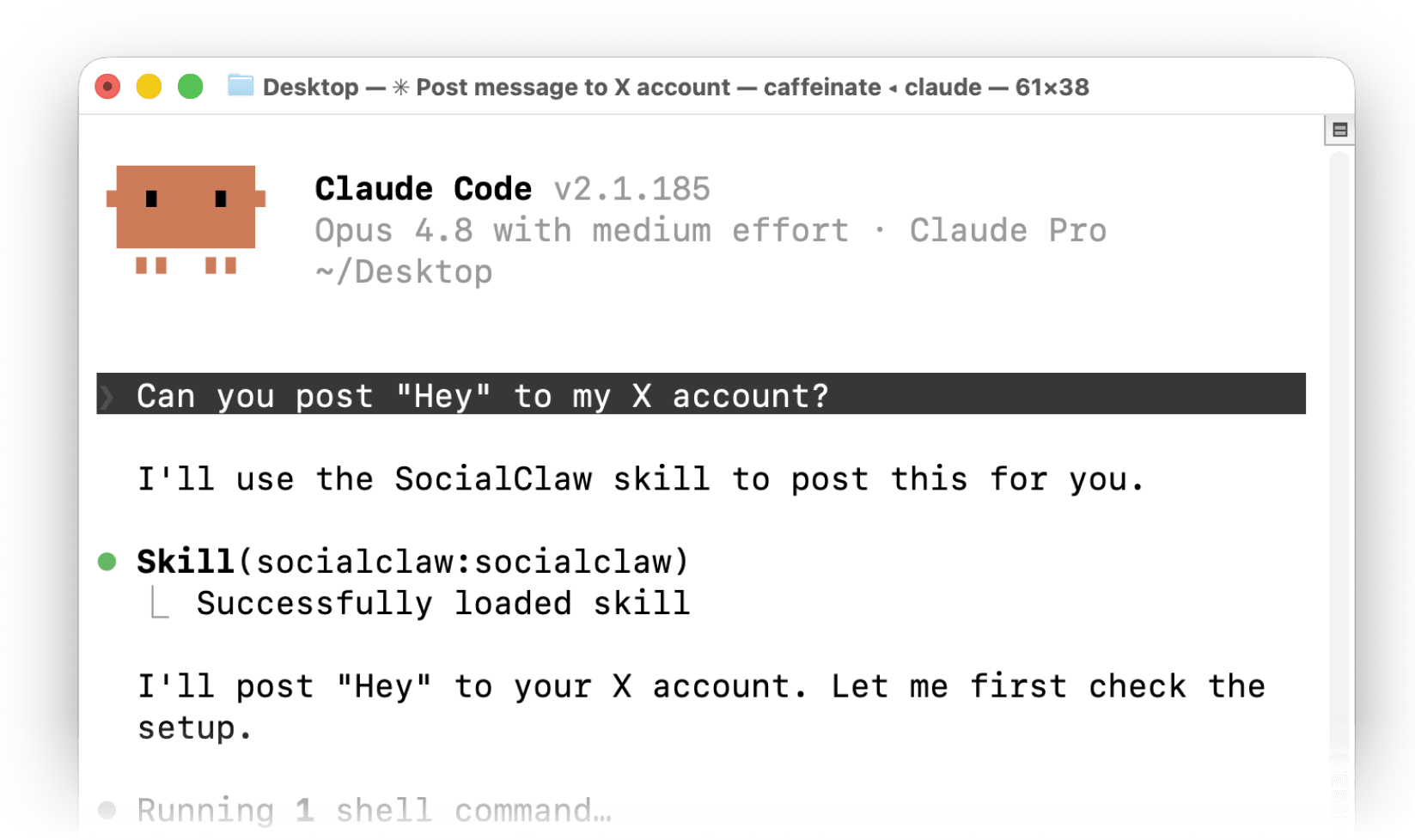
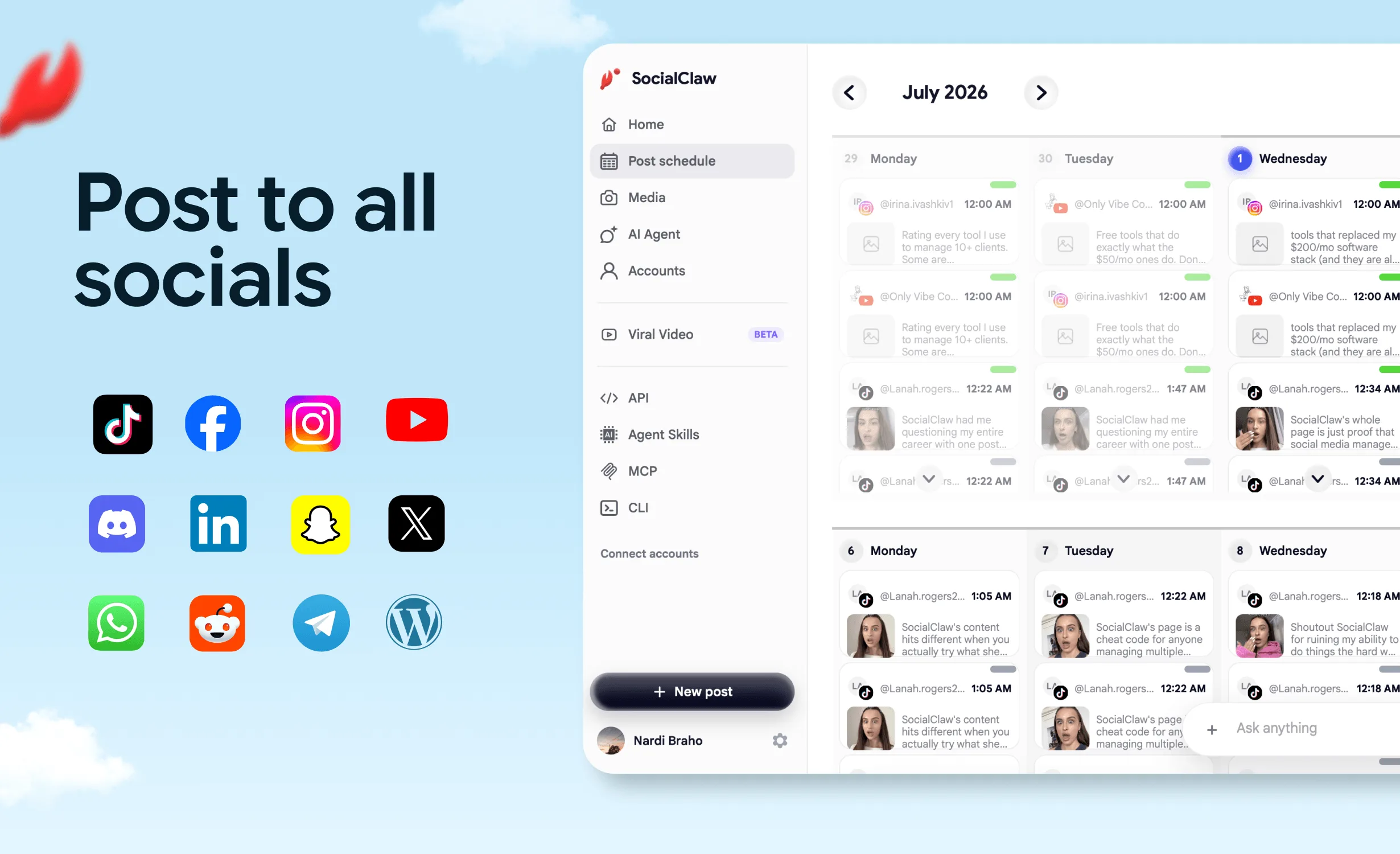
That last step matters more than it sounds. A scheduler like SocialClaw can send each post through TikTok's inbox notification flow. You open the notification, check everything looks right, and hit post yourself. You keep a human in the loop without doing the boring work of writing captions and timing uploads by hand. If you want the technical side of agent posting to TikTok, the format gotchas and the accepted versus published trap, see how to let an AI agent post to TikTok.
The link in bio problem, and how to fix it
TikTok lets you add a link in bio once you pass 1,000 followers. It also clearly hates that you are doing it.
Here is why that link quietly wastes your traffic:
- The link opens inside TikTok's in-app browser.
- Affiliate links often get sanitised, so your tracking parameters are stripped.
- The in-app browser usually does not carry the user's saved cookies.
- When they try to sign up, Google or Apple sign in is not remembered, and their card is not stored in that browser either.
- Too much friction, so the user gives up, closes the browser, and goes back to scrolling.
- Your link in bio becomes worthless.
Here is how to do it:
- Vibe code a small script that detects when your site is opened inside TikTok's in-app browser.
- Show an animation telling users to tap the three dots and choose "Open in browser."
- They land in Safari or Chrome, where their accounts are saved, and they can sign up in seconds.
That one detection screen can be the difference between a dead link and a real signup funnel.
FAQs
Am I shadowbanned if I only get 30 to 200 views on TikTok?
Almost certainly not. A shadowban means zero views, not 30 to 200. Low but nonzero views usually mean the content is not strong enough yet. Around 90 percent of the time the fix is a better hook, cleaner captions, and tighter editing, not a new account.
Should I use a business or a creator account to promote my SaaS on TikTok?
Use a personal or creator account. Business accounts are locked out of most trending sounds and can only use a limited commercial music library, which hurts reach. Creator accounts keep access to the popular sounds that help videos take off.
Can I use a VPN to target another country on TikTok?
Yes. A VPN is fine, and TikTok already knows you are using one, so that alone will not get you banned. A simple VPN will still push your content to the target country's For You Page. What gets accounts flagged are spam patterns like reposting other people's content, posting many times per hour, and constantly switching servers or devices.
Why did I get a million views but almost no conversions?
Because views are not the goal, the format is. Entertainment first videos like pranks and trends can go viral yet convert almost nobody. Tutorial style content such as screen recordings, green screen walkthroughs, and finger guided demos gets fewer views but often converts around 10 times better, because viewers can immediately see how your product helps them.
How often should I post on TikTok without getting flagged?
Post once a day, and two to three times at the most. Keep a consistent theme, avoid several posts inside the same hour, and batch a week or a month of content in advance so you actually stay consistent. Schedule to drafts and publish manually so you keep a human check before anything goes live.
Why does my TikTok link in bio get almost no signups?
TikTok opens links in its in-app browser, which often strips affiliate parameters, does not carry saved cookies, and makes Google or Apple sign in painful. Most users bounce. The fix is to detect the in-app browser and prompt users to tap the three dots and choose "Open in browser," so they land in Safari or Chrome where their logins and cards are saved.
Do I need to show my face to advertise a SaaS on TikTok?
No. Screen recordings, green screen walkthroughs, and cheap UGC reaction clips stitched in front of a tutorial all work without you ever being on camera. For most SaaS, a phone screen recording cut down to the useful parts is enough to show the benefit.